
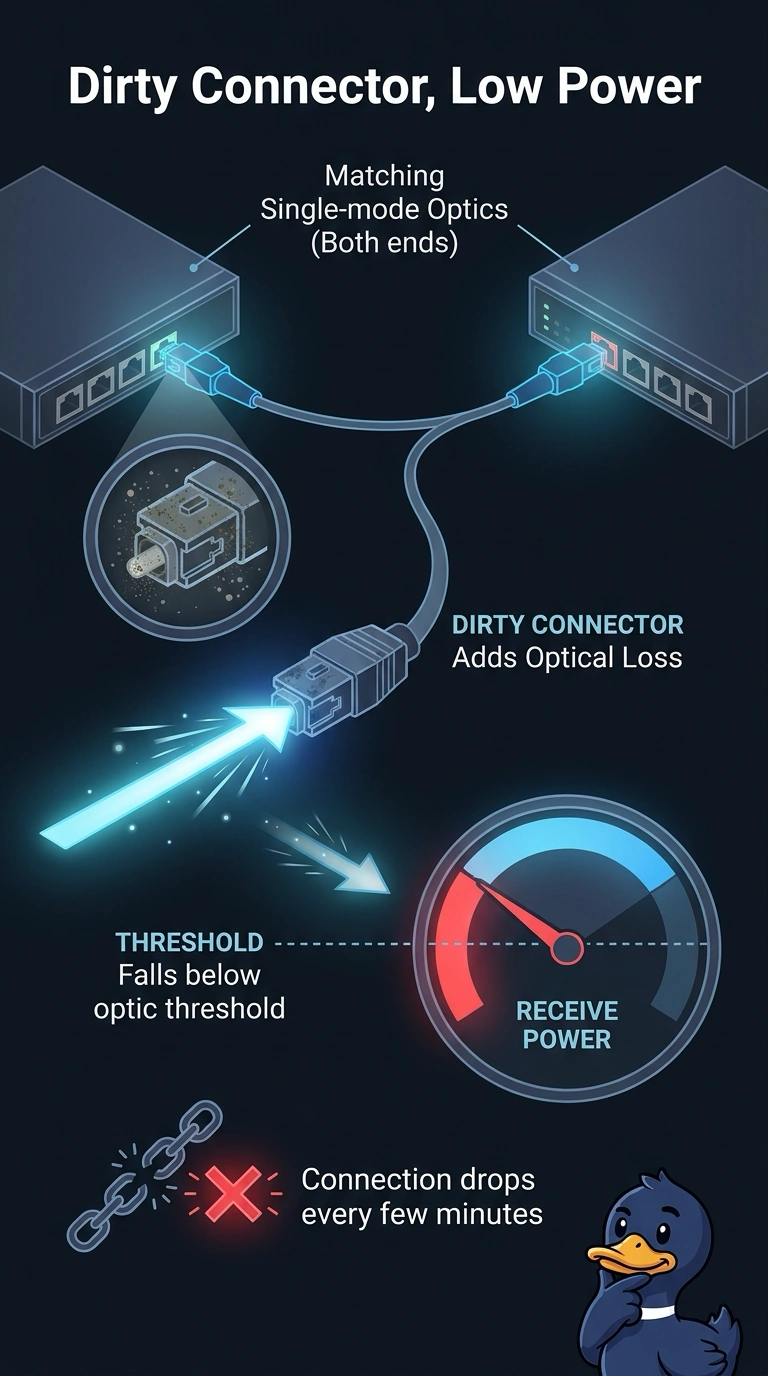
A data-center fiber link between two switches drops every few minutes. Both ends use matching single-mode optics. Receive power is below the optic's threshold, and one connector is dirty. Which cause fits?
Select an answer to reveal the explanation.
Short Explanation
The optics already agree with each other, and you can see that the light arriving is too dim. A dirty connector is like a thumb over the flashlight: it adds optical loss. Duplex mismatch is a copper negotiation issue, a depleted DHCP pool does not dim a laser, and a native VLAN mismatch does not reduce optical power.
Full Explanation
Optical receive power has to fall within the range the transceiver expects. Here, the interface reports power below that threshold, both ends use matching single-mode optics, and one connector is dirty. Dirt on the connector end face adds optical loss, explaining both the low receive power and the link drops. A duplex mismatch is a copper issue: speed or duplex settings disagree, potentially increasing collisions or errors. Fiber links do not negotiate duplex, and a duplex mismatch does not reduce measured receive power. DHCP pool exhaustion prevents clients from obtaining a lease; it has no effect on the optical signal between the switches. A native VLAN mismatch can misplace untagged frames after a link is up, but it does not change the optical power measured by the transceiver. Exam caveat: a bend, bad splice, or run longer than the optic’s budget can also cause low power, so cleaning the connector is the first fix supported by the evidence, not the only possible source of loss. Practical check: clean and reinspect the connector, remeasure receive power against the optic’s specified range, and replace the jumper if power remains low after the end face is clean.