
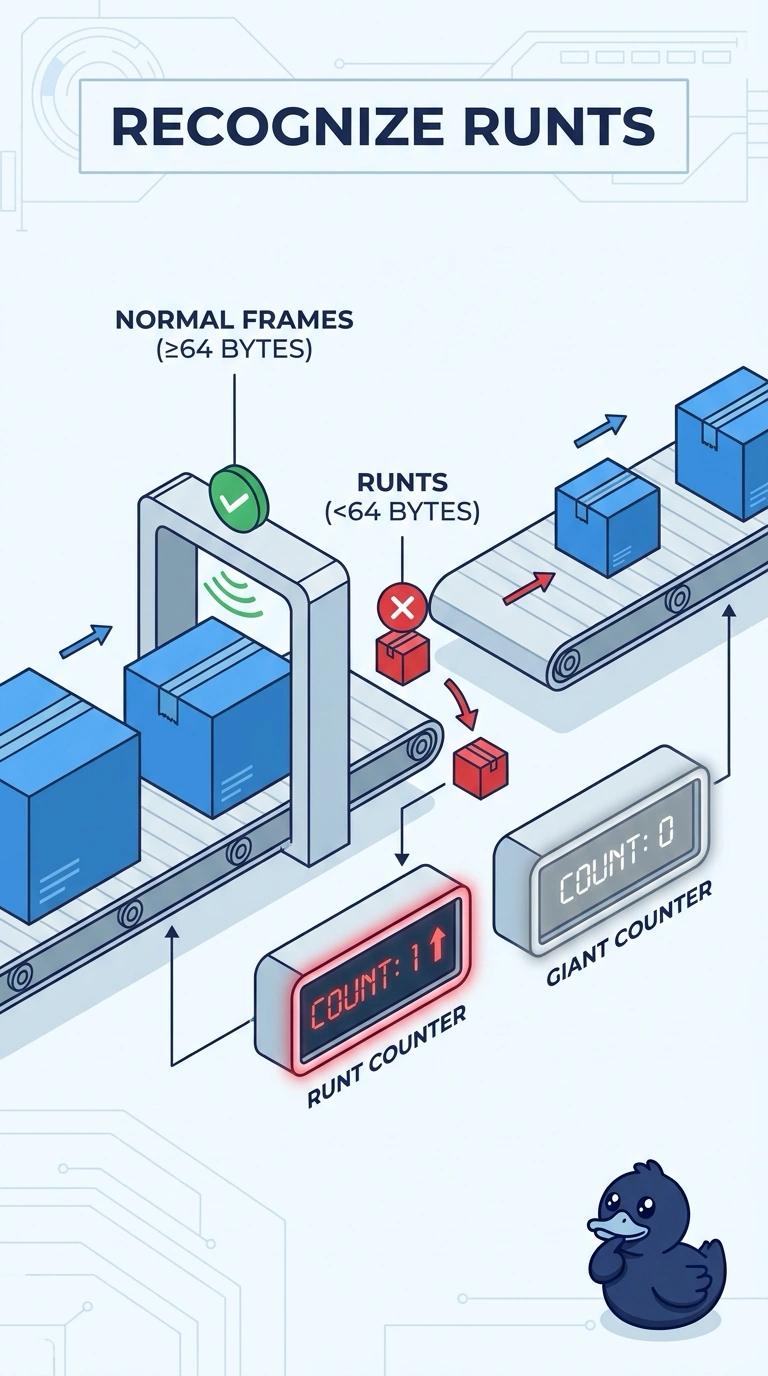
A data-center switch port shows the runt counter climbing and the giant counter staying at zero. The frames are smaller than the 64-byte Ethernet minimum. Which condition is this?
Select an answer to reveal the explanation.
Short Explanation
The frames showing up are shorter than the smallest envelope Ethernet allows, and the counter for those short frames is the one you see climbing. Those short frames are runts. The oversized-frame counter is quiet, a VLAN tag does not shrink a frame below the minimum, and an empty address pool does not manufacture undersized frames.
Full Explanation
A runt is a frame smaller than the Ethernet minimum of 64 bytes. The port's runt counter is climbing, the giant counter is staying at zero, and the frames are described as smaller than that 64-byte minimum, so the condition is runts. Giants are frames larger than the Ethernet maximum. The distractor uses the giant name for undersized frames, which reverses the two counters. A native VLAN mismatch misplaces untagged frames. It does not shrink frames below 64 bytes or define the runt counter. DHCP pool exhaustion means a scope has no free addresses. It has no relationship to the frame-size counters on a switch port. Exam caveat: runts are often a symptom of collisions on a half-duplex segment or of a bad NIC, so the counter tells you the size problem and you still find the source. Operational check: confirm the port is full duplex with a matching neighbor, replace the patch cord, and watch the runt counter stop climbing. If the runt counter keeps climbing after the cord and duplex are corrected, move the host and see whether the NIC is generating the short frames.