
A clinic PC loads no web pages by name, yet a ping to the web server's IP address and a ping to the local gateway both succeed. The link light is on. Where should troubleshooting start?
Select an answer to reveal the explanation.
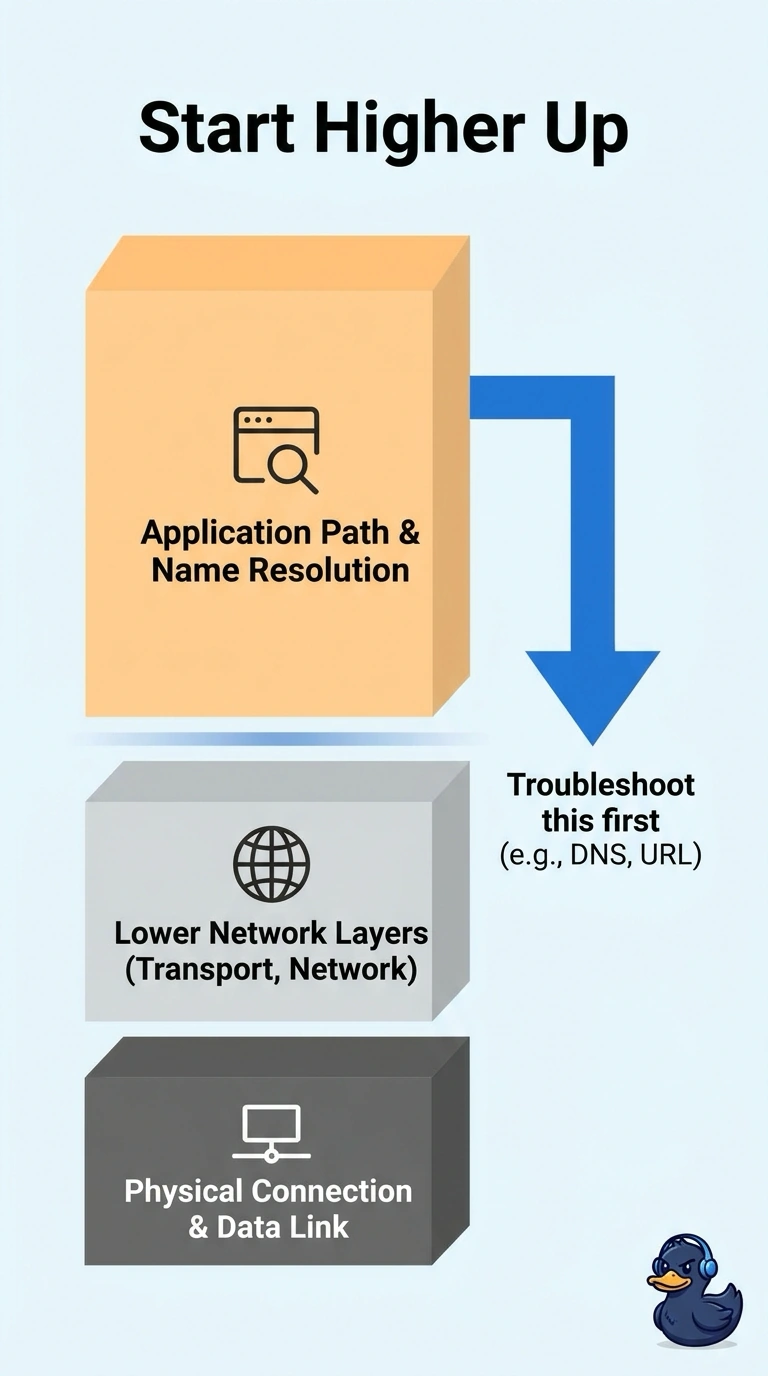
Short Explanation
The lower floors of the building already answered the doorbell: the link light is on, and you can ping the gateway and the server by IP. Start upstairs, where names are turned into addresses and the application asks for a page. Replacing a cord that is clearly carrying traffic sends you to the basement for a problem that lives in the penthouse.
Full Explanation
Top-down troubleshooting starts at the application end when the lower layers already show evidence of health. Pings to the gateway and to the server by IP address succeed, and the link light is on, so the physical link, local addressing, and the path to that server are working well enough to carry ICMP. The failure appears when a name is used, which points at name resolution or the application that depends on it. Replacing the patch cord is a physical-layer action for a dark or erroring link, and this link is passing traffic. Changing the spanning-tree root is a switching change with no symptom that points at a loop or a wrong root. Shortening a DHCP lease does not explain a host that already has working IP reachability to the server. Exam caveat: top-down is the wrong first move when the link light is off. That case starts at the physical layer. Operational check: query the server name with a DNS tool, compare the answer with the IP address you already pinged, and only then look at the application if the name resolves correctly.