
A retail switch port is down, and the configuration shows an administrator shut that port on purpose. Which status is this?
Select an answer to reveal the explanation.
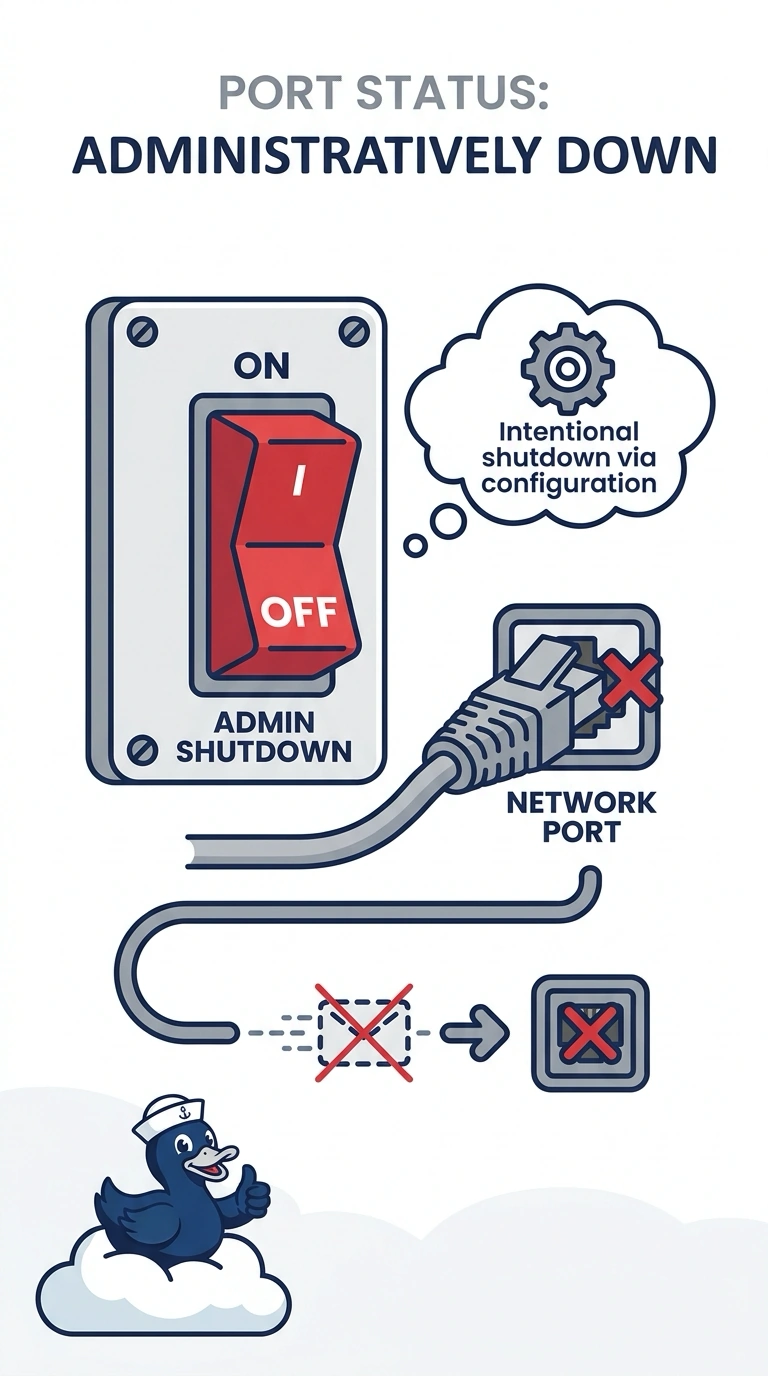
Short Explanation
You can tell the port was intentionally shut because that action appears in the configuration. Its status is administratively down, not a fault-triggered or port-channel-related state. An error-disabled violation, failed optic, or suspended port-channel does not mean an administrator shut this port on purpose.
Full Explanation
A port that an administrator shuts is administratively down: the configuration contains the intentional shutdown, and the link stays down until someone enables it. An error-disabled port is disabled automatically by the switch after a security violation, rather than being shut on purpose in the configuration. A failed optic can keep the link down, but the configuration would not show an intentional shutdown. A suspended port-channel is a tempting comparison because the port is down, but that state results from the channel having no operational members; it does not mean an administrator configured a shutdown on this port. Exam caveat: enabling the port can reveal a second fault, and a violation policy may take it straight back down. Practical check: read the configuration and confirm the shutdown was intentional; enable the port only when the attached device is supposed to be on the network. Record the reading before the change and the reading after it so the next shift can see whether the symptom moved. Leave both readings in the ticket with the time, and do not close the item on a guess.