
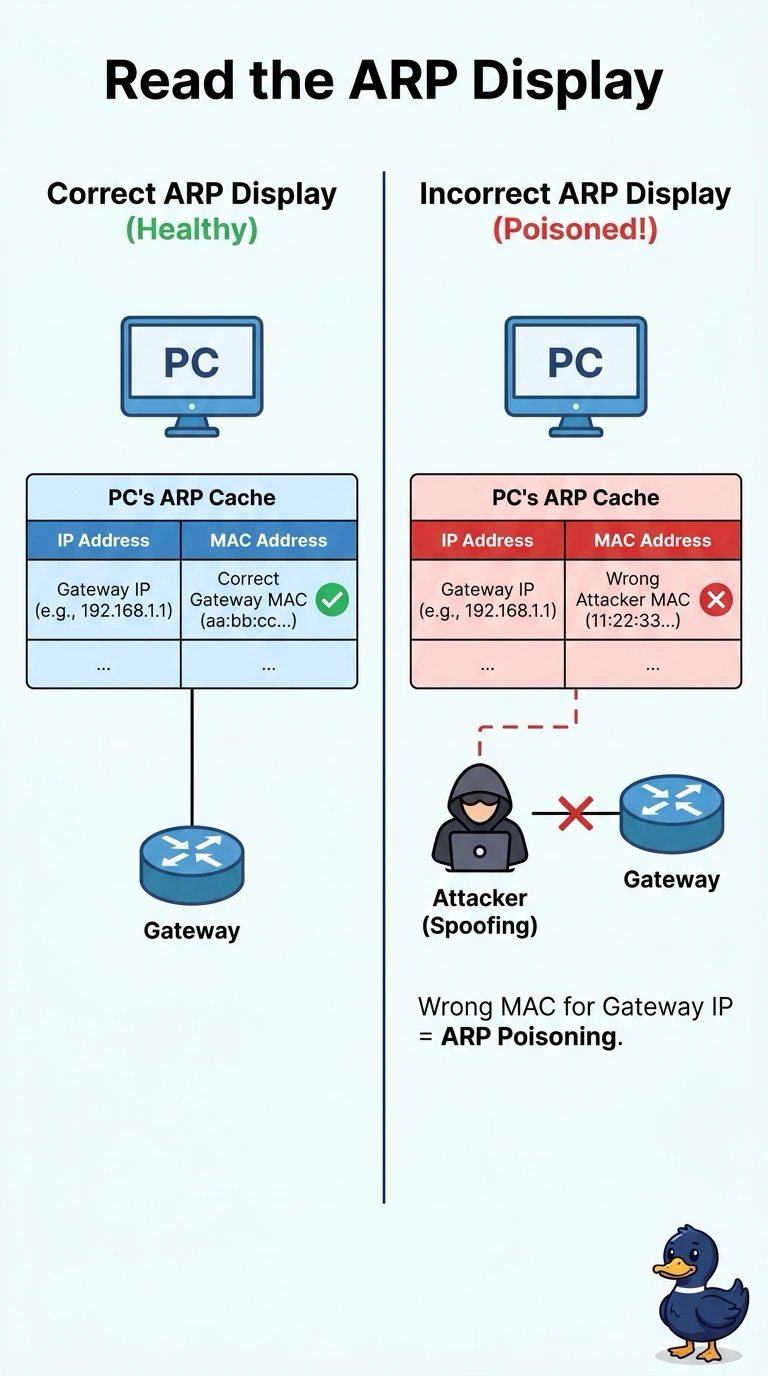
A library PC still reaches other hosts on its own floor, but its internet traffic is arriving at a laptop. On the PC, the gateway address is paired with a MAC that is not the router's. Which display already shows that pairing?
Select an answer to reveal the explanation.
Short Explanation
The PC keeps a little phone book of which physical address belongs to each local IP, and that book is the ARP cache. You read the ARP display and it already pairs the gateway address with a MAC that is not the router. A socket list, the switch's table of ports, or a VLAN membership list is not the pairing stored on this PC.
Full Explanation
ARP maps a local IPv4 address to a MAC address, and the PC stores those mappings. The ARP display shows the gateway beside a MAC that is not the router's, which is why internet-bound frames go to a laptop while same-floor traffic still works. Netstat lists sockets and ports. It does not record which MAC the PC believes owns the gateway. The switch MAC table is the tempting twin because it also lists hardware addresses. It can show which port the laptop uses, and it is not the pairing stored on the PC. The VLAN display lists port membership. It does not hold the PC's false gateway MAC. Exam caveat: the switch may still show the real router on the router port while the PC's cache is wrong. Check the host cache when the symptom is on one PC. Operational check: display the PC ARP entry for the gateway, compare it with the router interface, and clear the bad entry only after the false reply is found. After the false reply stops, clear the PC cache once and confirm the gateway MAC stays on the router.