
Student PCs on VLAN 10 can reach each other on one campus switch, and the same VLAN dies at the uplink. The trunk's allowed list includes only VLAN 1. Which change restores VLAN 10 across that trunk?
Select an answer to reveal the explanation.
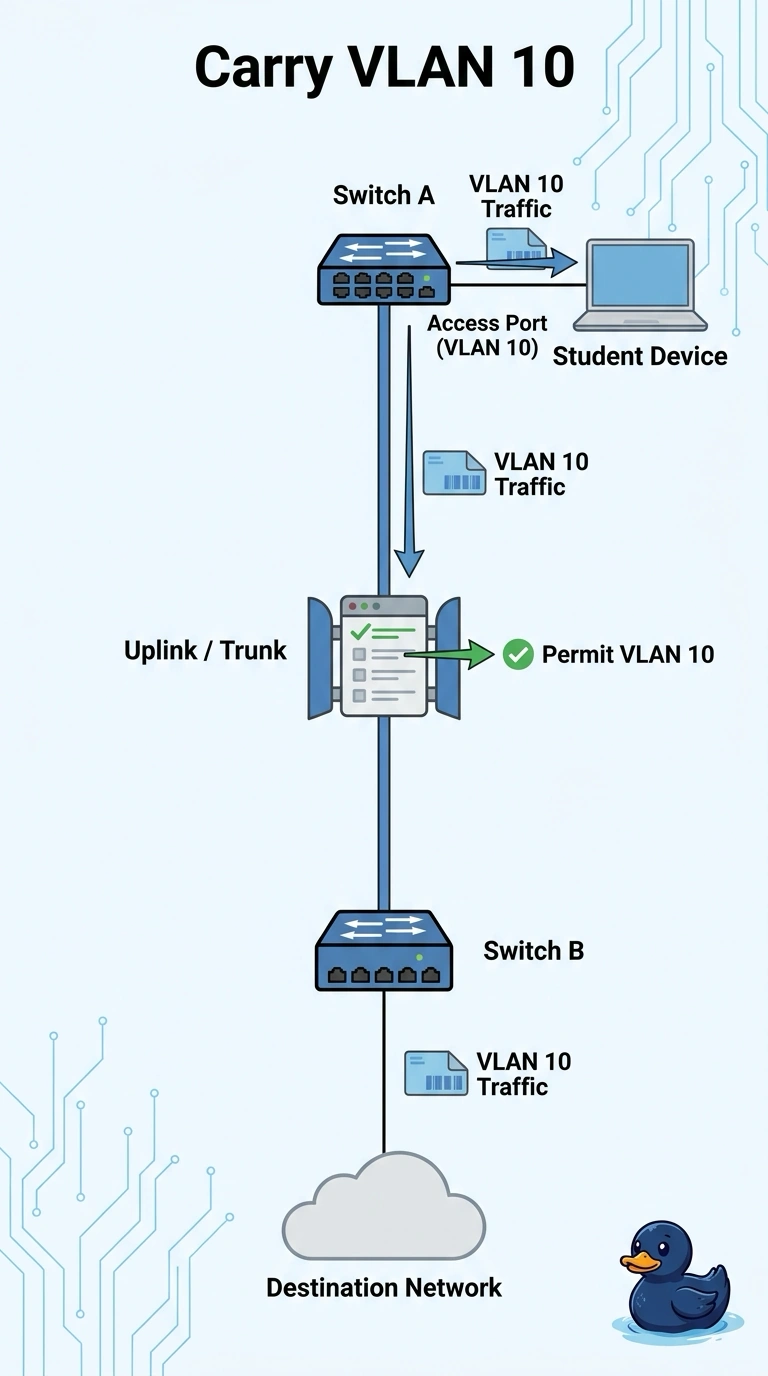
Short Explanation
The local switch is willing to carry VLAN 10, and the trunk has a guest list with only VLAN 1 on it. You add VLAN 10 to that allowed list so the tagged frames can cross. A duplicate address, an empty pool, or a default route is about a different failure than a VLAN the trunk is refusing to carry.
Full Explanation
A trunk forwards only the VLANs its allowed list permits, along with the native VLAN handling configured on that link. VLAN 10 works between ports on the one switch, so the VLAN exists and the access ports are fine. It stops at the uplink because the trunk allows only VLAN 1, and VLAN 10 frames are discarded instead of being tagged across. Permitting VLAN 10 on the allowed list lets those frames cross. A duplicate IP address makes two hosts fight over one address, usually with intermittent reachability to that address. It does not remove an entire VLAN at a trunk while the same VLAN still works locally. DHCP pool exhaustion stops new clients from leasing an address. Clients that already communicate inside the switch on VLAN 10 are not failing because the trunk filter dropped their VLAN. A bad default route affects traffic that must leave the subnet for an unknown destination. Student-to-student traffic that stays in VLAN 10 is switched, and a default route is not consulted for frames the trunk is filtering. Exam caveat: the far switch must also allow VLAN 10, and the VLAN must exist there. Permitting it on only one end of the trunk still drops it on the other end. Operational check: after the change, confirm VLAN 10 is allowed on both ends, then ping between two VLAN 10 hosts that are on opposite sides of the trunk.