
A warehouse PC can ping its gateway and cannot ping a file server across the building. Which step should the technician take next?
Select an answer to reveal the explanation.
Short Explanation
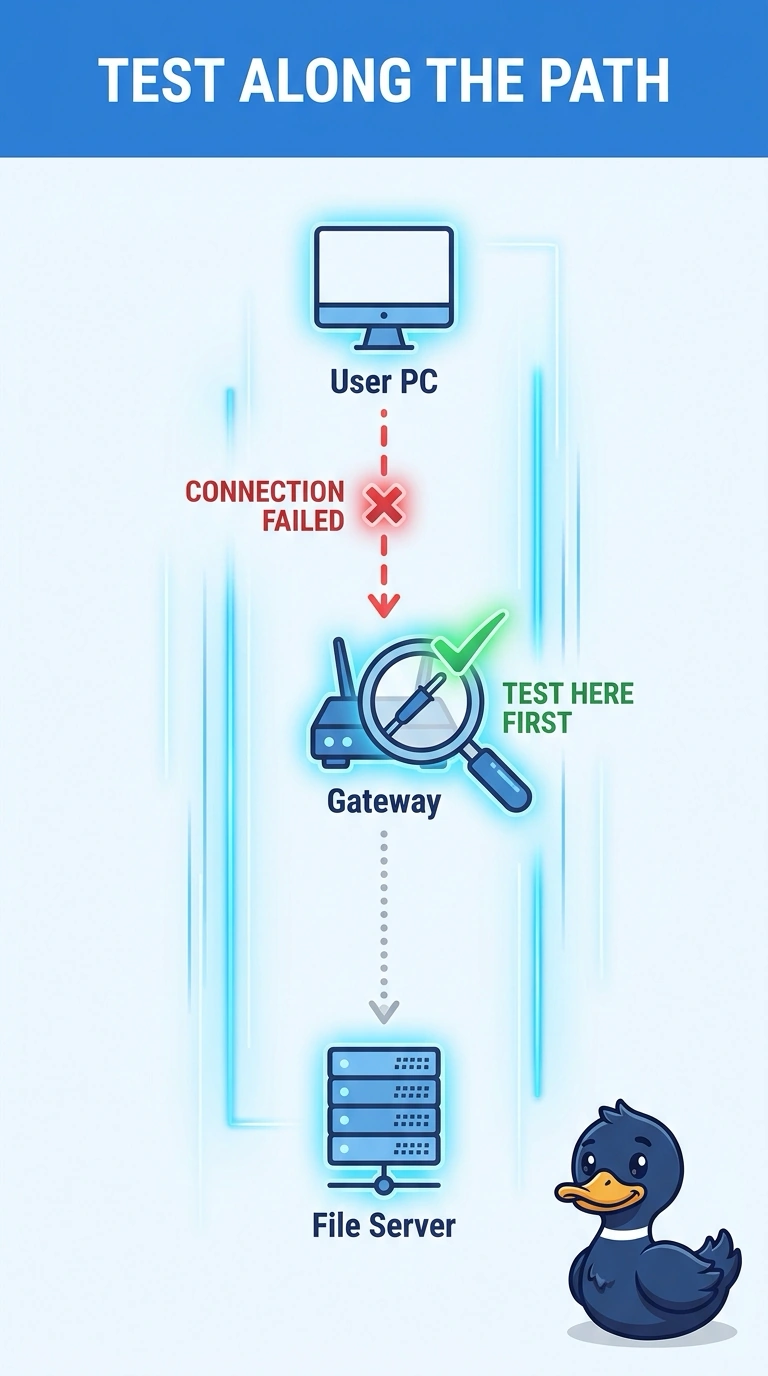
You know the near end of the path is open because the gateway answers, but you do not yet know about the far end. Use divide and conquer by testing a device in the middle before replacing hardware. Reinstalling the application, replacing both core switches, or writing down an untested cause skips that step.
Full Explanation
Divide and conquer starts at a point in the middle of the path when you already know one side works. The warehouse PC can ping its gateway, so the PC, its address, and the local link are healthy enough to leave the subnet. It cannot ping the file server across the building, so the break is somewhere beyond the gateway. The next test belongs on a device in the middle, such as the distribution switch or the server’s gateway, which cuts the remaining path in half. Reinstalling the file application assumes the PC’s software is at fault. A host that can ping its gateway but fails toward a distant server is not showing an application-install symptom, and the reinstall happens before evidence points to the PC. Replacing both core switches changes central devices before a mid-path test has shown they are involved and risks an outage larger than the ticket. Writing a cause into the ticket before testing records a guess; document findings after the cause is confirmed and the result is known. Exam caveat: divide and conquer is one of three approaches, along with top-down and bottom-up. It fits here because the gateway ping already cleared the near end. Practical check: ping or trace from a device in the middle toward both the PC’s gateway and the server, then use which side fails to choose the next test rather than replacing hardware.