
A warehouse switch shows CRC and input errors climbing on one uplink while the conveyor PCs are busy. Which display reports those counters for that interface?
Select an answer to reveal the explanation.
Short Explanation
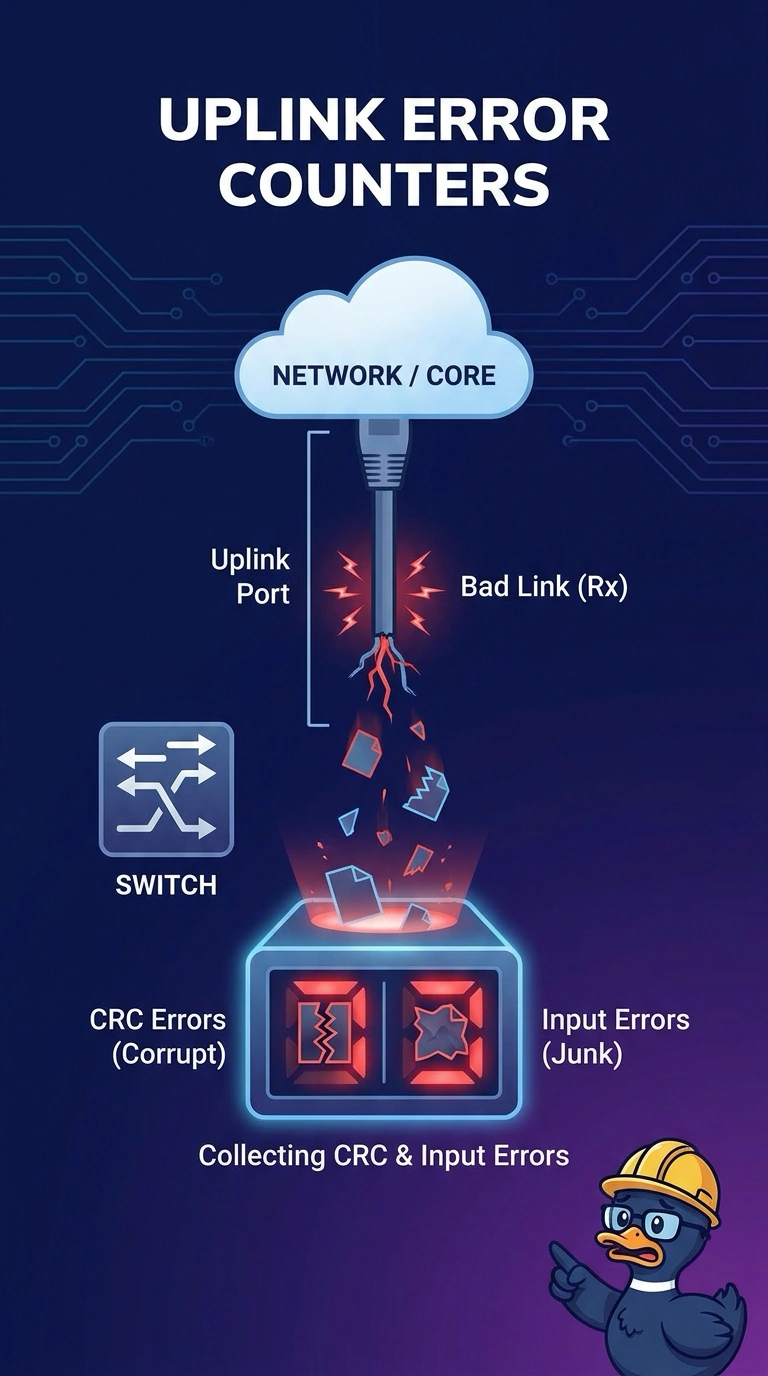
Those clicks live on the port itself, the way an odometer lives on one truck. You read CRC and input errors in the interface counters for that busy uplink. Clean access-port counters, a MAC table, and a packet capture are not that display.
Full Explanation
CRC and input errors are receive counters on a single interface. They rise when frames arrive with a failed check or when the port cannot accept what it is hearing. The symptom is one uplink, so the display is that uplink's interface statistics. The access-port counters are the near miss. They are the same kind of display, and the stem says the errors are on the uplink while the PCs are busy. A clean access port is not the interface that is collecting them. The MAC address table shows which port learned an address. It has no CRC field. A protocol capture can show a damaged frame, and it is not the counter display the question asks for. Exam caveat: the counters name the interface and the class of error. They do not by themselves prove a bad cable, a duplex mismatch, or noise. Operational check: note the CRC and input-error values, generate traffic from the conveyor row, and confirm only that uplink increases. A capture can come later if the counters are not enough to name the cable or duplex fault behind the errors.