
Two neighboring 2.4 GHz access points in a library use channels 1 and 2 at 20 MHz, and users near both see high retries. Which change addresses that overlap?
Select an answer to reveal the explanation.
Short Explanation
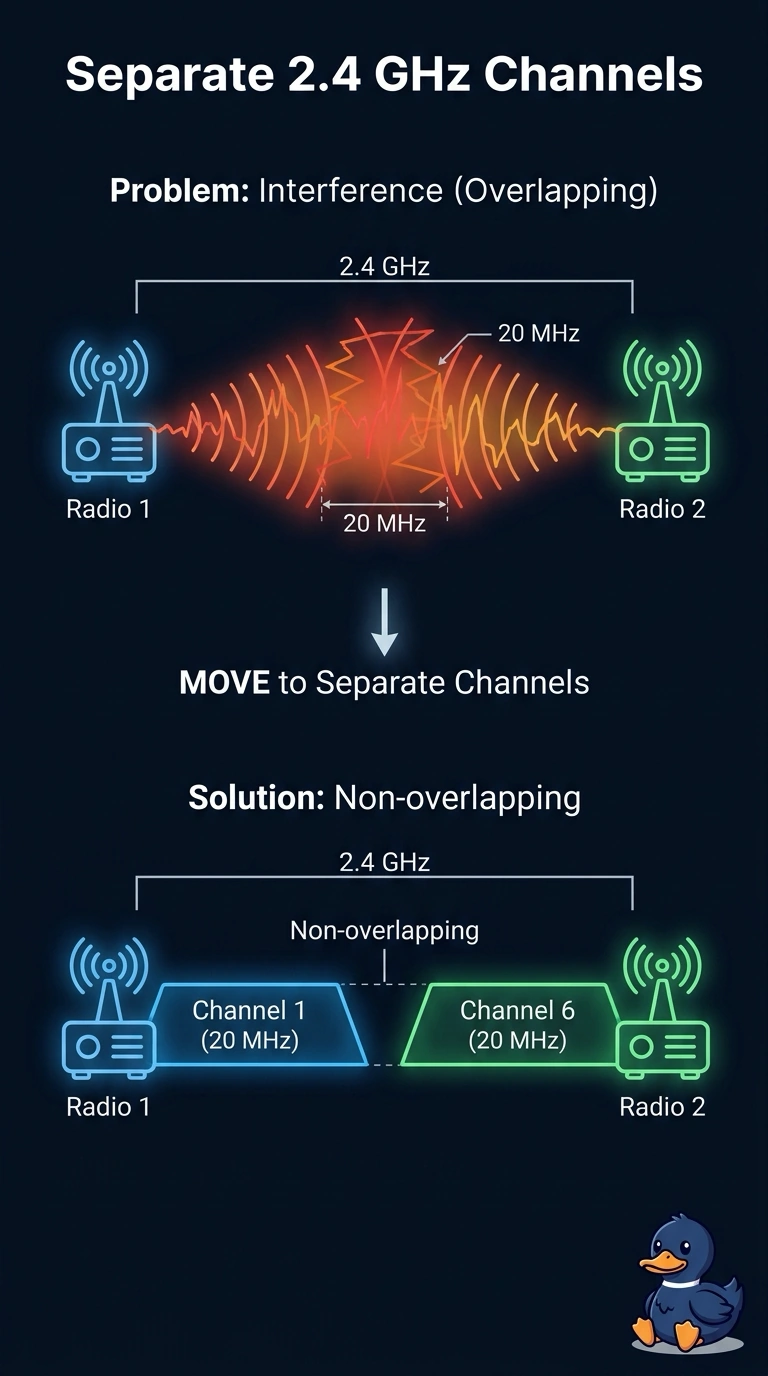
Two people talking on almost the same note will step on each other, even when the sign over the door is clear. You have neighboring 2.4 GHz radios on channels 1 and 2 at 20 MHz, which overlap, so retries climb where both can be heard. Move them to non-overlapping channels such as 1 and 6.
Full Explanation
In the 2.4 GHz band, the non-overlapping 20 MHz channels are 1, 6, and 11. Channels 1 and 2 are adjacent channel numbers, and at 20 MHz their energy overlaps, so clients near both access points hear transmissions from both radios and retransmit. Moving the radios to channels 1 and 6 separates those 20 MHz channels and addresses the overlap. Setting both radios to channel 2 does not separate them: they occupy the same channel and contend more directly. Adding a third access point on channel 3 places still more overlapping energy between radios that already overlap, adding contention rather than creating a clean channel. Channels 1 and 5 may seem far enough apart compared with channels 1 and 2, but at 20 MHz they still overlap; the non-overlapping centers are five channel numbers apart, as with 1 and 6. Exam caveat: channels 1 and 6 solve this overlap only if the radios stay at 20 MHz. A much wider channel plan can overlap even those centers, and a third neighbor may still need channel 11. Practical check: set one radio to channel 1 and the other to channel 6, resurvey the overlap zone, and confirm retries drop without adding another radio on an adjacent channel.