
A server team knows a database server's MAC address and needs the access-switch port where that server is patched, without tracing cables. Which switch display answers it?
Select an answer to reveal the explanation.
Short Explanation
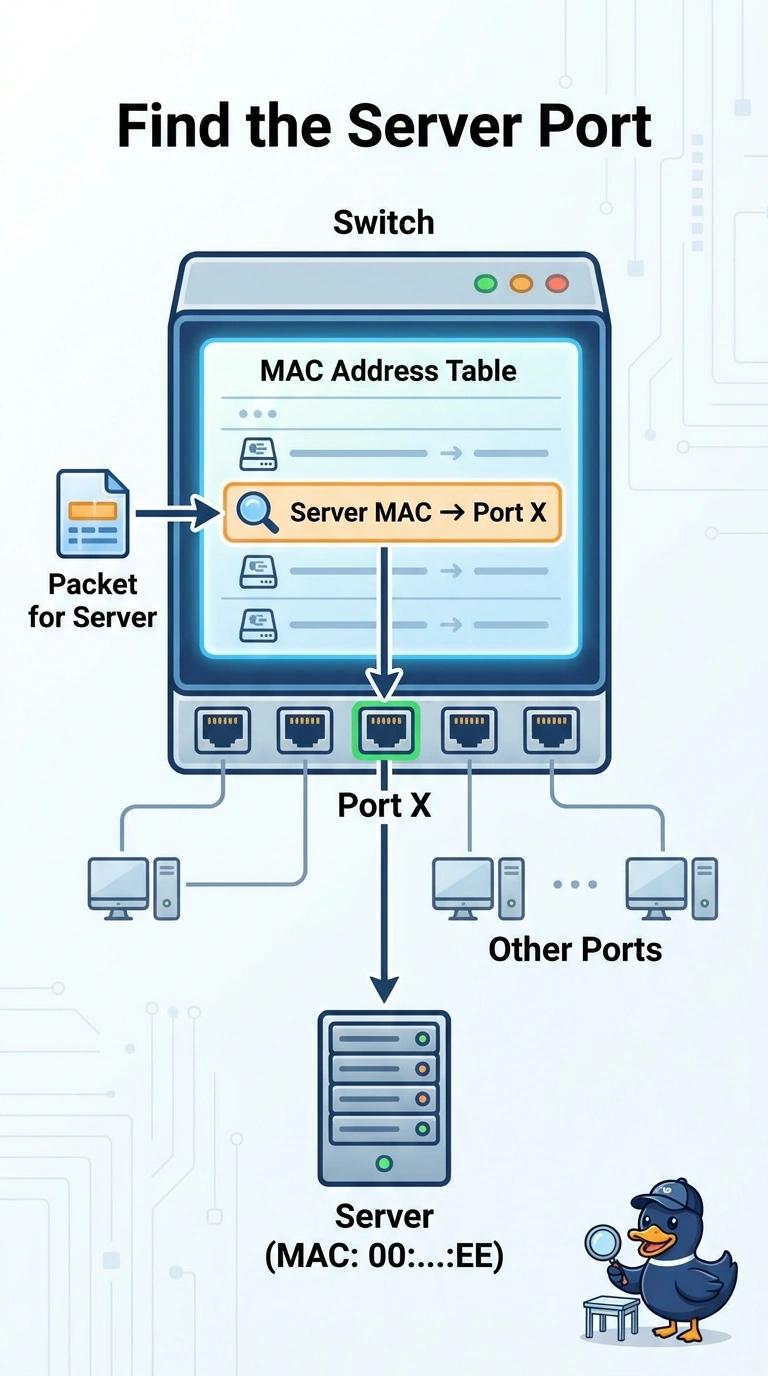
The switch already wrote down which door that MAC address walked through. You read the MAC address table and it names the port. The routing table only knows the next hop toward a subnet, the server's own ARP table names the gateway, and a VLAN list can show a dozen ports that might hold the server.
Full Explanation
A switch records the source MAC address of frames it receives and the port they arrived on. Looking up the database server's MAC in that table returns the port where the address was learned, which is the port the server is patched to, as long as the entry is still live. That is the display the server team needs, and it avoids a physical trace. The routing table maps destination prefixes to next hops. Even on a layer-3 switch it will point toward the server's subnet, not toward the specific access port that learned one MAC. The server's ARP table lists IP addresses and the MAC addresses the server uses to reach them, such as the gateway. It does not say which switch port learned the server. A VLAN summary lists the ports that belong to a VLAN. Every server in that VLAN can appear there, so the list does not identify which one port learned this MAC. Exam caveat: if the server is reached through another switch, the table shows the uplink toward that switch rather than the final access port. Follow the MAC one switch at a time until the entry is on an access port. Operational check: clear or wait out a stale entry if needed, generate a frame from the server, and confirm the MAC appears on the expected port and VLAN.