
A print-shop switch shows CRC errors climbing on one access port. The cable for that port is tied tightly along a fluorescent ballast, and moving the cable away makes the counter stop climbing. Which physical problem was the ballast causing?
Select an answer to reveal the explanation.
Short Explanation
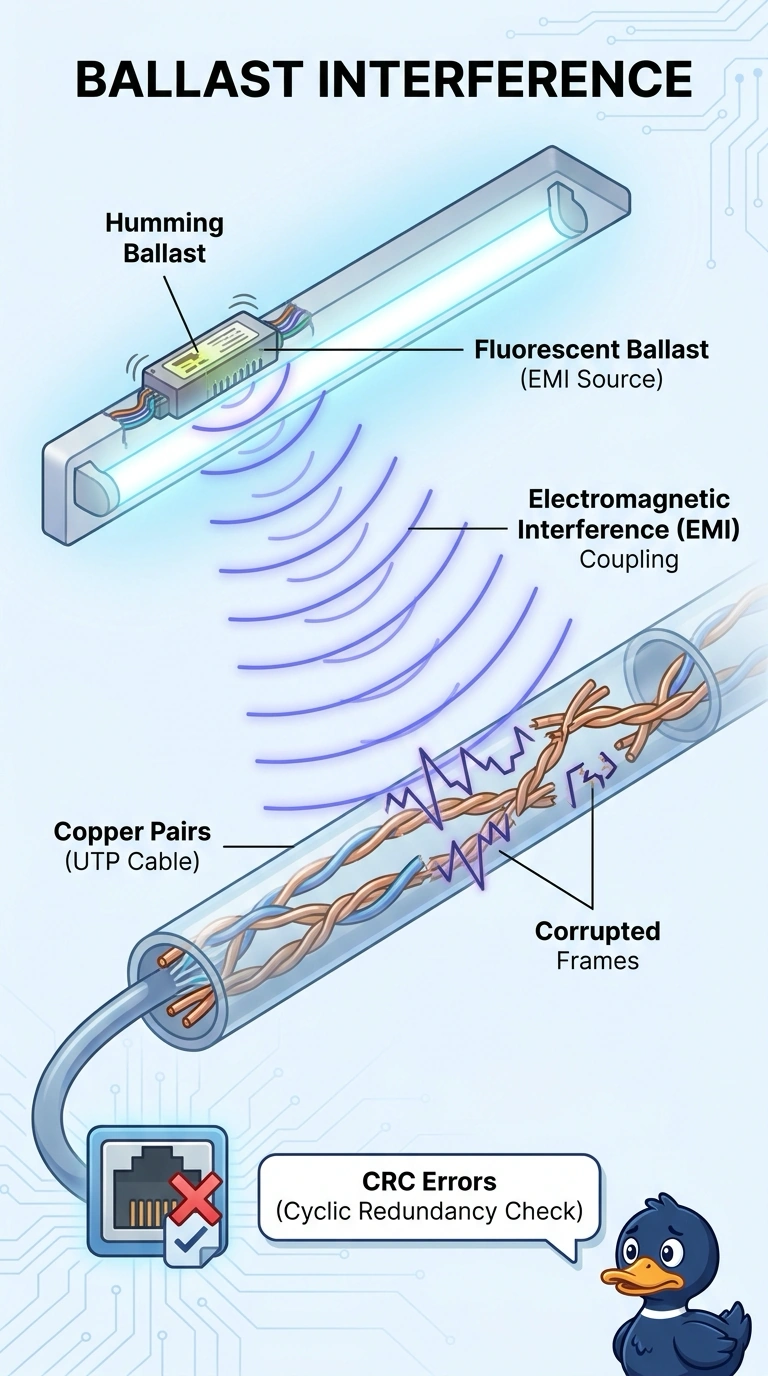
Copper pairs can pick up noise like a guitar pickup picks up hum. You moved the cable away from the ballast and the CRC counter calmed down, which points to electromagnetic interference coupling into the pairs. Untwisted pairs, an overlong run, and a duplex mismatch would not be fixed by sliding the cable a few inches.
Full Explanation
CRC failures mean the received frame did not match the sender’s checksum, so bits changed in transit. Fluorescent ballasts are a classic source of electromagnetic interference; a copper cable tied against one can pick up enough noise to corrupt frames and increase the CRC counter. Moving the cable away removes the coupling, which explains why the counter stops climbing. Near-end crosstalk from pairs untwisted at the jack can also corrupt frames, but the problem remains at the termination, so moving the cable would not clear it. Attenuation is signal loss over distance. Moving a cable a few inches does not bring a run that exceeds the channel limit back within that limit, so the immediate improvement argues against attenuation. A duplex mismatch can produce errors, often including late collisions on the half-duplex side, but it is a disagreement between interfaces and would persist after the cable left the ballast. Exam caveat: shielded cable reduces this kind of noise only when the shield is terminated correctly; adding foil while leaving the drain wire open does not solve the problem. Practical check: after rerouting the cable, watch the CRC counter through a full lighting cycle and confirm it stays flat while the link continues to pass traffic.