
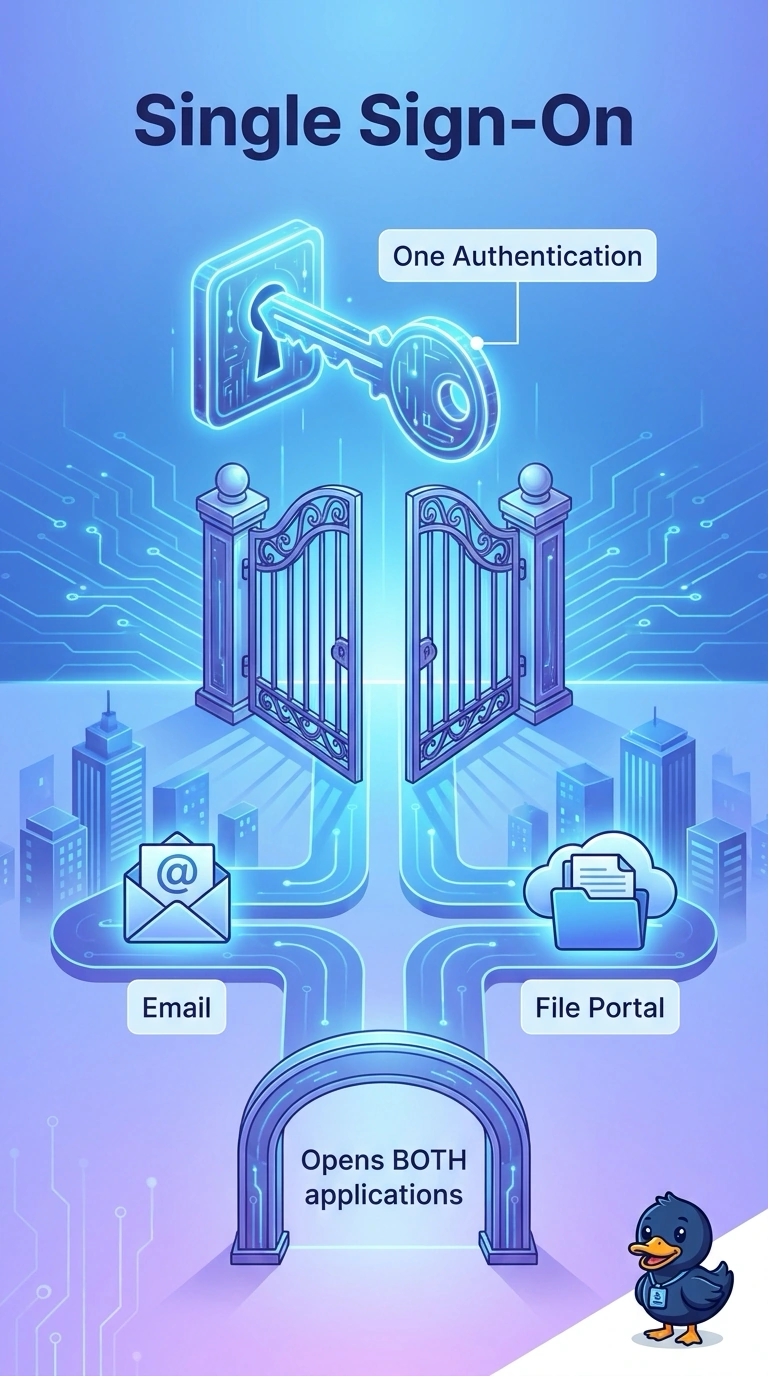
Staff at a city hall sign in once and then open email and the file portal with no second password prompt. Which access method is that?
Select an answer to reveal the explanation.
Short Explanation
You show your badge once at the front door and then walk into both the mail room and the file room. That one-authentication experience is single sign-on. A second factor adds a check, it does not erase prompts, and a name file or a longer password does not connect the two applications.
Full Explanation
Single sign-on lets a user authenticate once and then reach multiple applications without a separate password prompt for each. City hall staff sign in once and open both email and the file portal, which is that experience. Multifactor authentication asks for more than one category of proof, such as a password plus a code. It strengthens the sign-in. It does not, by itself, remove a second application's password prompt. A hosts file maps names to addresses on one computer. It does not authenticate a user to email or a file portal. Making a password longer changes how hard it is to guess. It does not federate two applications. Exam caveat: single sign-on often uses a federation protocol such as SAML, and the question asks for the access method, not the protocol name. Operational check: sign in once at the identity provider, open both applications in a new session, and confirm neither one asks for a password again. Disable the account at the identity provider and confirm both applications refuse the next sign-in, which is the operational test that the applications are actually federated.