
A campus is turning up a new copper uplink between two switches. Which setting avoids a duplex mismatch on that link?
Select an answer to reveal the explanation.
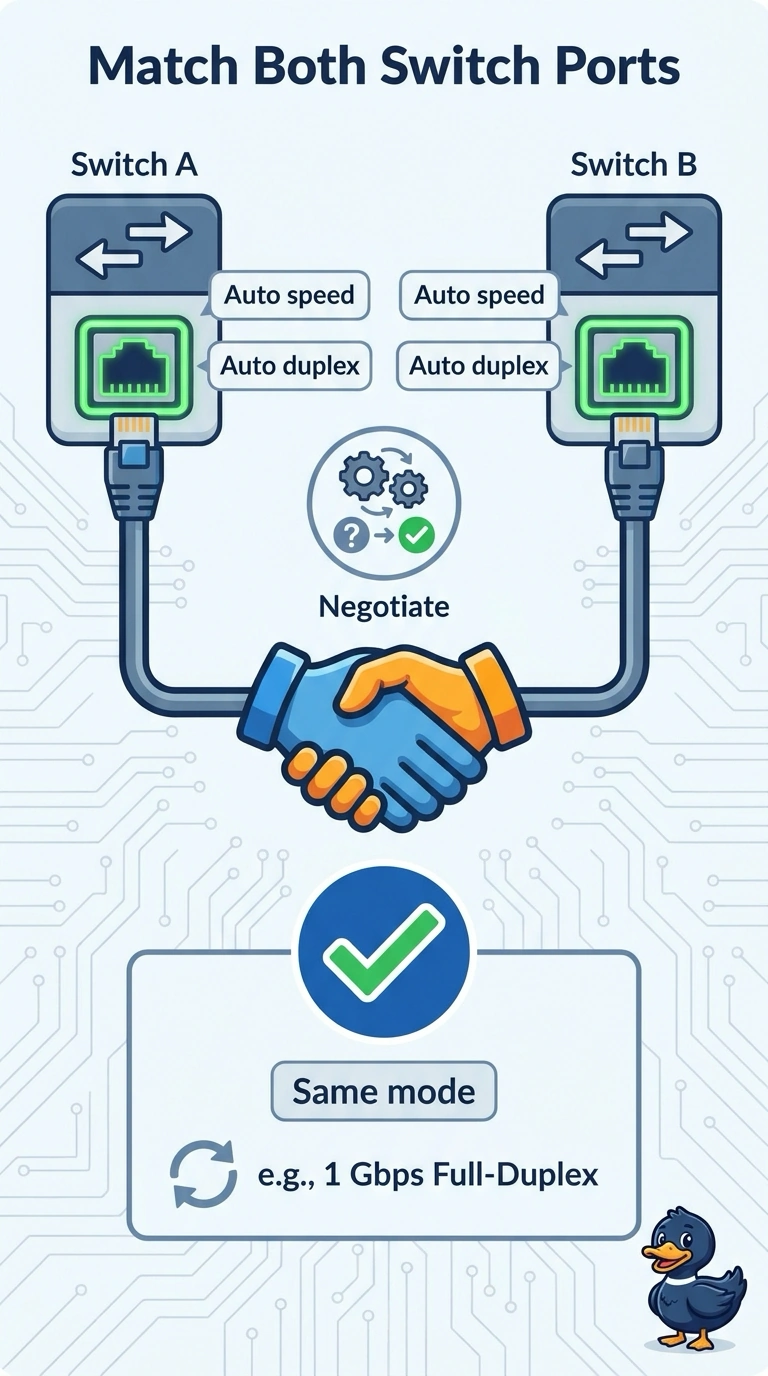
Short Explanation
Let both ends of the conversation pick the same speed and the same manners, instead of freezing one end and hoping the other guesses. Auto on both ends is how you avoid a duplex mismatch on a new copper uplink. Locking one side, forcing half duplex, or talking about frame size first creates the mess you are trying to prevent.
Full Explanation
When both ends of a copper link are set to auto, they negotiate the same speed and duplex. That is the setting that avoids a mismatch on a new campus uplink. Locking one end to full duplex and leaving the other on auto is a classic mismatch: the auto side can fall back to half duplex and you get late collisions and errors. Locking both ends to half duplex avoids the mismatch and also throws away full-duplex operation the link should be using. Jumbo frames change the maximum payload. They are not a prerequisite for speed and duplex negotiation. Exam caveat: if you must lock the speed, lock both ends to the same speed and the same duplex. The failure mode is a lock on only one end. Operational check: after the link comes up, confirm both switches show the same speed and full duplex, and confirm the collision and error counters stay quiet. After the link comes up, confirm both switches show the same full-duplex speed and quiet error counters. If you must lock the speed, lock both ends to the same full-duplex speed rather than locking only one.