
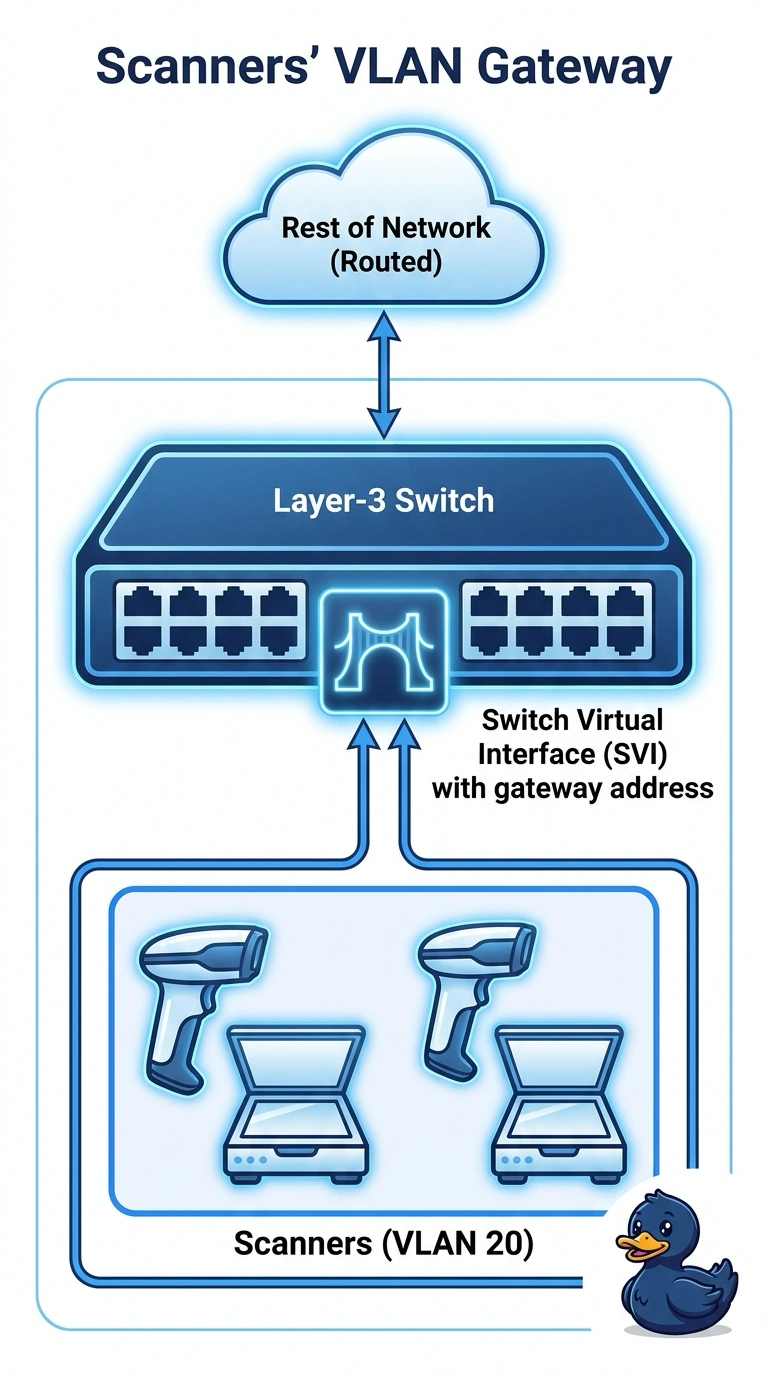
Scanners in a warehouse should use the layer-3 switch as their gateway for VLAN 20. The gateway address must be configured on a virtual interface that belongs to VLAN 20 on that switch. Which interface is that?
Select an answer to reveal the explanation.
Short Explanation
A layer-3 switch can grow a virtual front door for each VLAN, and that door is the switch virtual interface. You put the scanners' gateway address on the virtual interface that lives in VLAN 20. An address on another router, a virtual interface in VLAN 1, or a routed port that is not in VLAN 20 does not give these scanners that door.
Full Explanation
A switch virtual interface is a layer-3 interface bound to a VLAN on a multilayer switch. An address on the VLAN 20 interface lets the switch be the scanners' gateway. A router subinterface can also be a gateway, and it lives on a different device. The stem wants the address on this switch. A virtual interface in VLAN 1 is the tempting twin because it is the right kind of interface on the right switch. The scanners are in VLAN 20, so they cannot use an address that lives in VLAN 1. A routed physical port is not a member of VLAN 20 and is not the virtual interface the design named. Exam caveat: the virtual interface stays down if the VLAN has no active port and the switch drops an empty VLAN. Operational check: from a scanner, confirm the gateway matches the VLAN 20 virtual interface, then ping a host the switch should route to. Confirm the scanners' mask puts that virtual-interface address on their own subnet, or they will ARP for a gateway they cannot reach. Ping a host on another VLAN from a scanner only after that gateway answers.