
A library wants dual-band clients encouraged onto 5 GHz so the crowded 2.4 GHz band stays usable for devices that need it. Which feature does that?
Select an answer to reveal the explanation.
Short Explanation
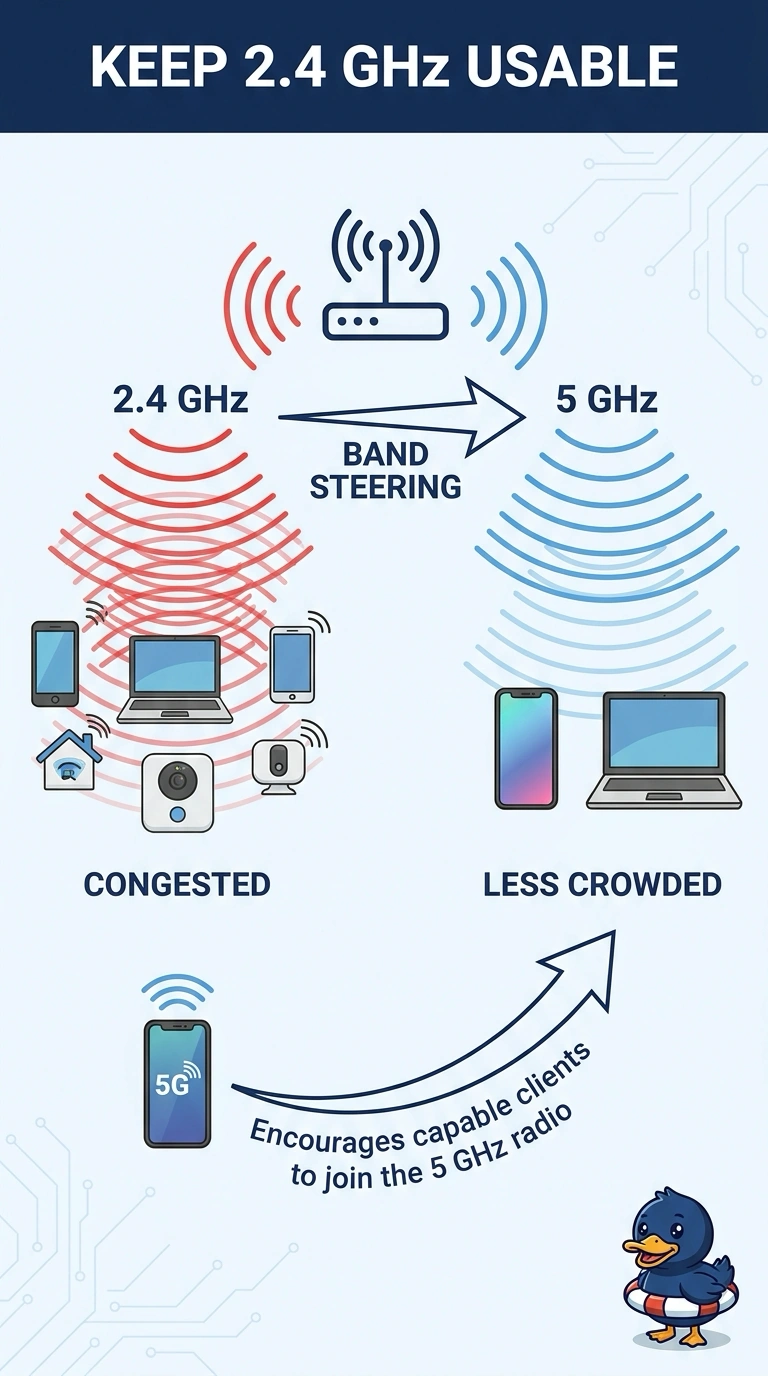
You are asking people with a choice of two rooms to use the quieter one. Band steering nudges dual-band clients onto 5 GHz so 2.4 GHz stays usable. Hiding the name, putting up a sign-in page, or changing which switch is the spanning-tree root does not pick a radio band.
Full Explanation
Band steering is a wireless feature that encourages a client capable of both bands to associate to the 5 GHz radio instead of the 2.4 GHz radio. The 2.4 GHz band is small and often crowded. Moving capable clients off it leaves that band for devices that cannot leave, which is what the library wants. The client still uses the same network name. The access point influences the choice of band. Hiding the network name stops the beacon from advertising the name. Clients that already know it can still join either band, and nothing about a hidden name prefers 5 GHz. A captive portal intercepts the first web request and asks the user to sign in or accept terms. It runs after association and does not select a radio. A lower bridge priority changes the spanning-tree bridge ID so a switch is more likely to become root. That is a wired topology setting. It does not talk to wireless clients and does not move them between bands. Exam caveat: steering is encouragement. A client can still insist on 2.4 GHz, and a noisy 5 GHz channel can make the steer a bad idea until the 5 GHz side is actually healthier. Operational check: after enabling steering, compare client counts on the two radios during a busy hour and confirm dual-band devices are landing on 5 GHz while the 2.4 GHz radio remains available.