
A warehouse is placing three 2.4 GHz access points along one aisle, and each radio will use a 20 MHz channel. Which channel set keeps those three radios from overlapping one another?
Select an answer to reveal the explanation.
Short Explanation
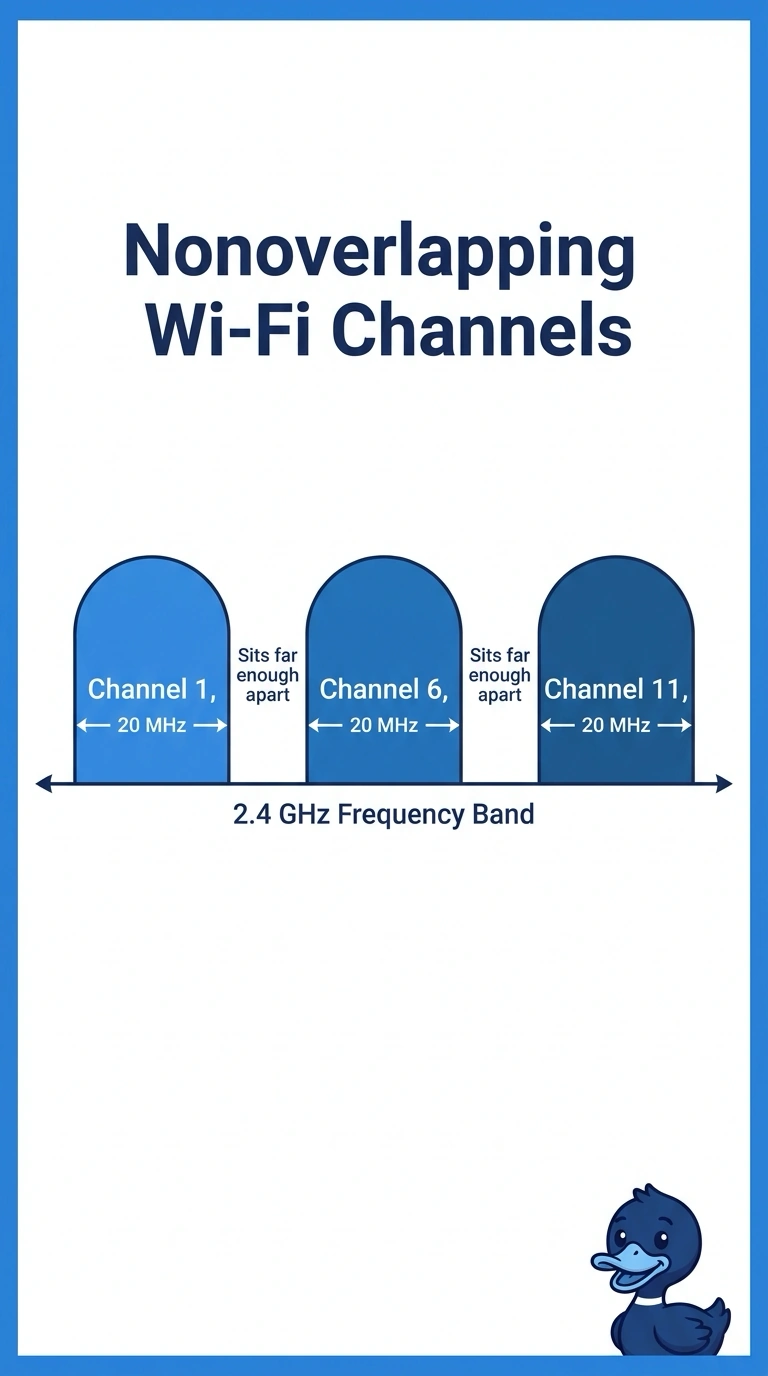
In the 2.4 GHz band, channels are packed so tightly that neighbors bleed into each other. You give the three radios channels 1, 6, and 11 so their 20 MHz footprints miss. Putting them on 1, 2, and 3, or parking all three on channel 6, piles the energy in the same part of the band.
Full Explanation
A 20 MHz transmission in the 2.4 GHz band is much wider than the 5 MHz spacing between channel numbers, so channels that sit next to each other overlap. The standard non-overlapping plan used in this band is channels 1, 6, and 11. Three aisle radios on that set can operate without their channel widths sitting on top of one another. Channels 1, 2, and 3 are adjacent, not independent, and neighboring access points that use them will interfere. Channels 36, 40, and 44 exist in the 5 GHz band. They are not a 2.4 GHz plan, so they do not satisfy a deployment that is locked to 2.4 GHz radios. Reusing channel 6 on every radio avoids a channel change during roaming, and it also puts all three radios on the identical frequency. They overlap completely and must contend with one another. Exam caveat: this 1-6-11 layout assumes 20 MHz channel width. A 40 MHz width in 2.4 GHz consumes so much of the band that the same three-way separation is no longer available. Operational check: scan the aisle with a wireless analyzer and confirm the three access points are on 1, 6, and 11 and that their energy is not stacked on one channel.