
A utility keeps analysis scripts on personal laptops and in email attachments. Two analysts overwrite each other's changes and cannot recover the earlier script. Where should that source code live?
Select an answer to reveal the explanation.
Short Explanation
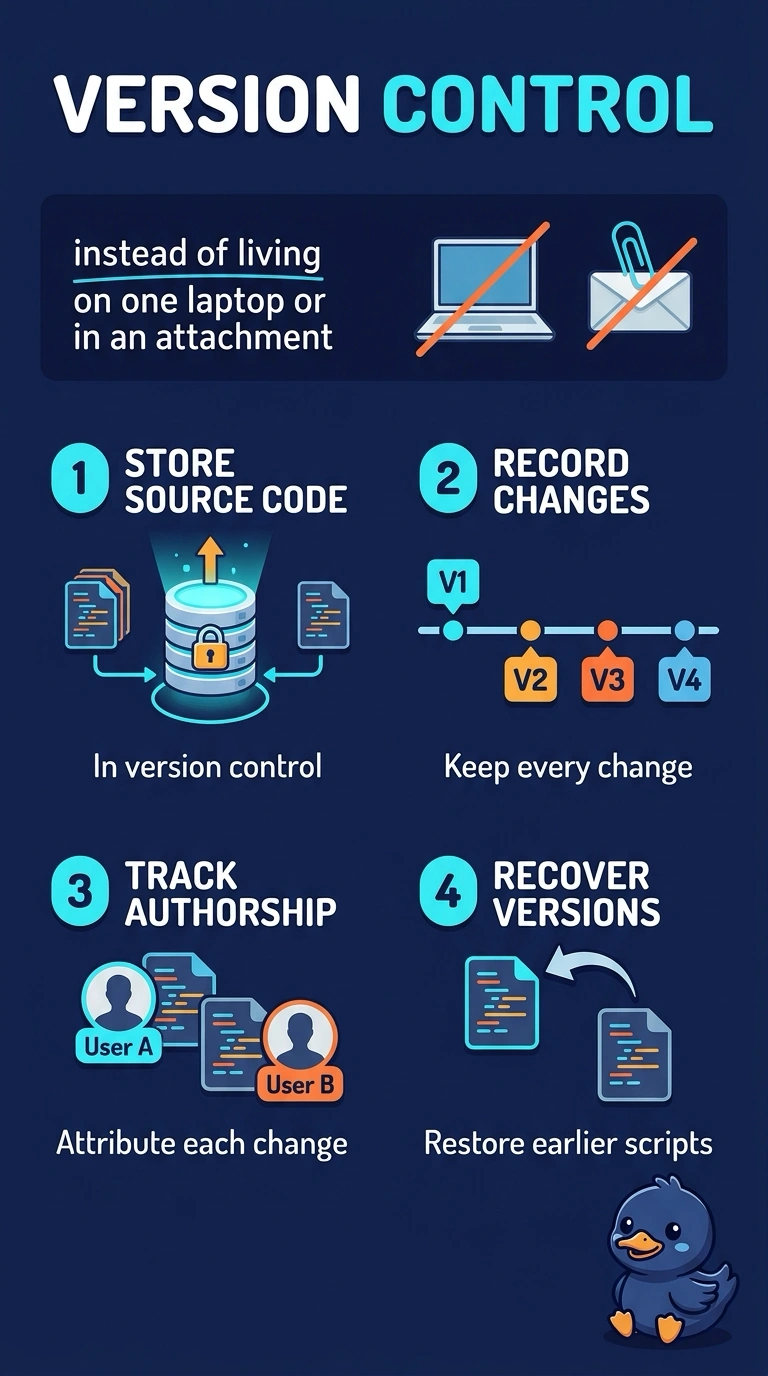
Source code left on laptops is a stack of sticky notes in different pockets. Version control is the shared notebook you can rewind when two people overwrite each other. A mailbox, a slide, or a model shelf does not keep that script history.
Full Explanation
Source code needs a system that stores each revision, names who made it, and can restore an earlier revision when a later edit overwrites good work. Version control is that system. The utility's scripts currently live on laptops and in email attachments, which is why two analysts could overwrite each other and lose the earlier script. Putting the code in version control makes the history shared and recoverable. A shared mailbox can store attachments, but it does not track line-level changes or provide a clean rollback of the script. A slide deck of screenshots can present results and still omit the code that produced them. A model registry catalogs trained models and related artifacts. It is the wrong system of record for the analysis source code, even when a project uses both. Exam caveat: version control of code does not by itself version datasets or trained weights, which need their own history. Operational check: commit a script, change one function, and confirm the earlier function can be restored from the recorded history with an author on each change.