
A company stores all of its database backups on the same storage array that hosts the production database files, in the same data center. Restores are fast, but an auditor flags a risk. Which change addresses the auditor's concern while keeping fast routine restores?
Select an answer to reveal the explanation.
Short Explanation
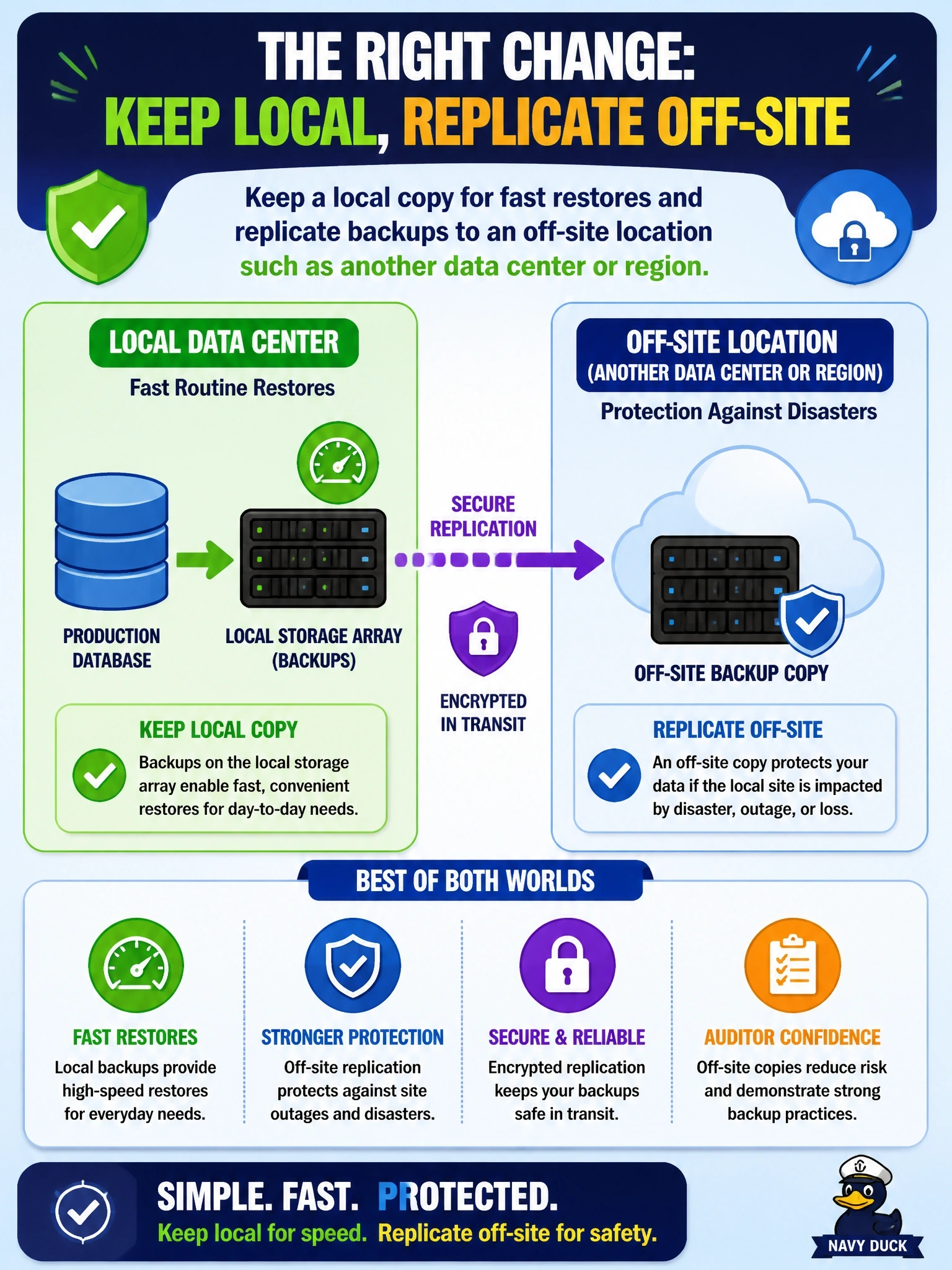
Keeping your backups next to the thing they're backing up is like storing your spare house key inside the house; a fire takes both. You keep a local copy for quick restores and ship another one off-site. RAID and snapshots on the same box still burn down with the box.
Full Explanation
Backup storage location balances speed of restore against resilience. On-site copies restore quickly because they are close to the database, but they share the same failure domains: an array failure, fire, flood, ransomware spreading across the site, or a data center outage can destroy production and backups together. Off-site copies, in another data center, a cloud region or an offline vault, survive site-level events. Keeping both, often described as a combination of local and remote copies, preserves fast routine restores and adds disaster protection. Moving backups to another LUN on the same array creates only a logical separation; the array remains a single point of failure, and site-level events affect both. RAID 6 tolerates two disk failures within the array, which addresses disk loss but not array controller failure, site loss or malicious deletion, and RAID is redundancy rather than backup. Snapshots on the same array are fast rollback points, but they depend on the same storage and usually on the original volume's blocks, so they share its fate. Exam caveat: off-site is about separation from the primary failure domain, not just a different folder or volume. Operational check: confirm the latest backup exists at the off-site location and perform a test restore from that copy.