
During an audit, a DBA discovers that no database backups have run for a week. After a patching session, the scheduler service that triggers backups was left disabled, so no backup job started and no errors were logged. Which alerting approach would have caught this?
Select an answer to reveal the explanation.
Short Explanation
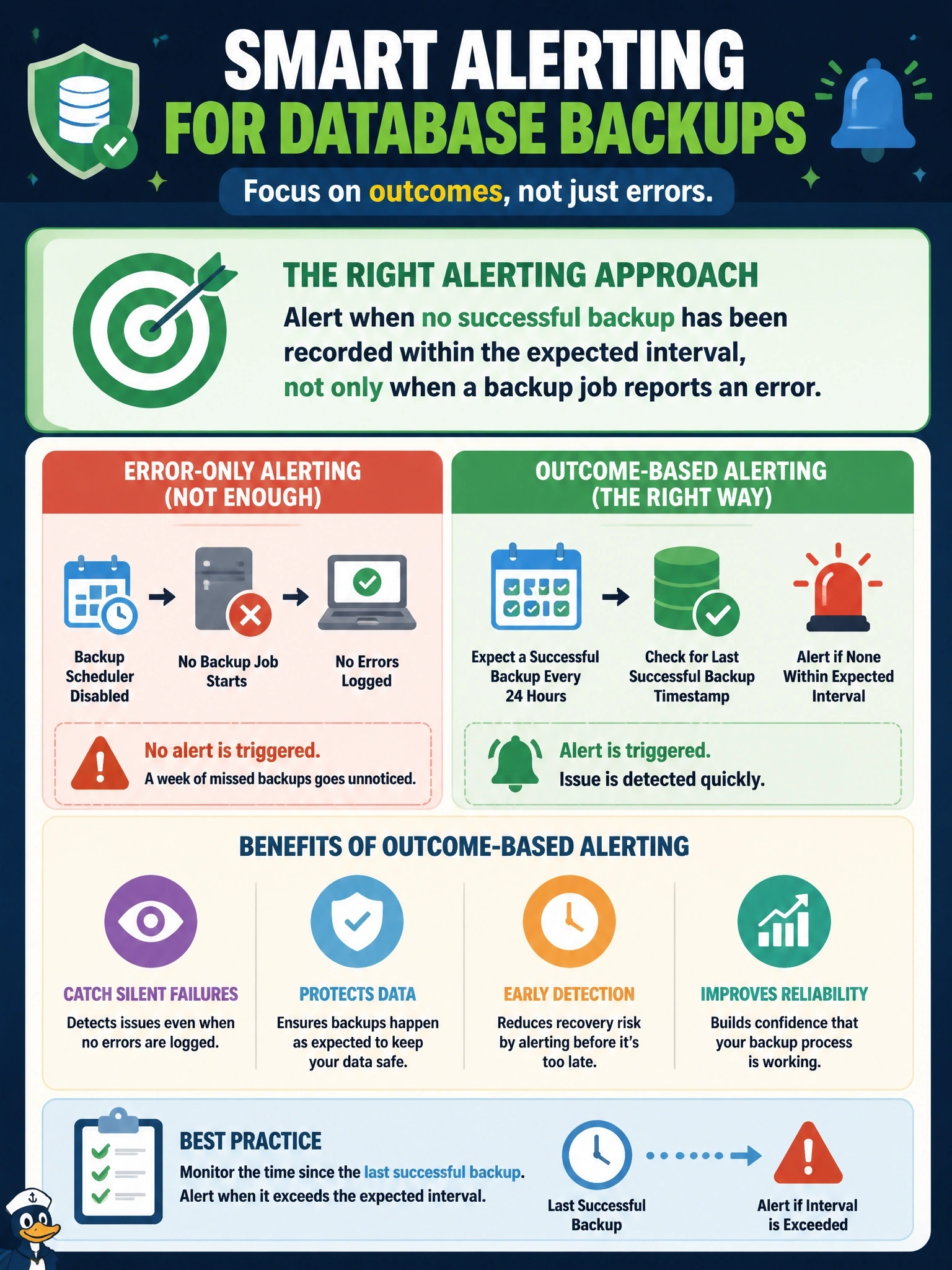
Here's the sneaky part: a backup that never starts can't fail, so an error-only alert stays perfectly quiet. You want your monitoring to check how old the last good backup is and complain when it's too old. Retention and off-site copies are great, but they only protect backups you actually took.
Full Explanation
Backup alerting has to answer two questions: did a backup fail, and has a successful backup occurred recently enough to meet the recovery point objective. When the scheduler is disabled, no job starts, no error is written, and a failure-only alert has nothing to trigger on. An alert based on the age of the most recent successful backup, compared with the expected schedule, detects missed backups regardless of why they were missed. Relying only on error-status alerts is precisely the gap the scenario exposes; it covers jobs that run and fail but not jobs that never run. Extending retention preserves older backups longer, but no new restore points are being created, so data changed during the week is unprotected either way. Copying backup files to cloud storage provides an off-site copy, which is valuable for disaster recovery, but there are no new backups to copy, so the replication job would faithfully duplicate a week-old set. Exam caveat: backup monitoring is complemented by periodic restore testing and hash validation, because a backup that completes is not proof that it can be restored. Operational check: query the backup history for the latest successful full, differential and log backups per database, alert when any exceeds its expected age, include scheduler service health in monitoring, and test by disabling a job in a non-production environment.