
A nightly ETL job that loads the reporting database stopped working three days ago. The scheduler sends an email only when the job succeeds, and nobody noticed that the success emails had stopped. Which monitoring change addresses the root problem?
Select an answer to reveal the explanation.
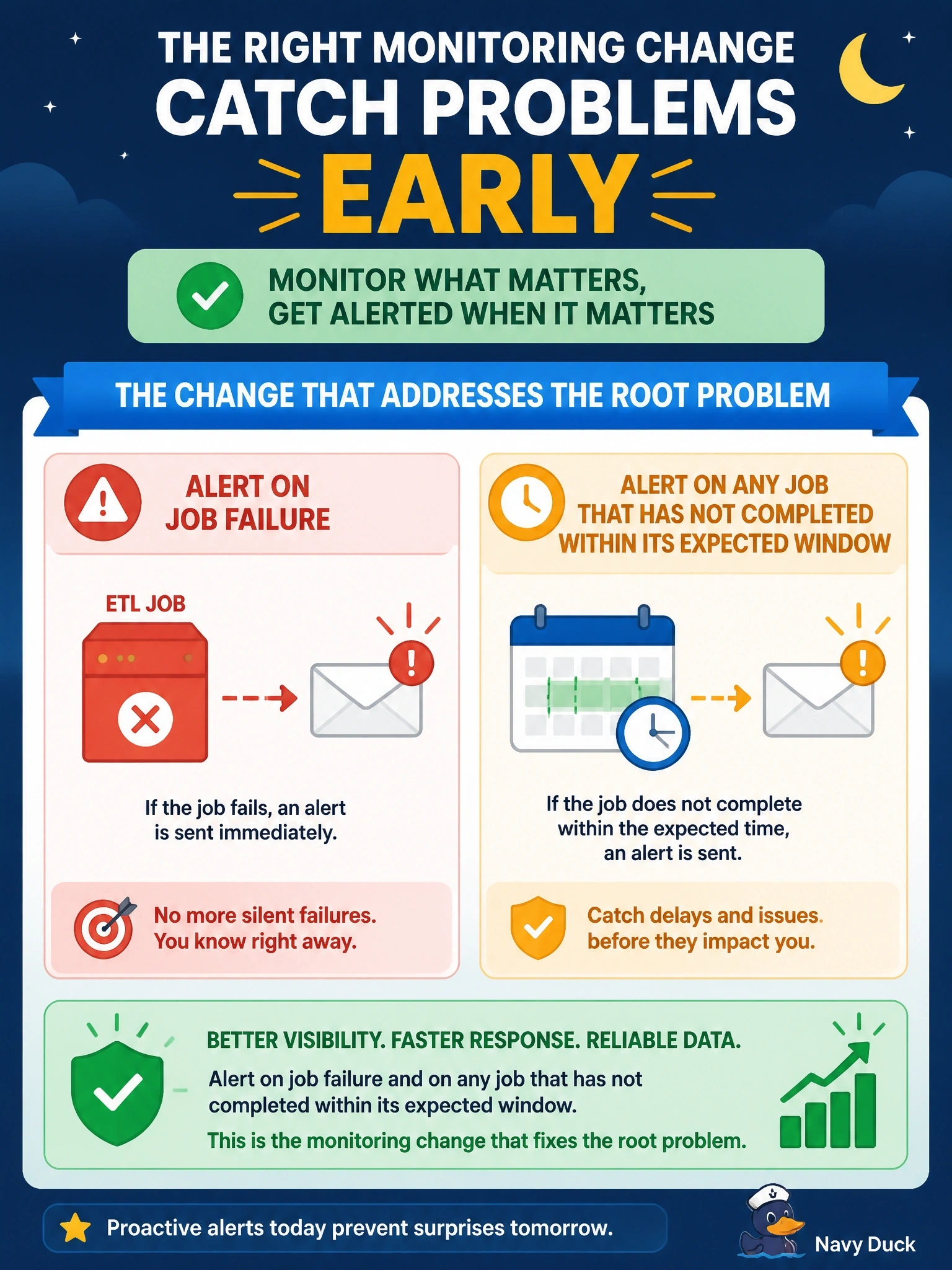
Short Explanation
Counting on success emails is like assuming the kids are fine because the house is quiet. Silence isn't good news; you want an alarm when something breaks and another when something that should've finished never did. Don't fix this by adding more people to the inbox, absence is still invisible.
Full Explanation
Job monitoring must make failure visible without relying on someone noticing that a routine message is missing. Configuring an alert on job failure catches jobs that run and error out, and adding an alert for jobs that have not completed within their expected window catches jobs that hang, never start, or are disabled, which a failure alert alone would miss. Together, these convert silent failures into actionable notifications routed to the on-call team. Sending success emails to more recipients does not change the underlying weakness: a missing email is still a non-event that no one is prompted to investigate, and larger lists tend to produce less attention rather than more. Running the job twice per night may let a transient error recover, but persistent failures, such as a changed source schema or expired credential, will fail both runs, and the team will still not be told. Writing output to a log file reviewed quarterly preserves evidence but detects the problem months after downstream reports have consumed stale data. Exam caveat: job completion and failure alerts are distinct from backup alerts, though both rely on the same principle of alerting on absence as well as on errors. Operational check: define each critical job's expected completion time, configure failure and overdue alerts, simulate a failed and a disabled run, and confirm both generate alerts.