
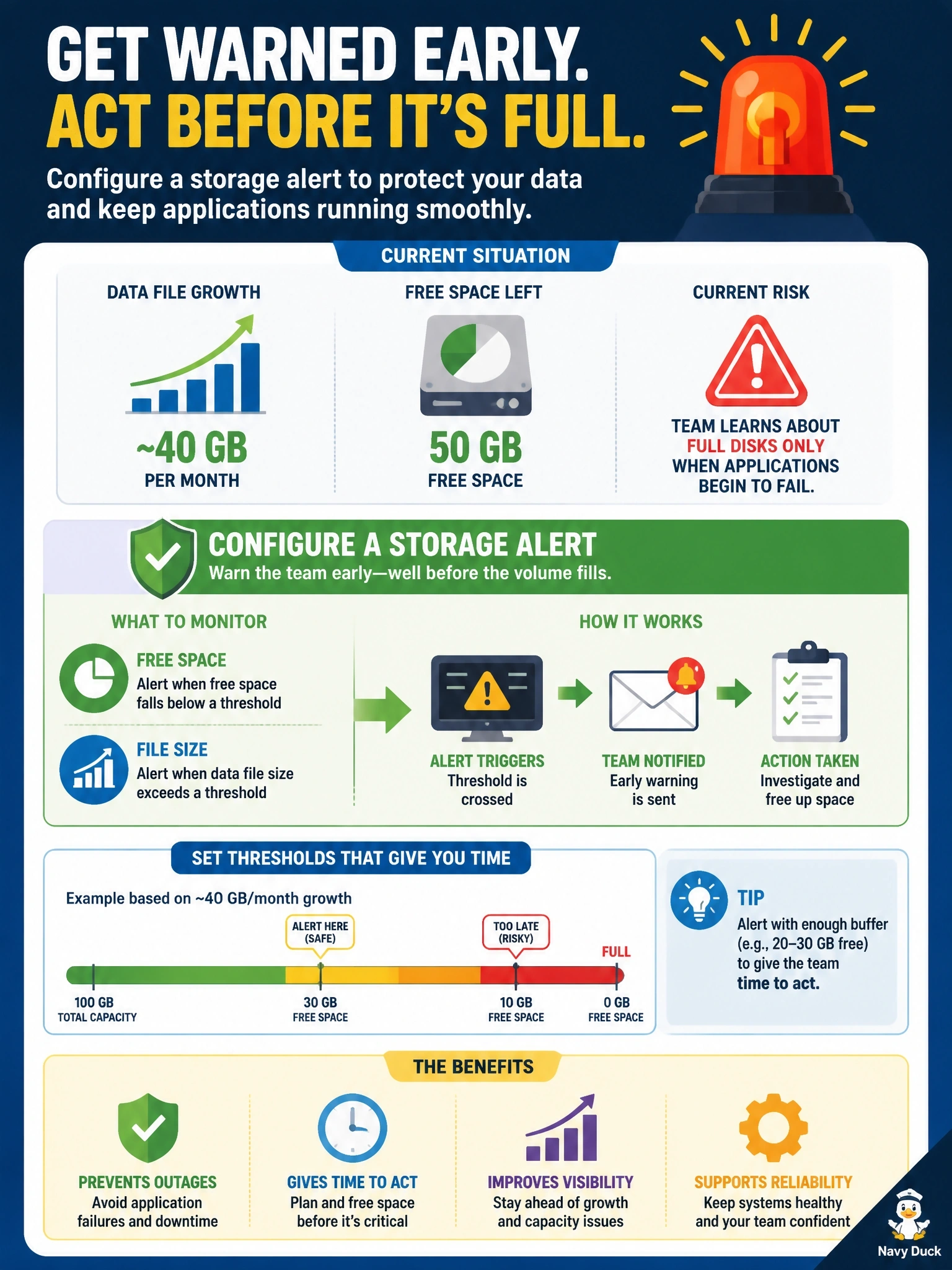
A database data file grows by roughly 40 GB per month, and the volume holding it has 50 GB of free space left. Today the team learns about full disks only when applications begin to fail. What should the DBA configure so the team is warned with time to act?
Select an answer to reveal the explanation.
Short Explanation
A fuel gauge is only useful if the warning light comes on while you can still reach a gas station. You want your storage alert to fire with weeks of runway left, not at the moment the tank is dry. Autogrowth and shrinking just move the fuel around; they don't add any.
Full Explanation
Monitoring growth against storage limits is a core purpose of database alerting. A threshold alert on the volume's free space and on the data file's size, set at a level that leaves enough runway for procurement or expansion, turns an outage into a planned task. Given growth of about 40 GB per month and 50 GB free, the team has roughly five weeks; the alert threshold should be tied to that growth rate, and trending the growth lets the team forecast when more capacity is needed. Unlimited autogrowth only lets the file consume the remaining space automatically; it does not create space, and once the volume is full the file cannot grow and transactions fail. Scheduled shrinking releases space that the database will immediately need again as it grows, causes repeated growth events, and fragments indexes, so it worsens performance without solving capacity. An alert at 100 percent full fires at the moment of failure, which is exactly the situation the team is trying to avoid. Exam caveat: growth monitoring covers data files, log files and backup destinations, since any of them can fill a volume. Operational check: record the monthly growth trend, set warning and critical thresholds that leave adequate lead time, route alerts to the on-call queue, and test that a simulated threshold breach generates a notification.