
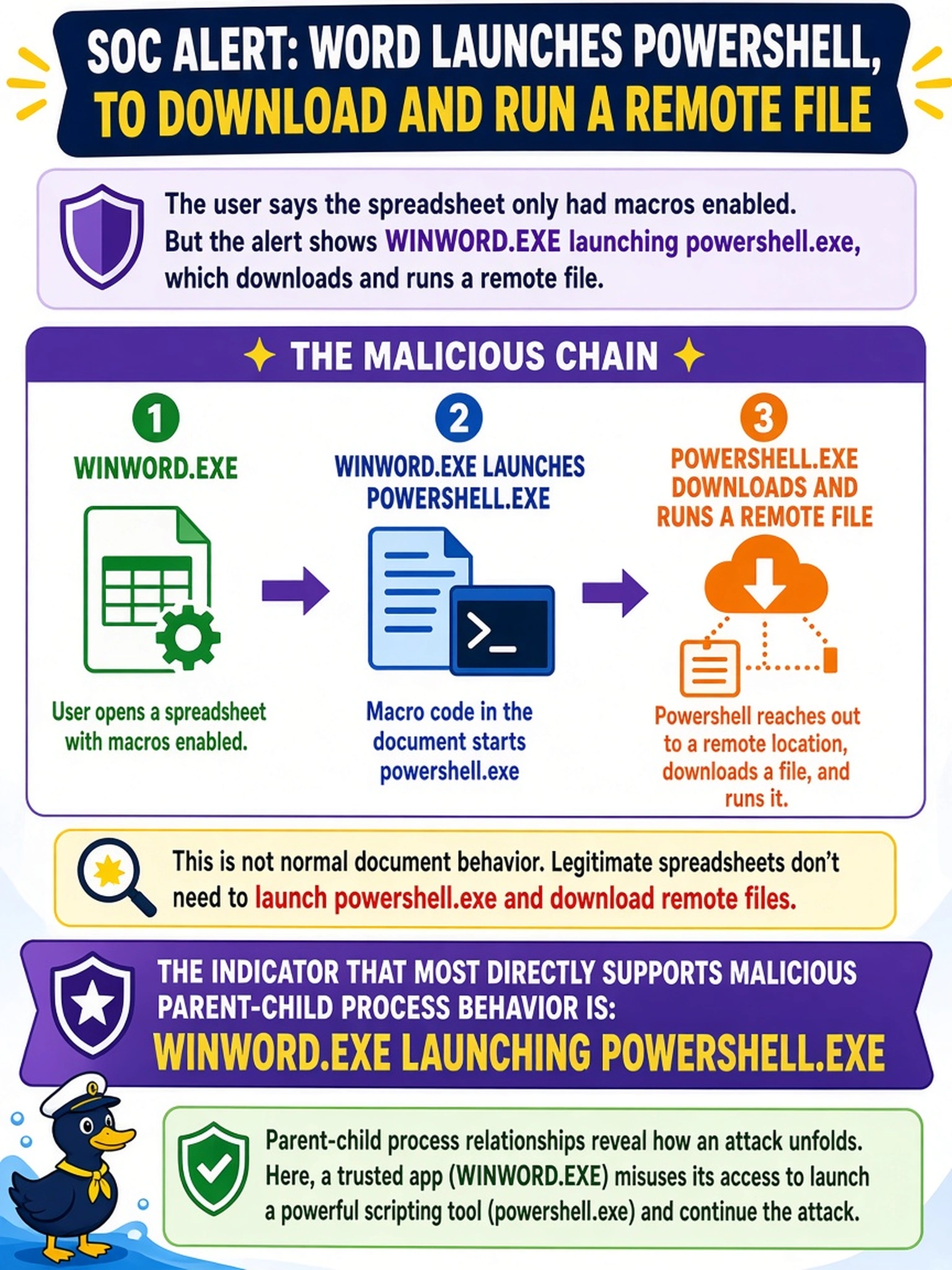
An SOC alert shows WINWORD.EXE launching powershell.exe, which downloads and runs a remote file. The user says the spreadsheet only had macros enabled. Which indicator most directly supports malicious parent-child process behavior?
Select an answer to reveal the explanation.
Short Explanation
Think of process trees like family trees: a Word document shouldn't have PowerShell kids. If WINWORD.EXE directly spawns powershell.exe, that's the red flag, not just macro-enabled or downloads. You want the parent-child link, not the downstream download.
Full Explanation
Parent-child process analysis reconstructs the execution chain that begins when a user opens a document. In a normal workflow, an Office application may launch helper processes, but it rarely needs to invoke an interactive scripting engine such as PowerShell. When WINWORD.EXE directly spawns powershell.exe, the process tree shows an unexpected parent-child relationship that is a classic sign of macro-driven malicious document activity. The scripting child can then download, decode, or execute secondary payloads, making the lineage more telling than the file location or document type. A remote download performed by powershell.exe is suspicious, but it is a downstream behavior of the scripting child rather than the Office-to-scripting parent-child link that first reveals the anomalous launch. A macro-enabled document is a common business artifact, and macro permission alone does not prove malicious execution. A file saved to the Downloads folder is a persistence or staging clue, not evidence of process lineage. Exam caveat: choose the indicator that directly demonstrates an anomalous process relationship, not a later effect. Operational check: review the EDR process tree and command line to confirm WINWORD.EXE to powershell.exe, then isolate the host and preserve telemetry.