
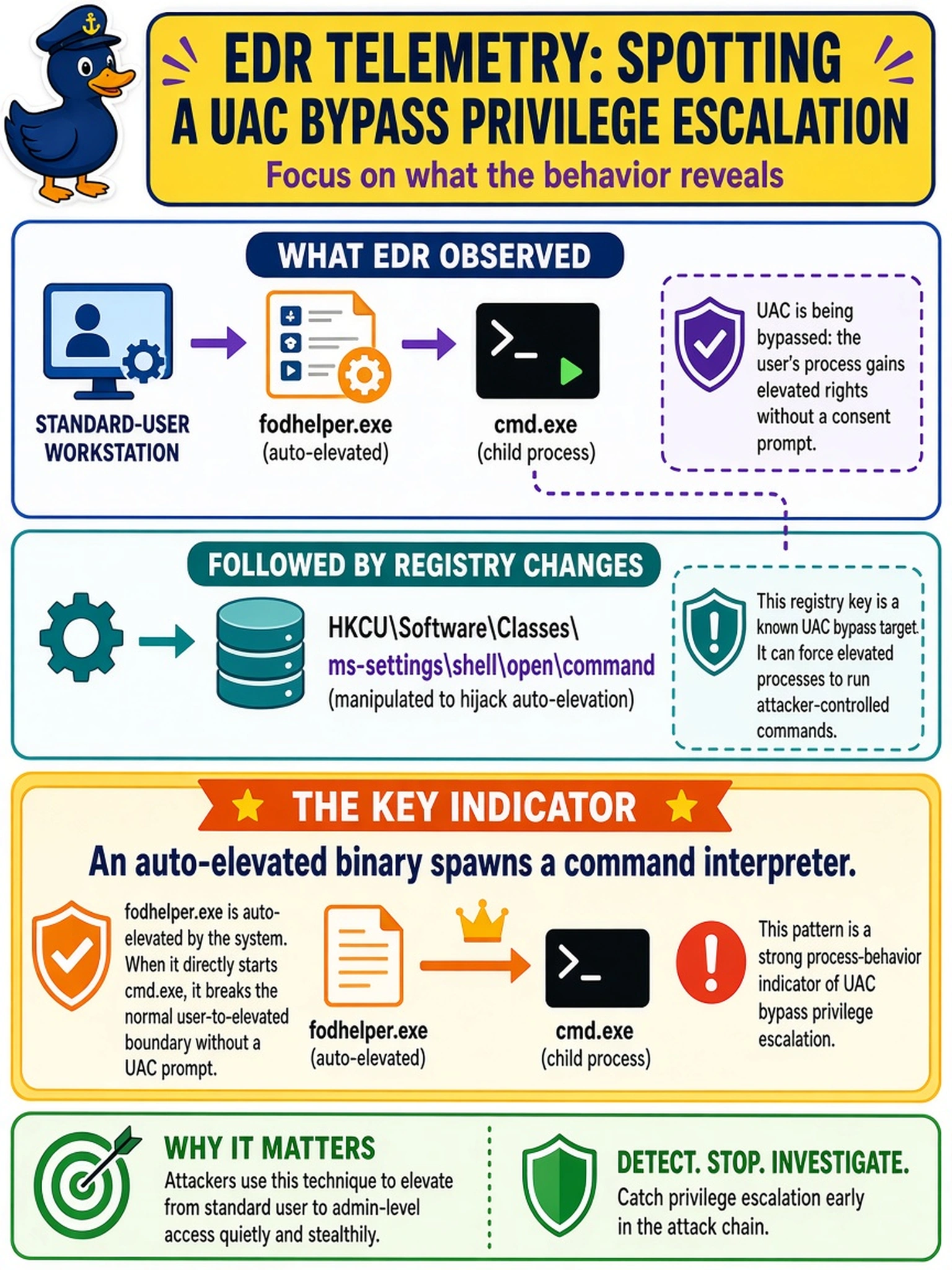
EDR telemetry from a standard-user workstation shows fodhelper.exe creating cmd.exe as a child process, followed by changes to HKCU\Software\Classes\ms-settings\shell\open\command. Which process-behavior indicator most directly points to a UAC bypass privilege escalation attempt?
Select an answer to reveal the explanation.
Short Explanation
Think of it like a trusted helper opening a shell for you: if fodhelper.exe spawns cmd.exe, that’s not normal housekeeping, it’s a likely UAC bypass. You want to catch the parent-child relationship, not just the registry edit. Don’t get distracted by ordinary app launches or DLL loads unless they’re unexpected.
Full Explanation
UAC bypass often abuses processes that are marked auto-elevate and can run with higher integrity without a consent prompt. When fodhelper.exe, an auto-elevated helper, is observed spawning cmd.exe or powershell.exe, that parent-child relationship is a strong privilege-escalation signal because a normal administrative helper should not be launching an interactive shell for a standard user. Registry modifications under HKCU\Software\Classes\ms-settings\shell\open\command can support the same finding by hijacking a settings handler that the elevated process later invokes. A productivity application loading a signed macro helper is expected application behavior unless the helper itself is malicious, and a service host loading a DLL from a trusted system path is normal unless the DLL is unsigned, unexpected, or loaded from a user-writable directory. A user launching a browser from Explorer after interactive logon is routine desktop activity and does not imply elevation. Exam caveat: UAC bypass is a privilege-escalation technique, not malware delivery, so focus on abuse of trusted elevation mechanisms. Operational check: correlate the parent process with auto-elevate manifest status and search for command interpreter children from system binaries.