
Municipal backups write assessor exports to object storage. How should the delivery pipeline authenticate to that storage?
Select an answer to reveal the explanation.
Short Explanation
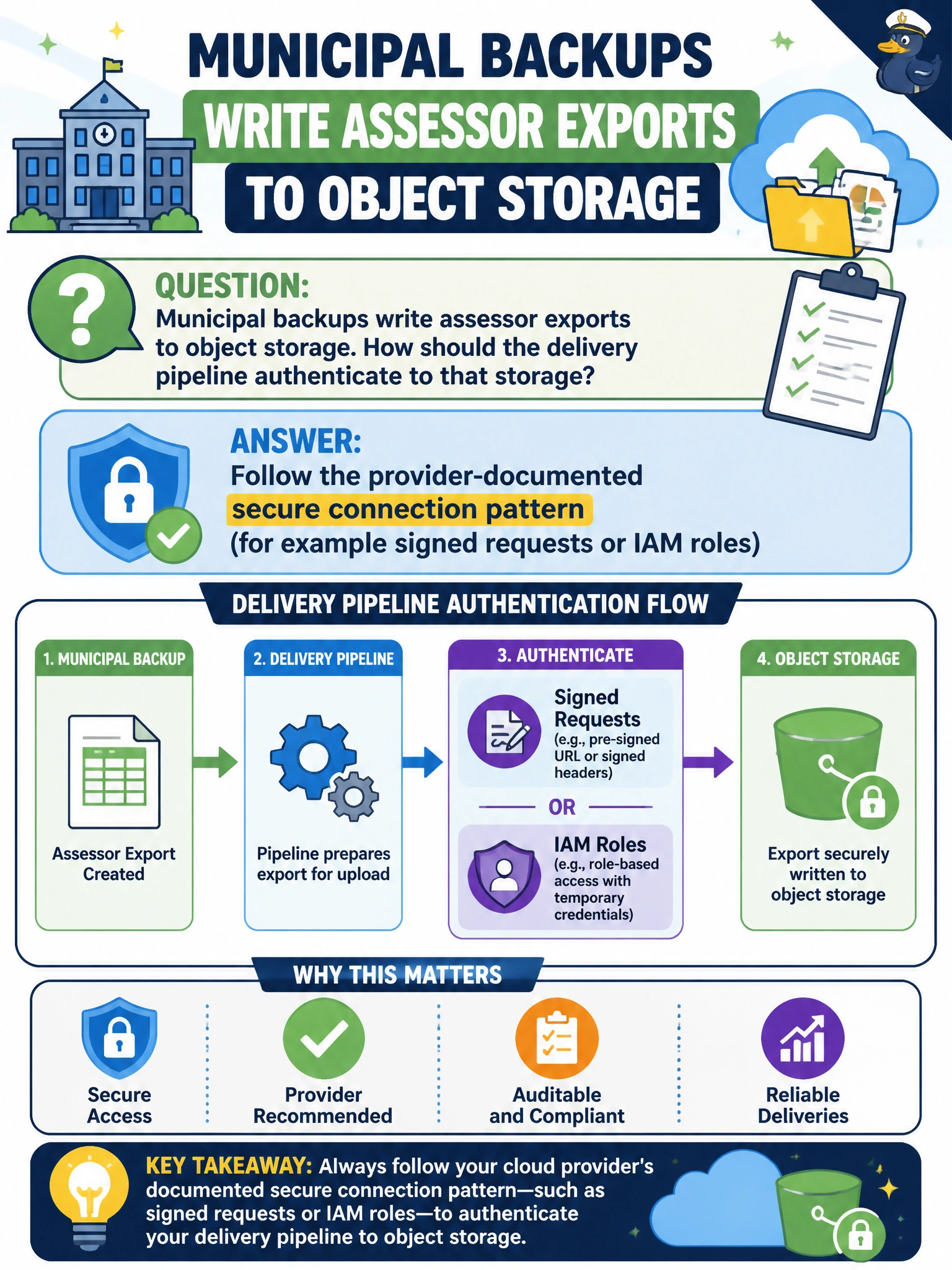
Follow the storage provider's documented secure auth—signed requests or IAM roles—for assessor exports. Homegrown unsigned HTTP or disabled TLS is improvising with public records.
Full Explanation
Object-storage authentication should follow the provider’s documented secure patterns—signed requests, IAM roles, or equivalent—rather than inventing unsigned uploads. Municipal backups writing assessor exports to object storage must authenticate that way so public-records exports remain integrity- and confidentiality-protected at the API and while crossing the network.
Inventing a custom unsigned HTTP upload that ignores provider auth guidance skips mandatory signing and access control and often fails compliance reviews for assessor data. Disabling TLS so transfers are easier to capture for troubleshooting exposes assessor data on the wire under a false convenience rationale. Embedding a single shared key in every citizen-facing mobile app distributes a privileged storage secret to untrusted clients where it cannot be controlled or rotated cleanly.
Exam caveat: use separate write roles for backup pipelines versus read roles for restore or analytics, and enable bucket encryption plus access logging for assessor objects. Operational check: configure the backup job to use IAM roles or signed requests per provider documentation, verify objects land with encryption, and confirm anonymous or unsigned uploads are denied by policy.