
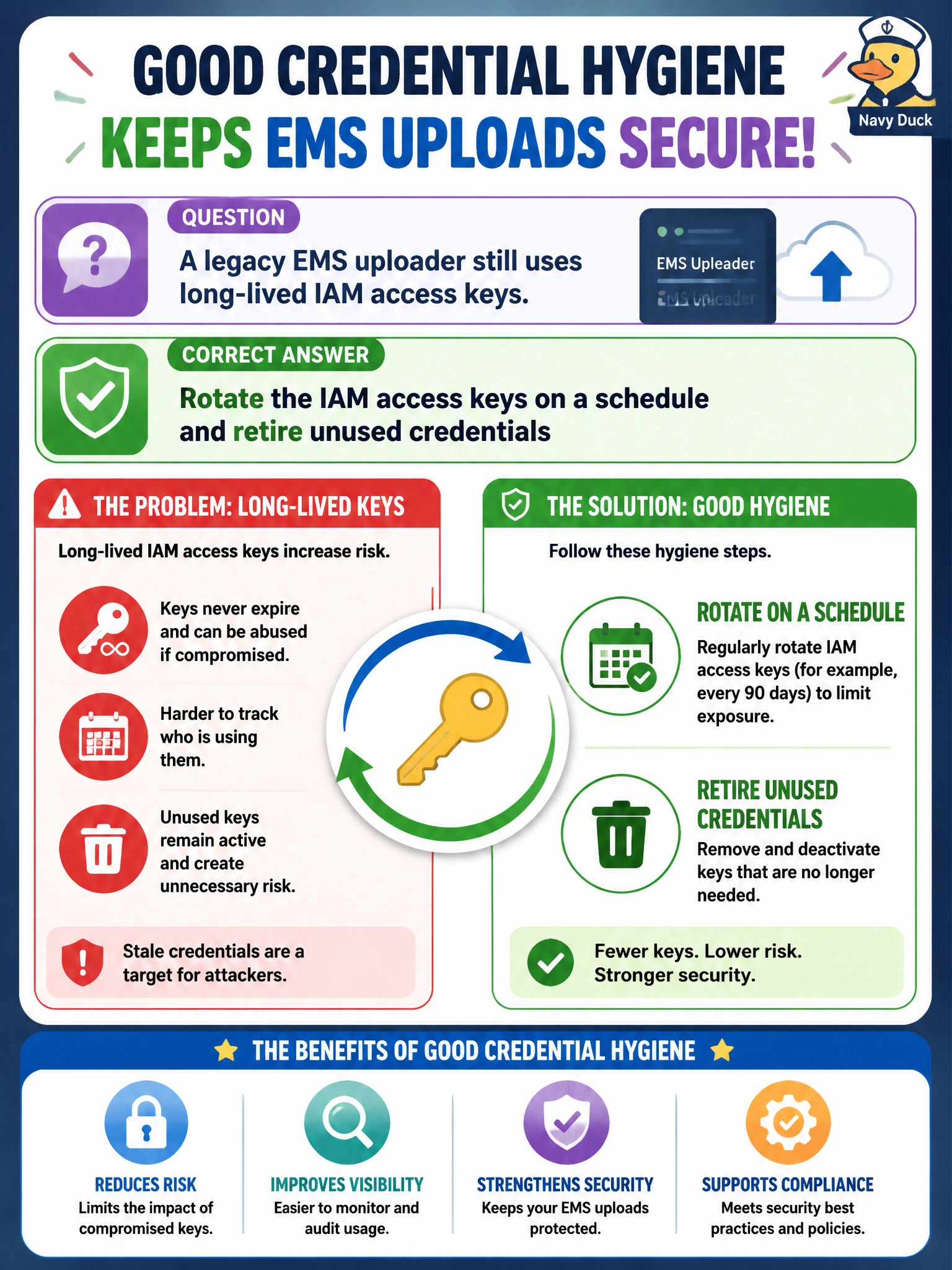
A legacy EMS uploader still uses long-lived IAM access keys. What hygiene step should AutoOps operators take?
Select an answer to reveal the explanation.
Short Explanation
You can keep the legacy uploader safer by rotating its IAM keys on a schedule and retiring credentials it no longer uses. Rotation limits how long a copied or forgotten key can remain useful; publishing keys or never changing them leaves that risk in place.
Full Explanation
Long-lived IAM access keys on a legacy EMS uploader should be rotated on a schedule, and unused credentials should be retired, so stolen or forgotten keys do not remain valid indefinitely. Scheduled rotation limits the exposure window for a leaked key, while retiring unused credentials removes access that no longer serves an operational need. Publishing current keys in the municipal intranet footer does not make them safe or convenient in a controlled way: it exposes secrets to anyone with intranet access and encourages copying them across teams. Never rotating keys after the uploader first works leaves any previously leaked key, or a former contractor’s copy, valid indefinitely. Making keys world-readable on every workstation spreads exposure across endpoints, backups, and lost laptops. Exam caveat: update the uploader configuration atomically and invalidate the old key promptly; any dual-key overlap should be short, monitored, and documented in the EMS runbook. Practical check: inventory EMS IAM access keys, rotate active keys on the documented schedule, disable unused keys, and verify the uploader succeeds after cutover using only the new credential.