
Clients on a segment must reach a DHCP server so they can obtain addresses. Which port does that server use?
Select an answer to reveal the explanation.
Short Explanation
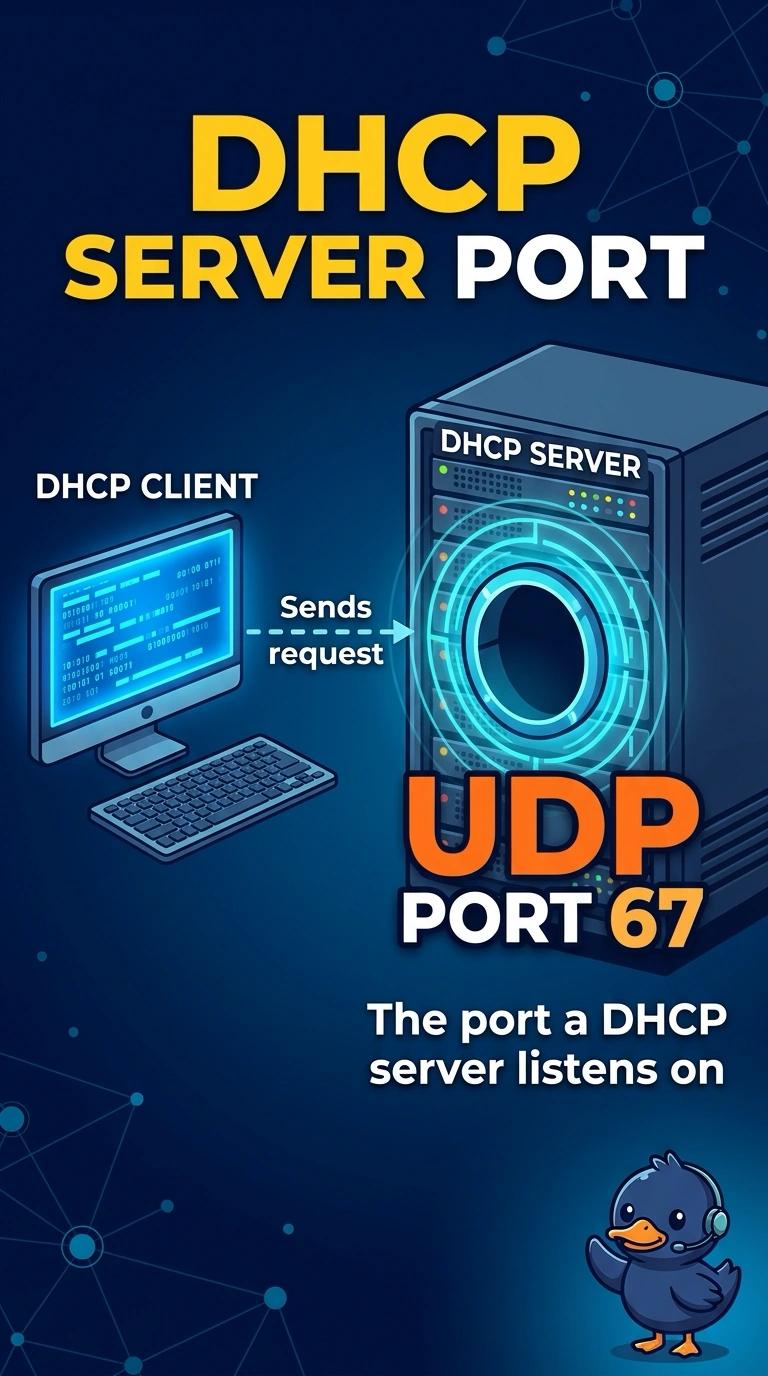
You can think of the DHCP server as an address clerk listening at UDP port 67. Permit that port so clients can reach the server and request addresses. TCP port 80, UDP port 53, and TCP port 22 serve web pages, name lookups, and encrypted command-line access instead.
Full Explanation
A DHCP server receives client requests on UDP port 67, so clients that need addresses must be able to reach that port. TCP port 80 carries HTTP traffic for ordinary web pages; it is not how a host requests a lease. UDP port 53 carries DNS traffic for name lookups; looking up a name does not hand out an address. TCP port 22 carries SSH traffic for an encrypted command line; it is not the DHCP service. Exam caveat: the client side of the DHCP conversation uses UDP port 68, so a firewall between the client and server must permit the DHCP exchange rather than allowing only one direction. In practice, permit the DHCP ports, renew a lease from a test client, and confirm that an address arrives. Check that the client is not left with an automatic private address; once the server answers, it should leave the 169.254 range.