
A PC at 192.168.10.10 with mask 255.255.255.255 cannot reach 192.168.10.20, which is on the same switch. Which setting explains that?
Select an answer to reveal the explanation.
Short Explanation
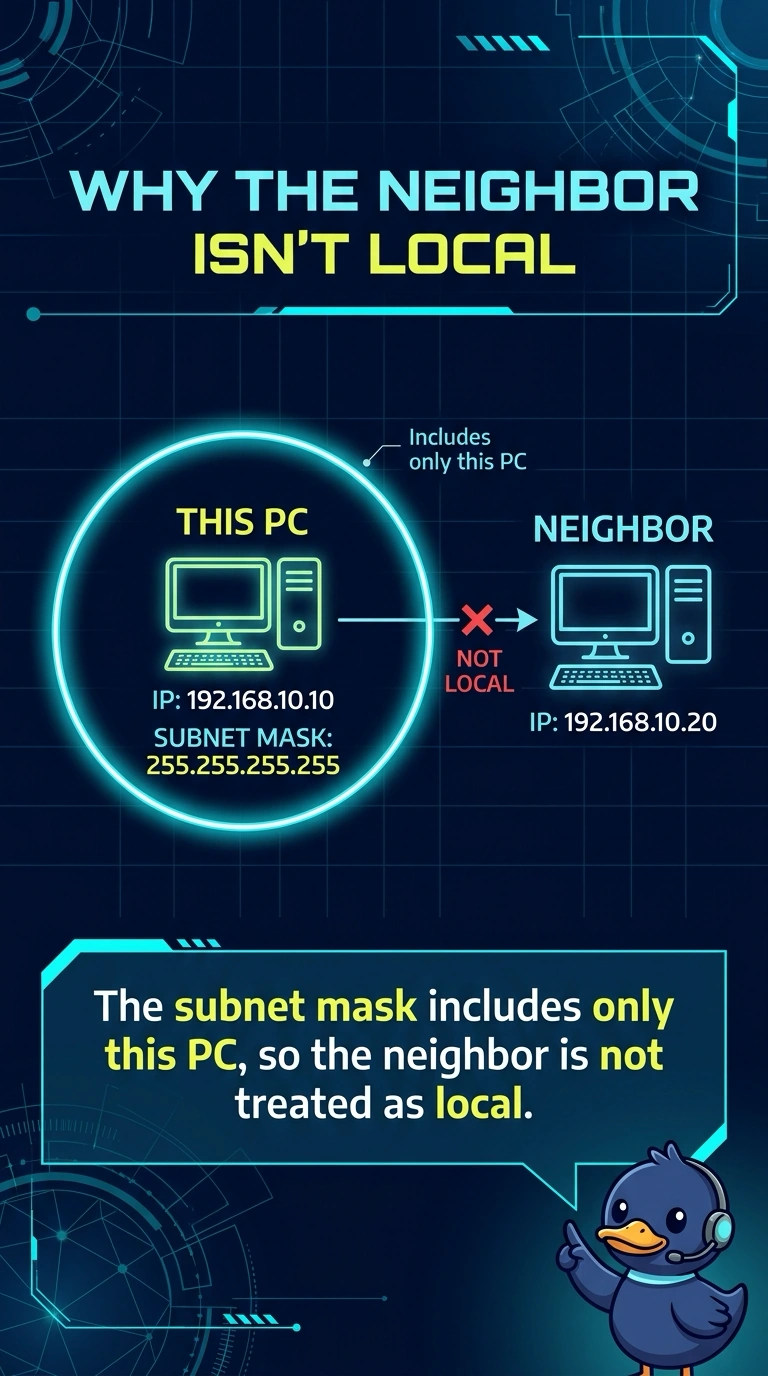
The PC's mask is a private room with one chair, so a neighbor down the row looks like a different building. You fix the subnet mask. The screen's refresh, a printer cartridge, and a disk alarm do not decide which addresses are local.
Full Explanation
A mask of 255.255.255.255 means the host treats only its own address as local. 192.168.10.20 is a different address, so the PC will not talk to it as a neighbor on the switch even though the cable path is fine. The mask is the setting that explains the failure. Refresh rate is a display timing. It has nothing to do with which IP addresses are on-link. Toner is a printer supply. It cannot stop two PCs on one switch from reaching each other. A RAID alarm reports disk health. It does not rewrite a subnet mask. Exam caveat: after you widen the mask, both PCs still need to be in the same subnet and the switch still has to pass their frames. Fix the mask first because it is the setting that makes the neighbor look remote. Operational check: set a mask that includes both addresses, such as 255.255.255.0 if that is the LAN, and ping the neighbor again. Ping the neighbor again after both PCs share a mask that includes both addresses. Confirm both addresses sit inside the mask you just set. Use the same mask on the neighbor if that PC was also typed by hand.