
A lab's firewall and its log server record the same event several minutes apart. Which service should both devices use so their clocks agree?
Select an answer to reveal the explanation.
Short Explanation
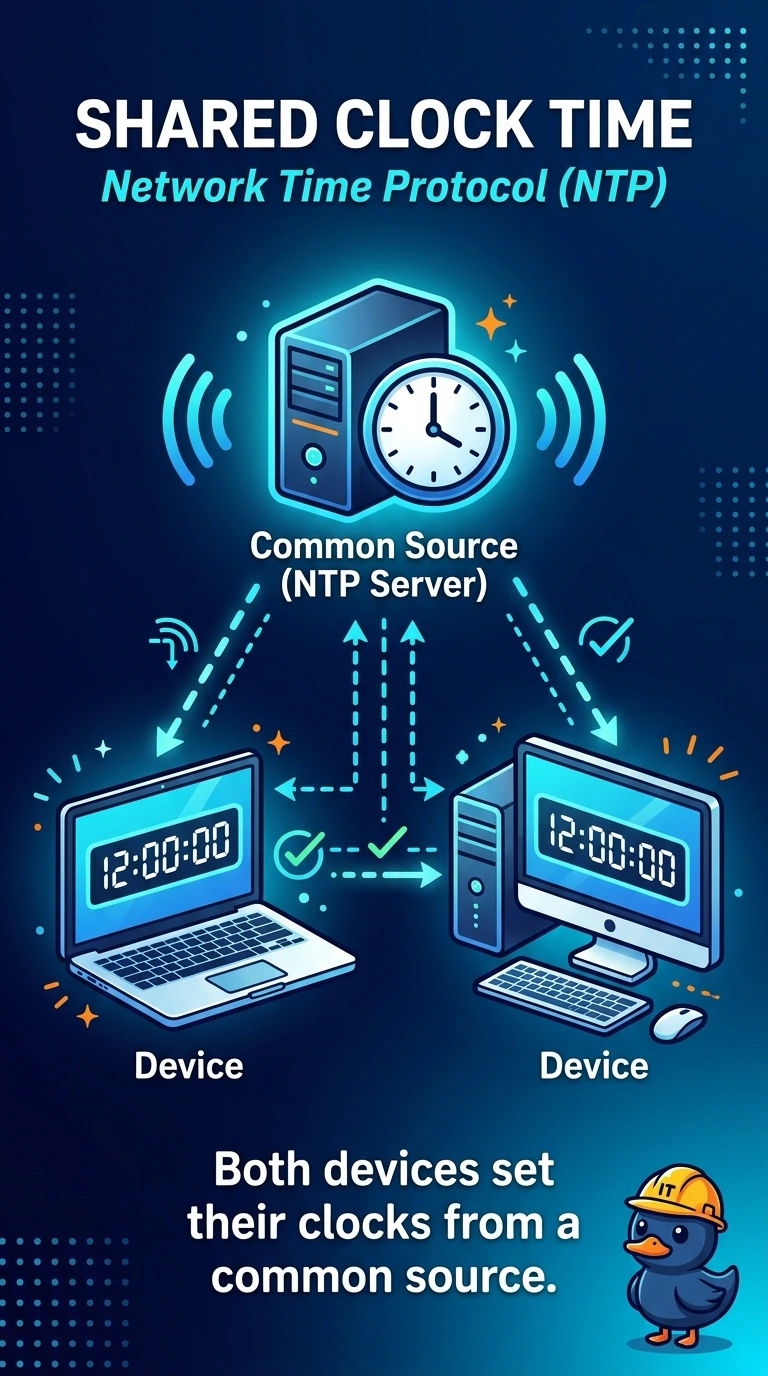
Two clocks that disagree make one event look like two events. You want both devices to ask the same time source, and that service is Network Time Protocol. Name lookup, address leases, and mail transfer do not set the clock the logs are using.
Full Explanation
Network Time Protocol is the host service that distributes a common time to servers, firewalls, and other devices. When the firewall and the log server both use it, the same event gets the same timestamp and the logs line up. DNS turns names into addresses. A correct name lookup does not move a device clock. DHCP leases an address and can pass options such as a gateway. It is not the service that keeps two clocks from drifting apart. SMTP moves mail. A mail transfer does not stamp the firewall's security log. Exam caveat: the devices still need a reachable time source and a matching time zone when you read the logs. Protocol alone does not help if a local offset is wrong. Operational check: point both devices at the same time server, wait for a sync, and compare a new test event in both logs. Compare one new event in both logs after the sync and file the before-and-after times with the ticket. Set the time zone explicitly so a correct UTC sync is not misread as several hours off. Note the time source in the ticket.