
A laptop's internal Wi-Fi is dead. The antenna leads are seated, and a USB Wi-Fi adapter on the same laptop works. Which part should be replaced?
Select an answer to reveal the explanation.
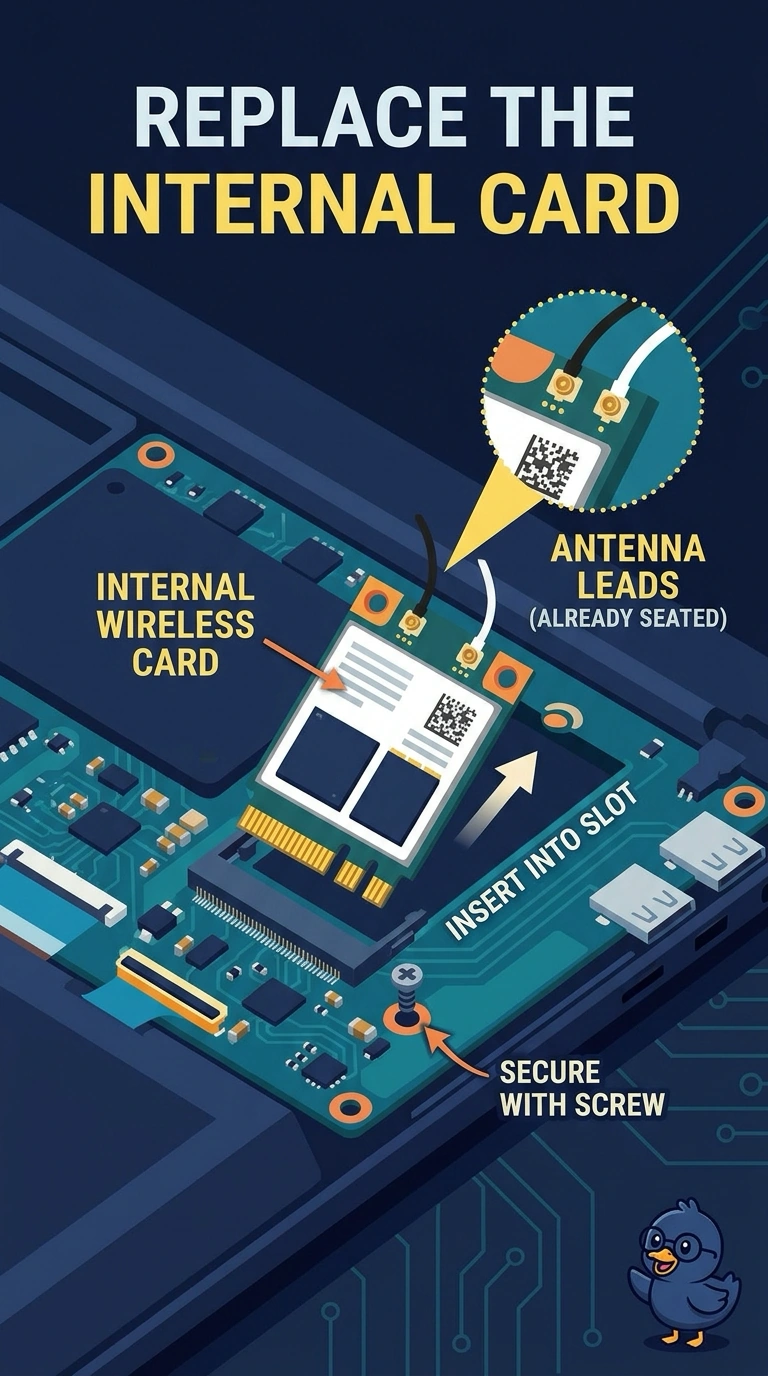
Short Explanation
A USB radio works, and the leads on the internal card are already home. You replace the internal wireless card. The battery, the cellular tray, and the pointing pad are not that dead radio.
Full Explanation
A USB Wi-Fi adapter that works shows the laptop can use wireless. The internal radio stays dead with its antenna leads seated, so the card itself is the failed part. The battery powers the laptop. A machine that runs a USB adapter is powered, and the battery is not the radio. A SIM is a cellular identity. It does not provide Wi-Fi. The trackpad is a pointing device. It does not fail in place of the wireless card. Exam caveat: note which leads go to which posts before you move them to the new card. Swapping them can weaken a band. Operational check: install the new card, seat the leads, and confirm the laptop joins the network without the USB adapter. Remove the USB adapter after the internal card joins, so you know which radio is in use.