
A laptop that should use DHCP shows 169.254.22.15. It can ping other 169.254 addresses on the same switch and cannot reach the internet. Which address is this?
Select an answer to reveal the explanation.
Short Explanation
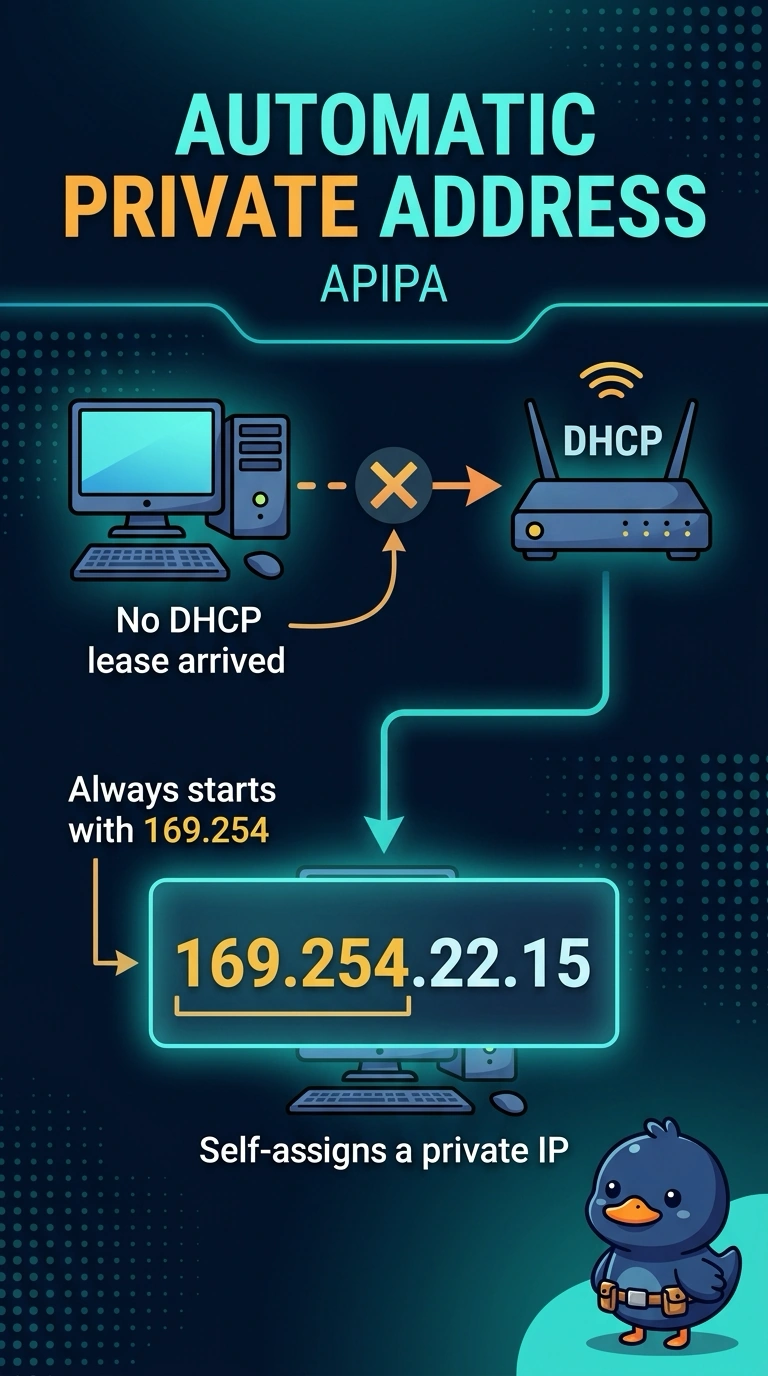
The laptop gave itself a placeholder street number because the address clerk never answered. 169.254.22.15 is that automatic private address. You can still talk to a neighbor who did the same thing, and you cannot get to the public road until DHCP actually answers.
Full Explanation
Automatic Private IP Addressing assigns 169.254.0.0/16 when an IPv4 host set for DHCP does not receive a lease. The laptop has 169.254.22.15, can reach other such hosts on the local link, and cannot reach the internet, which is the APIPA pattern. A public address from a provider is routable on the internet and is not in 169.254.0.0/16. IPv6 link-local addresses begin with fe80 and are not written as four decimal octets like 169.254.22.15. A static address in 10.0.0.0/8 is an RFC 1918 address the technician types. It is not what a host invents when DHCP is silent. Exam caveat: APIPA can also mean the client is on the wrong VLAN and cannot hear the real server. The address tells you DHCP failed, not yet why. Operational check: confirm the client is set for DHCP, renew the lease, and check that the server or the relay is reachable from that switch. Release and renew the address after the server is reachable, and confirm the new address is no longer in 169.254.0.0/16. Note the switch port in the ticket so the next lease failure is not chased as a bad adapter.