
A city lets staff read corporate mail on a personal phone only when the screen lock and device encryption match city policy. Which control enforces that?
Select an answer to reveal the explanation.
Short Explanation
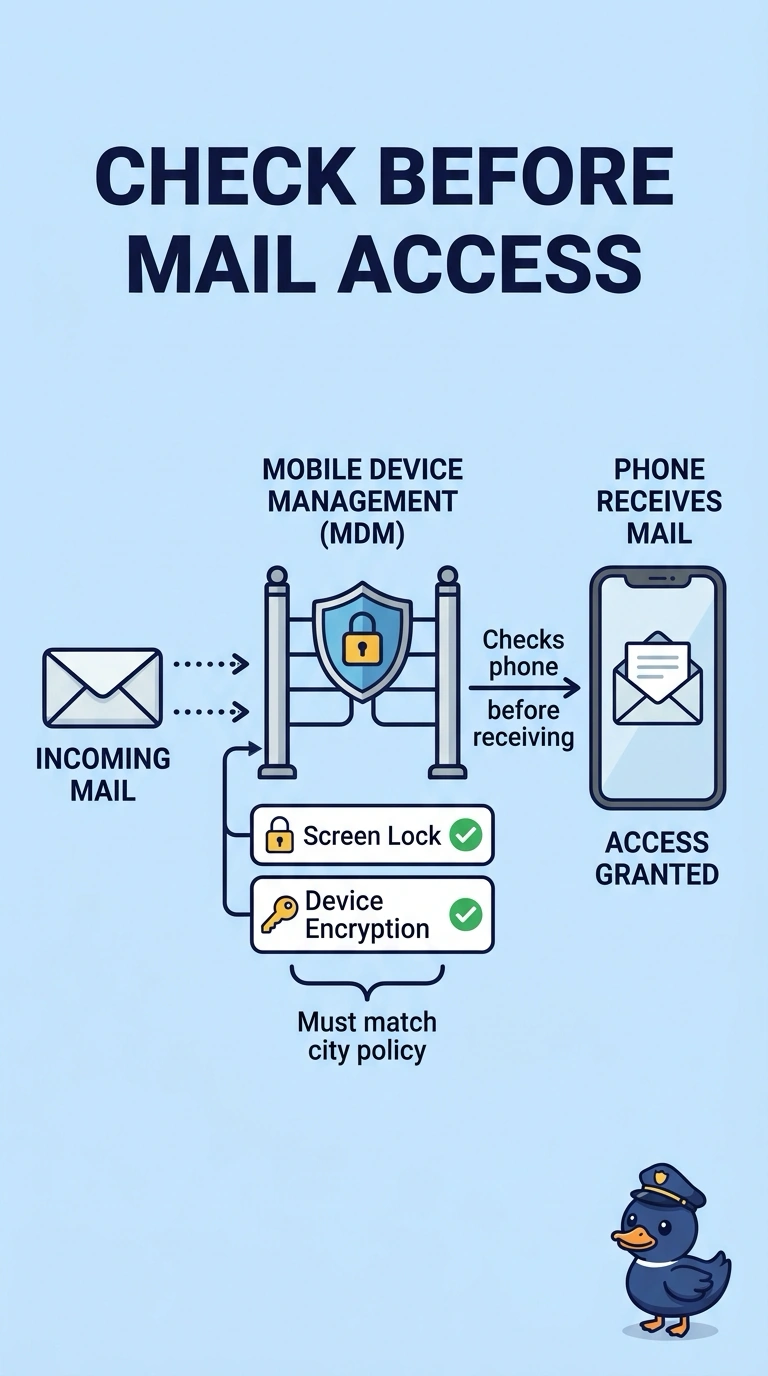
You don’t trust every phone that walks in, so you check its screen lock and encryption before you let it receive mail. Mobile device management enforces that check. A longer Bluetooth pairing code, a replacement eSIM, or a port replicator does not inspect the phone or apply the mail policy.
Full Explanation
Mobile device management enrolls a phone and can require a screen lock, encryption, and other settings before corporate mail or apps are allowed. The city’s rule is exactly that gate for personal phones. A longer Bluetooth pairing code only authenticates a pairing with a nearby device; it does not apply a mail policy. Replacing an eSIM changes the embedded cellular identity or carrier profile, not the encryption requirement, and does not turn on device encryption by itself. A port replicator adds ports to a laptop dock; it does not push a screen-lock rule to a phone. Exam caveat: mobile device management can also separate work data from personal data, but the question is about enforcing the lock and encryption, not wiping the phone. Practical check: enroll a test phone, refuse mail when its lock is removed, and confirm mail appears after the required lock and encryption are turned on. Test one personal phone that fails the lock and one that passes, keep the mail profile off the failing phone, and save a screenshot of the compliance check with the ticket to document the mail gate.