
When a laptop is seated on a desk unit, it gains HDMI, USB, and Ethernet, and the laptop charges. Which accessory is that unit?
Select an answer to reveal the explanation.
Short Explanation
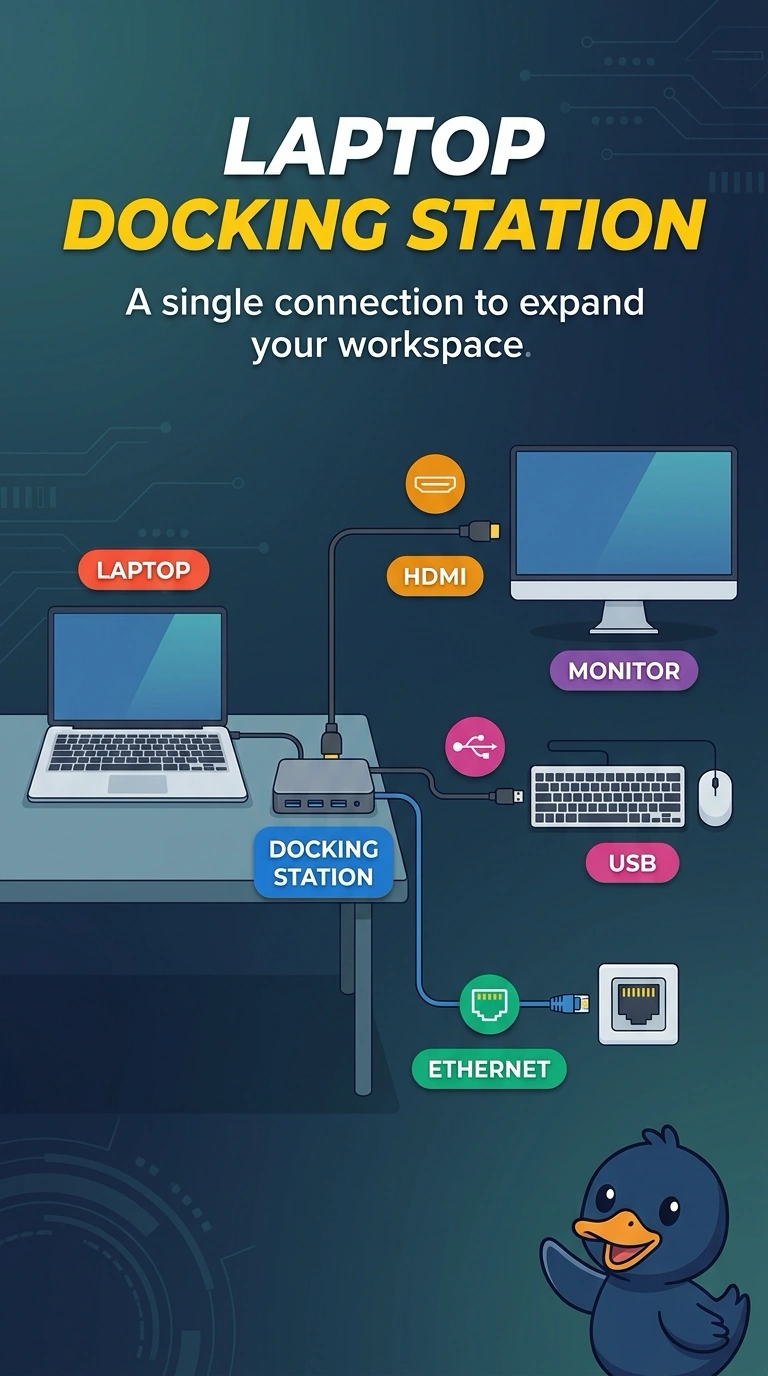
The laptop drops into a base and comes back up with more ports and a full battery, like a phone in a cradle. You want a docking station. A loose hub, a switch that shares one keyboard and monitor, and a telephone-wire block do not seat and charge the laptop.
Full Explanation
A docking station is the accessory a laptop seats into to gain ports such as HDMI, USB, and Ethernet, and docks commonly charge the laptop at the same time. That is the desk unit. A USB hub adds USB ports only. A hub that does not charge the laptop and does not accept it in a seat is not this unit. A KVM switch lets several computers share a keyboard, video, and mouse. It does not charge a laptop by seating it, and it is not how one laptop gains a set of ports. A punchdown block terminates copper pairs. It is not a laptop accessory. Exam caveat: the dock has to match the laptop model or the connector. A universal USB-C dock is a different fit from a proprietary side dock. Operational check: seat the laptop, confirm it charges, and confirm an external display and a USB device both work through the dock. Seat the laptop, charge it, and drive both an external display and a USB stick through the dock before you call it done. Unseat and reseat the laptop once to confirm the dock connection is repeatable.