
After a screen replacement, a laptop's fingerprint reader does nothing. The small cable at the reader is unplugged. Which reconnection restores the reader?
Select an answer to reveal the explanation.
Short Explanation
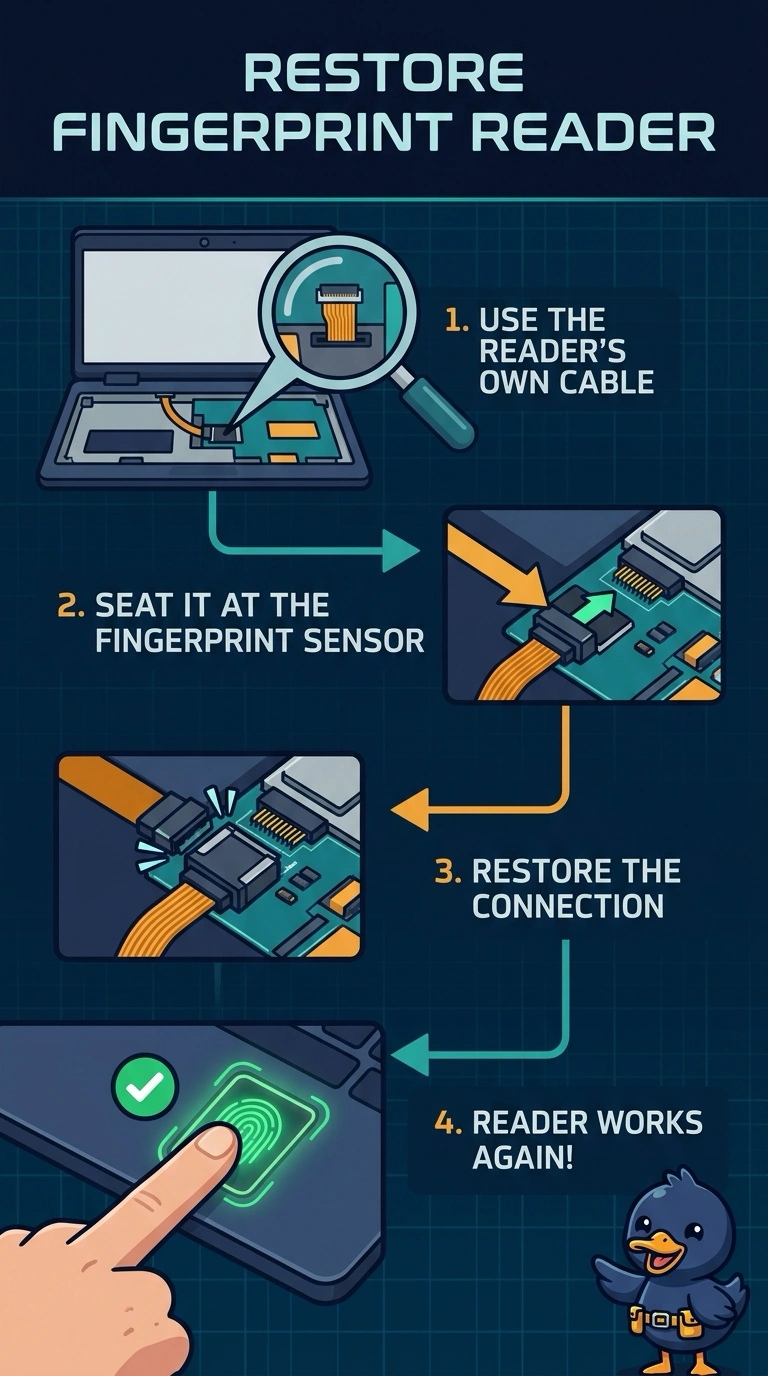
The reader is a separate little device with its own lead, and that lead is sitting loose. You plug the biometric cable back in. The main battery, the cellular tray, and the pointing-device cable are other leads, and they are not the one at the reader.
Full Explanation
A fingerprint reader is a biometric device, and its flex cable has to be seated before the firmware can see the sensor. The cable at the reader is unplugged after the screen work, so reconnecting that cable is the repair. The main battery powers the laptop. An open battery lead would keep the whole machine dark, not silence only the reader. A SIM identifies the laptop to a cellular network. It is not the fingerprint sensor. The trackpad cable carries the pointing device. Plugging it in does not connect the sensor whose own lead is the one hanging loose. Exam caveat: seat the connector straight and latch it. A cocked flex can look plugged in and still miss the contacts. Operational check: reconnect the reader, boot, and enroll a finger again to confirm the sensor responds. Latch the flex fully, then enroll one fingerprint so you know the sensor, not just the cable, is alive. Do not pinch the flex under the screen bezel when you close the display. Close the bezel only after the latch clicks.