
After a memory upgrade, a desktop beeps continuously and will not start. The new module is the wrong generation and is not seated. Which action fits?
Select an answer to reveal the explanation.
Short Explanation
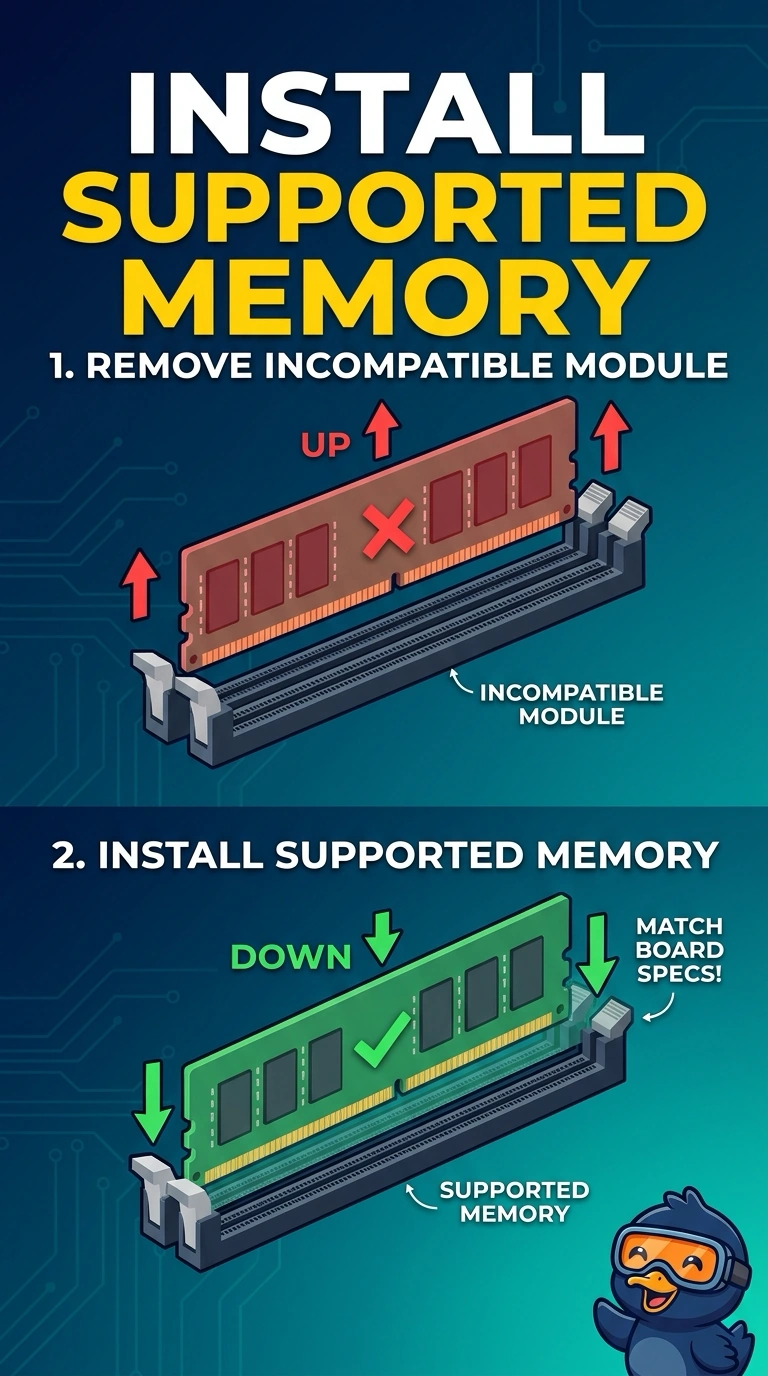
The new memory is the wrong generation, and its notch does not match the slot, so the firmware beeps during POST, before the operating system can run. You should remove the incompatible module and install memory the board supports; installing an operating system, replacing toner, or changing the default gateway cannot fix incompatible memory.
Full Explanation
A continuous beep after a memory upgrade indicates that firmware is rejecting memory it cannot use. The new module is the wrong generation, and its notch does not match the slot, so it is not seated correctly. Remove the incompatible module and install memory the board supports. Installing an operating system cannot stop the beep: the system has not reached the point where the operating system runs, and software cannot change the slot or make the module compatible. Replacing toner cannot affect POST because toner is for a printer, not desktop memory. Changing the default gateway also cannot help: it is an IP setting used after the system boots and cannot make the wrong memory generation start. Exam caveat: do not sand or force the module to fit; the wrong generation can damage the slot. A bent pin in the slot is a bigger repair. Practical check: choose a module from the board’s supported list, install it correctly, power on, and confirm that the beeps stop and the firmware reports the memory.