
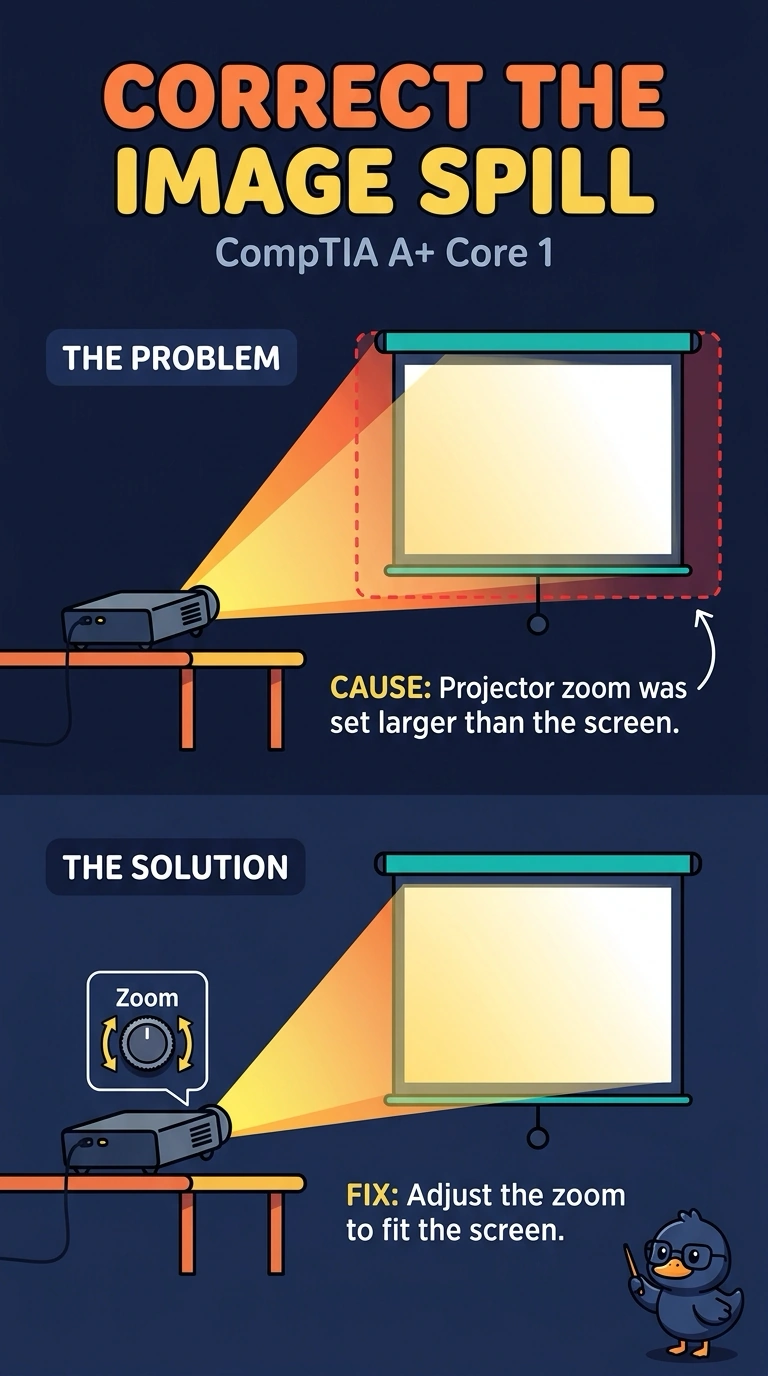
A projected image spills past every edge of the screen. Reducing the projector's zoom brings the whole image onto the screen. The shape stays rectangular. Which control fixed the spill?
Select an answer to reveal the explanation.
Short Explanation
You had an image that was simply too large, and reducing the projector zoom brought it onto the screen without changing its rectangular shape. Keystone correction, a new lamp, and a toner cartridge do not fix this spill.
Full Explanation
Projector zoom controls the size of the projected image. Because the image spilled past every screen edge and reducing the zoom brought the whole image onto the screen, the zoom had been set larger than the screen. Keystone correction changes the image shape to compensate for a trapezoid caused by an angled projector; here the image stayed rectangular, so keystone correction did not fix the spill. A new lamp changes brightness, not image size, so it would not bring the edges onto the screen. A toner cartridge is used in a printer and does not control how far a projector image spills. Exam caveat: a rectangular image does not by itself prove that the projector is aimed straight, but the stated change in zoom is what fixed the spill in this scenario. Practical check: adjust the zoom until the image meets the screen edges, then confirm that all four corners remain on the screen. Leave the zoom at that setting so the image does not spill past the screen again.