
A desktop powers on, the fans spin, and it beeps and will not start. All of the memory modules were removed during cleaning. Which action fits?
Select an answer to reveal the explanation.
Short Explanation
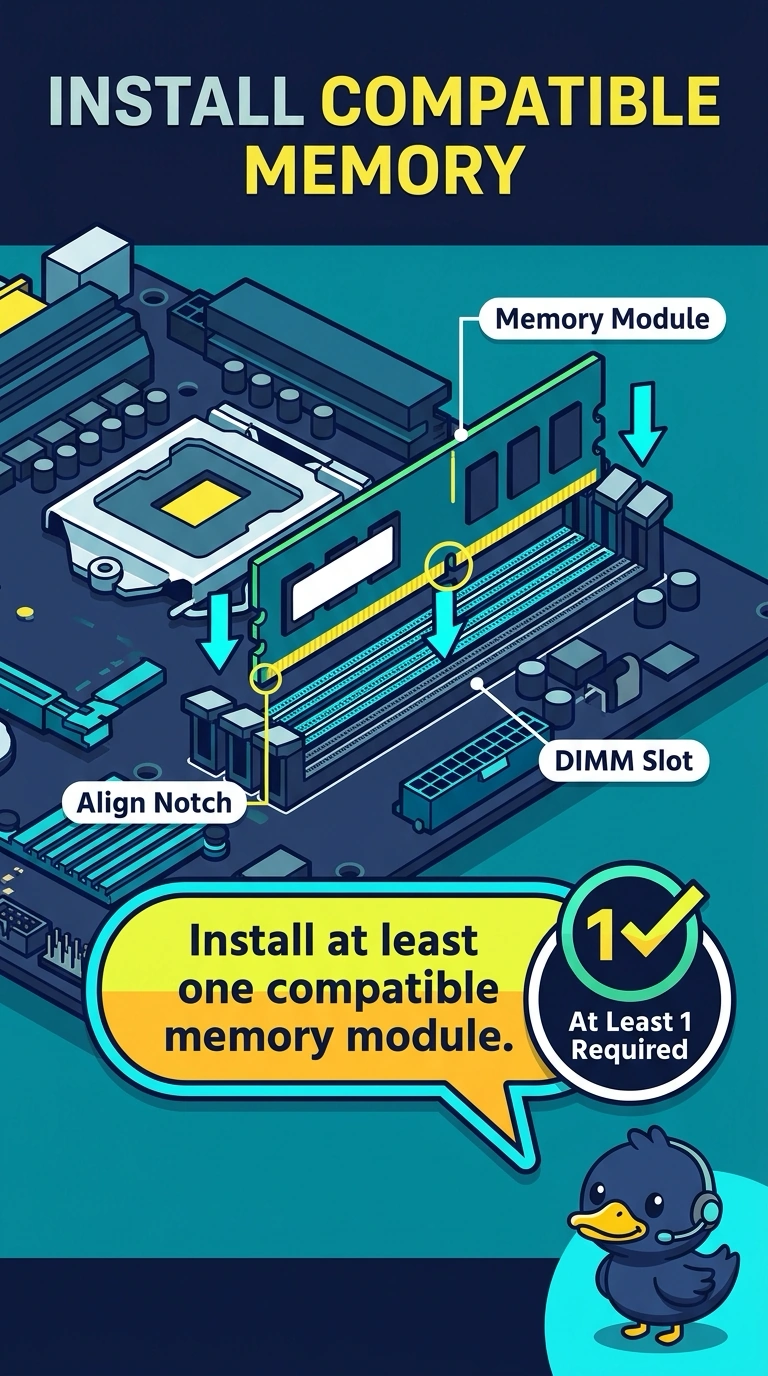
Your board has power, but with all memory modules removed, it cannot complete POST and beeps to report the missing memory. Install at least one compatible module to give it RAM to work with. Connecting a monitor, replacing printer toner, or changing a DNS server cannot substitute for memory.
Full Explanation
A PC cannot pass POST with no memory installed. Fans that spin show that the system has power, and a beep with every memory module removed is the firmware reporting that memory is missing. Install at least one compatible memory module so the system has RAM to work with. Plugging in the monitor may help if the display is dark for its own reasons, but a monitor connection does not give the firmware memory or resolve the no-memory beep. Replacing toner is unrelated to POST; toner is for a printer, not a desktop’s startup process. Changing the DNS server cannot help the computer boot without memory: DNS is not consulted before the operating system starts, and it cannot replace RAM. Exam caveat: the module must match the motherboard’s generation; not every memory stick is compatible. Practical check: seat one known-good compatible module, power on, and confirm that the beeps stop and the firmware proceeds. If it still beeps, try a second known-good module before blaming the board, and record the result on the ticket.