
A laptop's built-in screen stays black. An external monitor on the same laptop shows the desktop, and the cable in the lid looks loose. Which part should be reseated?
Select an answer to reveal the explanation.
Short Explanation
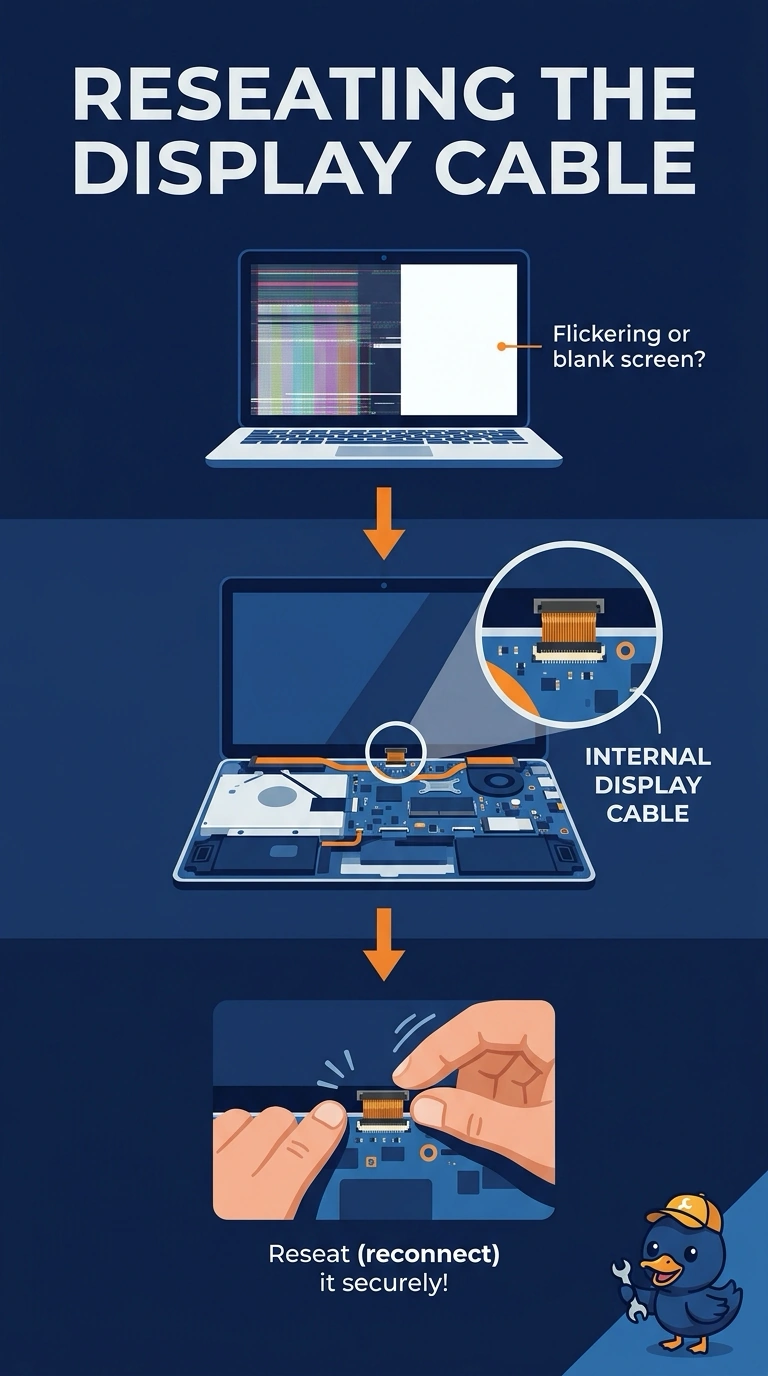
You’ve confirmed the laptop is producing video, and the loose wire in the lid points to the internal display cable. Reseat it; the external monitor is a diagnostic aid, while memory and a printer cable are not the lid connection.
Full Explanation
An external monitor that shows the desktop proves the laptop is producing video. A black built-in screen with a loose cable in the lid points to the internal display cable, so reseat that cable. The external monitor does not have to stay attached for the laptop to run; it is a test that shows the laptop is working. Memory can prevent a laptop from booting, but this laptop is drawing a desktop on the external screen, so memory does not explain the black built-in screen. A printer cable does not feed the laptop panel. Exam caveat: the panel itself can fail even when its cable is good, so reseating the loose cable is a sensible first step, not proof that the panel is healthy. Practical check: reseat the cable, disconnect the external monitor, and confirm that the built-in screen lights. Record the result on the ticket before closing it.