
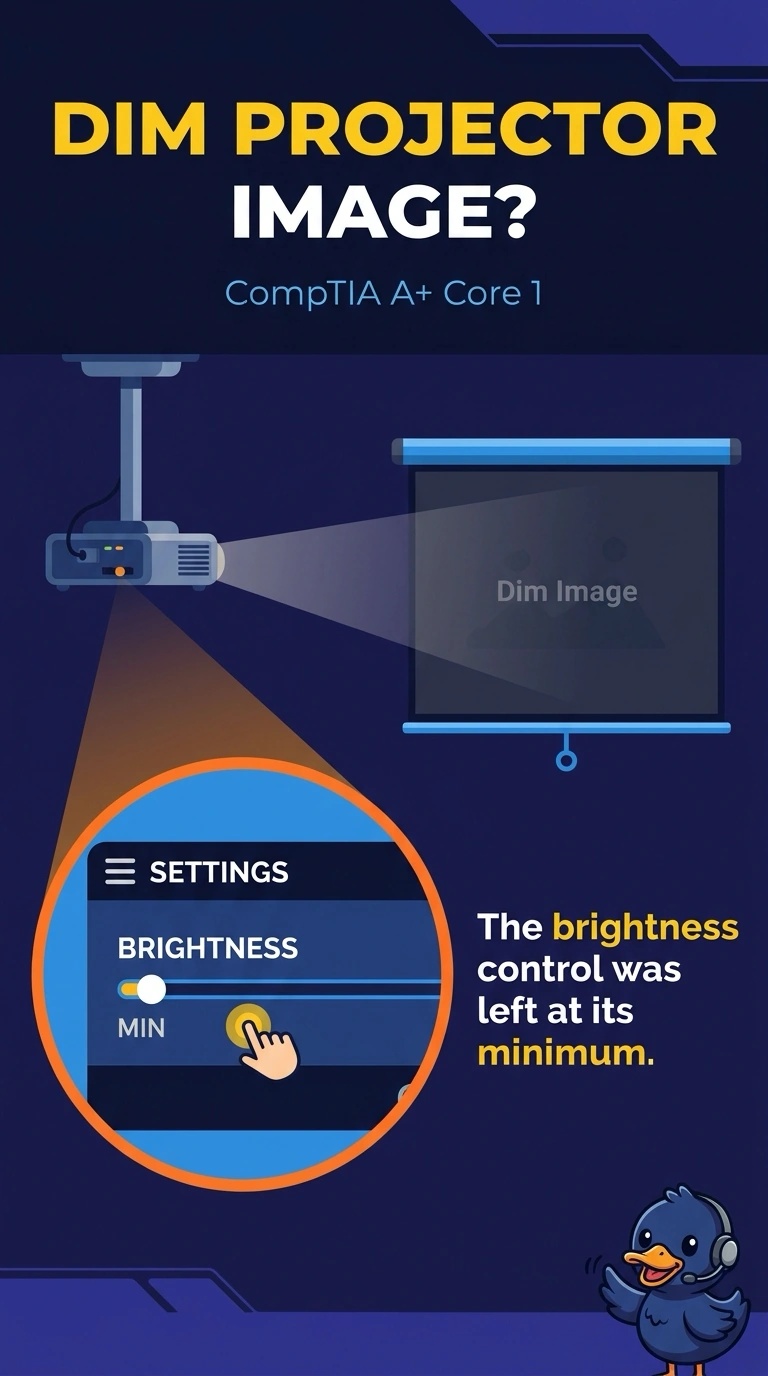
A projector's image is visible but very dim. The brightness control is at its minimum, and raising it brightens the image. Which cause fits?
Select an answer to reveal the explanation.
Short Explanation
You can see the picture, and the brightness control is at its minimum; raising it brightens the image. That points to the brightness control, not a dead lamp, wrong input, or burn-in. Set it to a usable level so the next user can see the picture, too.
Full Explanation
A visible image that brightens when you raise the brightness control was dim because the control was at its minimum. A dead lamp does not respond to the control, so replacing the lamp is not the first step when adjusting brightness restores the image. A wrong input generally produces a no-signal message, while this projector is already displaying an image. Burn-in is a persistent ghosted image; raising brightness does not remove it, and it does not explain why adjusting the control brightens this picture. The cause that fits is the brightness control left at its minimum. Exam caveat: if the image remains dim even at maximum brightness, the dead lamp becomes a more relevant possibility; the stem specifically says the image brightens when you raise the control. Practical check: leave the brightness at a usable level, save that setting if the projector has a default, and confirm the next user does not inherit a black or excessively dim image. Note the result on the ticket so the adjustment is clear to the next person.