
Firmware lists a new drive, and the PC keeps booting an older disk. The new drive is not selected in the boot order. Which change boots the new drive?
Select an answer to reveal the explanation.
Short Explanation
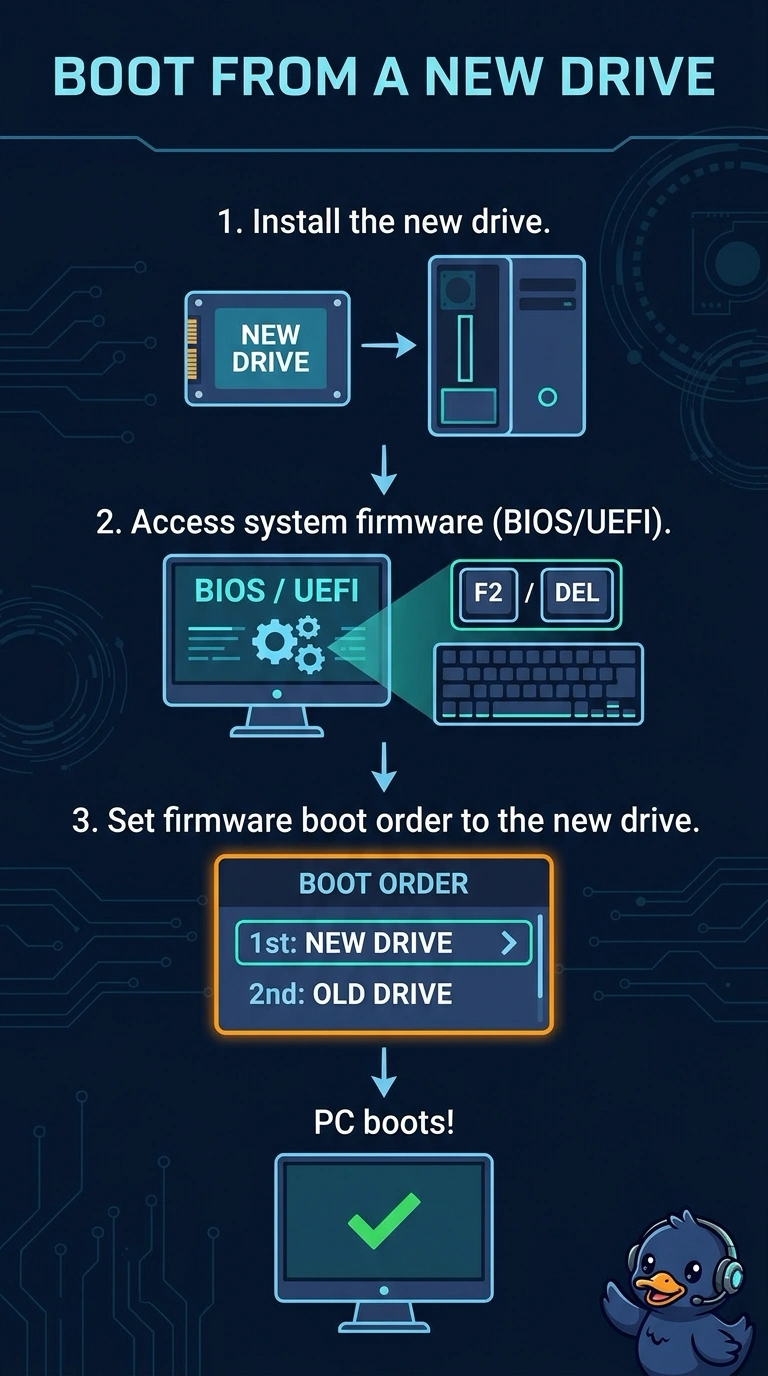
The firmware can see the new drive and is simply starting the old one first. You put the new drive first in the boot order. Replacing a drive the firmware already lists, swapping a network card, or editing DNS does not change that order.
Full Explanation
A drive that appears in firmware is attached. If the PC still boots an older disk, the boot order is preferring that older disk. Setting the new drive as the boot device is the change. Replacing a drive the firmware can already see skips the setting that is wrong. The network adapter does not choose the boot disk. DNS is not consulted by the firmware boot menu. Exam caveat: after you change the order, the new drive still has to contain a bootable system. A blank drive selected first will not start an operating system. Operational check: set the new drive first, save, and confirm the firmware starts that drive rather than the older disk. If the new drive is blank, install the system on it before you expect it to boot.