
Office internet drops and returns. Moving the loose plug in the modem's WAN port reproduces the drop. Which repair fits?
Select an answer to reveal the explanation.
Short Explanation
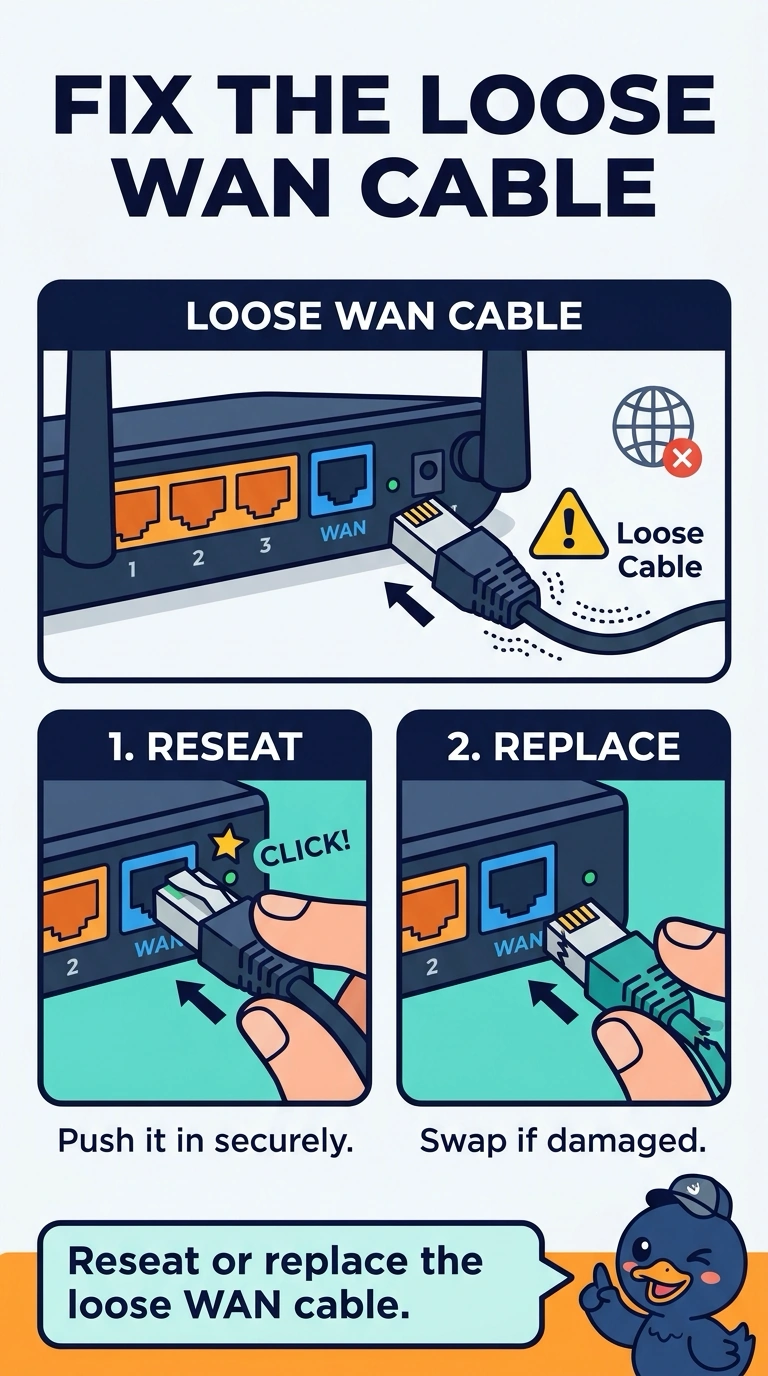
You can reproduce the drop by moving the loose plug, which points to a faulty connection. Reseat the WAN cable, or replace it if its plug is damaged. A dead pixel, a paper jam, and a CMOS battery do not cause or fix a loose modem WAN connection.
Full Explanation
A drop that you can reproduce by moving the loose plug in the modem’s WAN port points to a bad connection at the WAN cable. Reseating the cable, or replacing it if its plug is damaged, addresses the fault. A dead pixel is a display defect; replacing the monitor does not restore or stabilize the modem’s WAN link. A paper jam is a printer fault; clearing it does not reseat the modem’s WAN plug. The CMOS battery keeps a PC’s firmware time and settings; replacing it does not tighten a loose WAN connector. Exam caveat: if a known-good cable still causes the link to drop when touched, the modem’s WAN jack may be worn, so the cable is not necessarily the source of every similar symptom. The loose plug is the first part to address here because moving it reproduces the drop. For a practical check, seat a known-good cable, wiggle it, and confirm the internet stays up. Record the result on the ticket before closing the call; replace the modem’s jack only if a good cable still drops when touched.