
A desktop is still running and a burning smell is coming from the motherboard area, not from the power supply. What should happen first?
Select an answer to reveal the explanation.
Short Explanation
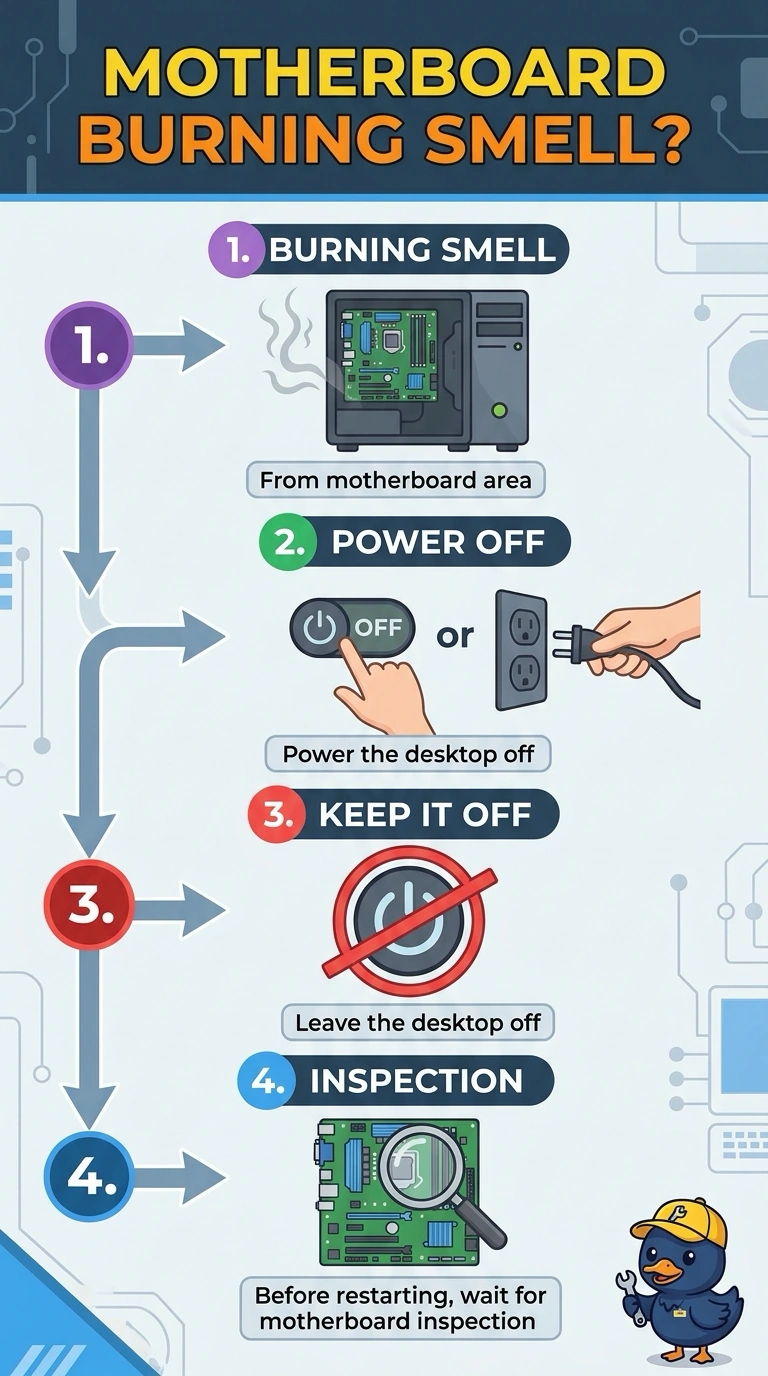
You’re right to treat a burning smell from the motherboard area as a hazard: power the desktop off and leave it off until the board can be inspected. Keeping it running for a firmware update can feed the fault, while washing the keyboard or replacing a printer toner cartridge won’t address a smell coming from the motherboard area.
Full Explanation
A burning smell coming from the motherboard area, rather than the power supply, suggests that a component on the board is overheating or has failed. Power the desktop off and leave it off until the motherboard can be inspected; keeping it powered can continue feeding the fault and may cause further damage. Updating the firmware is not an appropriate response because the desktop must remain running during the update, and software cannot safely resolve a burning component. Washing the keyboard does not address the problem: the smell has been localized to the motherboard area, and washing the keyboard is not a repair for an overheating or failed board component. Replacing the toner cartridge also cannot resolve it; toner is in a printer and does not vent into the desktop’s motherboard area. Exam caveat: do not keep sniff-testing a live board or power the desktop back on to see whether the smell has cleared. Unplug the cord as well as shutting down, and wait until the board is cool before inspecting it. Practical check: look for discoloration or a swollen component only after the desktop is unplugged and cool, then have the failed part identified and replaced before returning the desktop to use. Note the inspection result on the service ticket.