
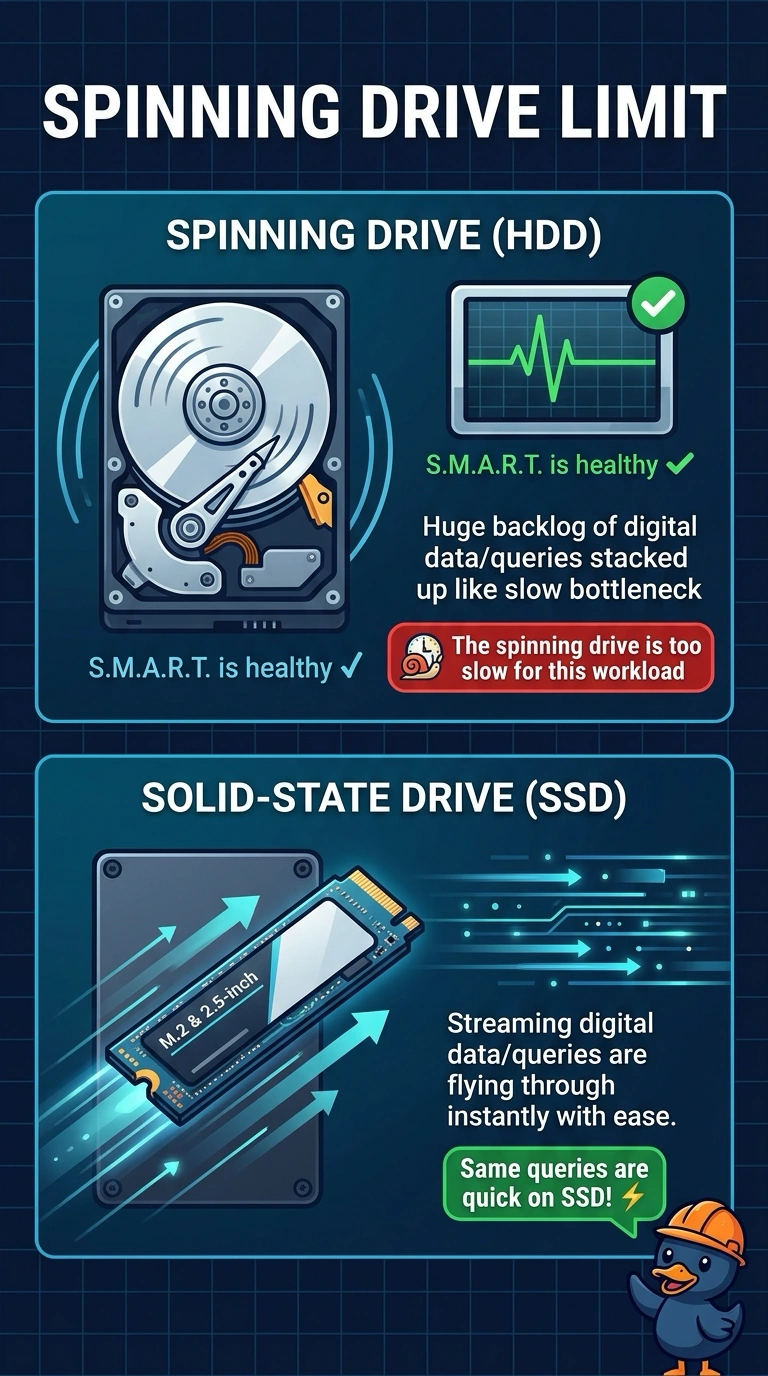
A database on a spinning hard drive is slow to answer queries. SMART is healthy, and the same queries are quick when the files are on a solid-state drive. Which limit fits?
Select an answer to reveal the explanation.
Short Explanation
The questions are fast when the files live on a drive with no platters, and slow when they live on the spinning one. You have a drive that is too slow for this workload, not a drive that is dying. A clock battery, a printer cartridge, and a video cable do not change how fast those queries return.
Full Explanation
A healthy SMART report means the spinning drive is not showing the failure counters, and the same queries are quick on a solid-state drive. The limit is the spinning drive's performance for this workload. A CMOS battery keeps the clock and firmware settings. It does not slow database reads. Toner is a printer supply. It does not throttle a disk. A monitor cable carries video. Loose video does not make a query wait on the disk. Exam caveat: moving the database is a storage change, not a license to skip backups. Copy the files cleanly and confirm the application points at the new drive. Operational check: place the database on the solid-state drive, run the same queries, and confirm they stay quick. Point the application at the solid-state copy and run the same queries. Note the result on the ticket. Keep a backup of the database before you cut the application over.