
A projector's image is wider at the top than at the bottom because the projector points upward at the screen. Which correction addresses the shape?
Select an answer to reveal the explanation.
Short Explanation
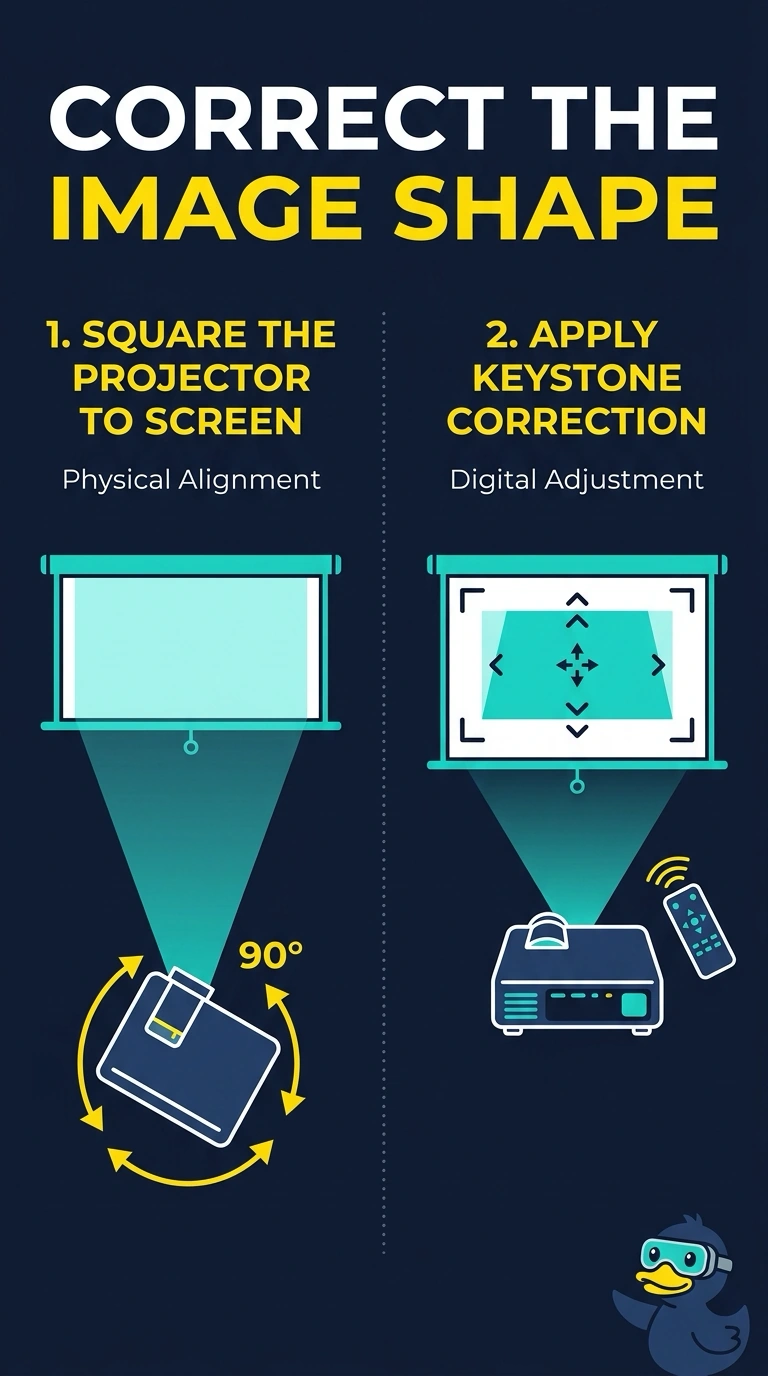
The projector is throwing the picture uphill, so the top of the image lands farther away and looks wider. You square it to the screen or apply keystone correction. Dead dots, a ghosted panel, and printer powder do not stretch a rectangle into that shape.
Full Explanation
When a projector points up or down at an angle, the image becomes a trapezoid because one edge of the screen is farther from the lens. Squaring the projector to the screen removes the angle, and keystone correction is the electronic adjustment if the projector cannot be moved. Dead pixels are individual dots. They do not stretch the top of the image. Burn-in is a retained picture. It does not turn a rectangle into a trapezoid. Toner is printer powder. It has no role in projected geometry. Exam caveat: heavy keystone correction can soften the image. Moving the projector is the cleaner fix when the mount allows it. Operational check: level the projector or set keystone until the test pattern's edges are parallel, then confirm text is readable in the corners. Level the projector until the test pattern's edges are parallel. Prefer moving the mount over heavy keystone correction when the image looks soft. Recheck the corners of the image after the mount is square.