
A laptop shows its picture on an HDMI display, but sound still comes from the laptop speakers. The display has speakers. Which change sends the sound to the display?
Select an answer to reveal the explanation.
Short Explanation
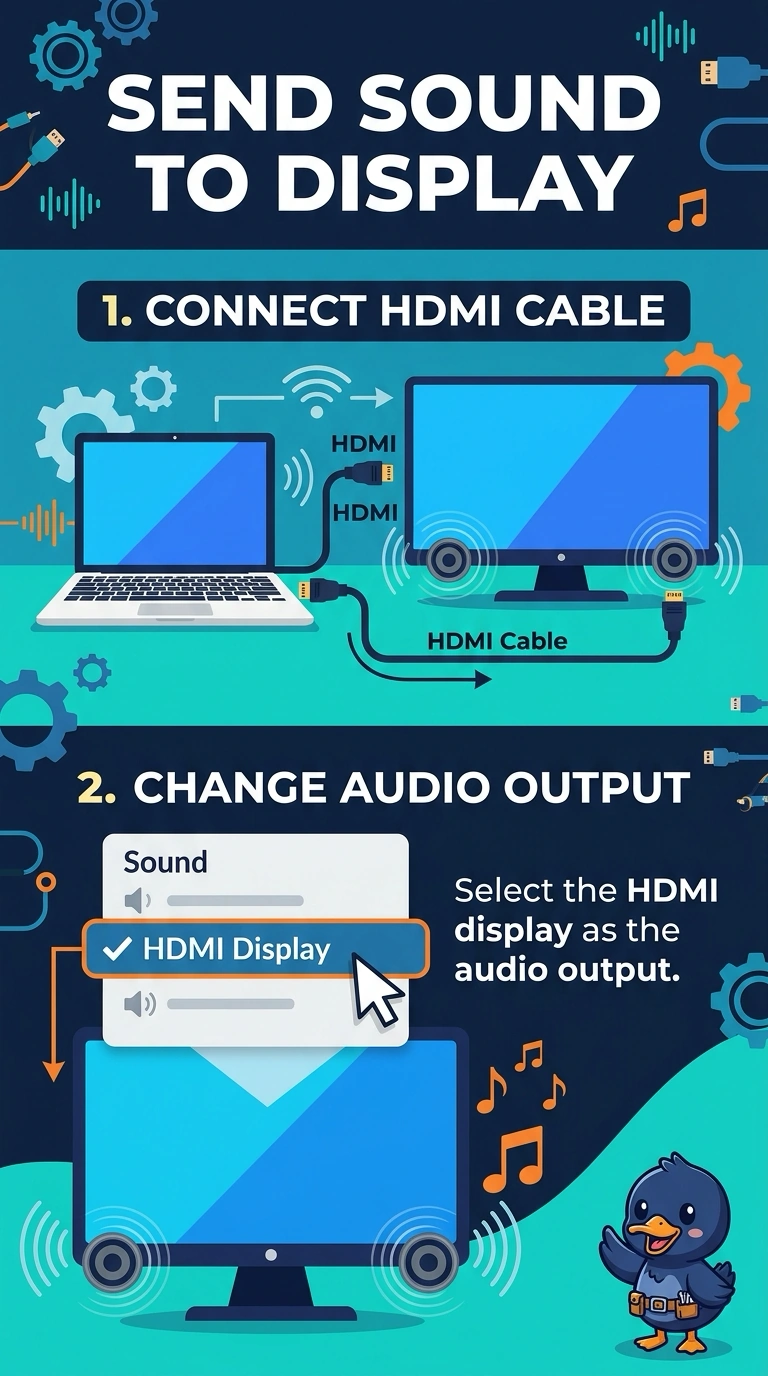
The picture took the HDMI road and the sound stayed on the laptop. You tell the laptop to use the display as its audio output. Dead dots, a ghosted image, and printer powder do not choose where the sound plays.
Full Explanation
HDMI can carry audio as well as video, and the laptop is still sending sound to its own speakers. Selecting the HDMI display as the audio output moves the sound to the display's speakers. Dead pixels are dots that do not light. They do not redirect audio. Burn-in is a retained image. It does not move sound off the laptop. Toner is printer powder. It has nothing to do with an audio device. Exam caveat: the display's volume and mute setting still apply. If the output is correct and the display is muted, you will not hear anything. Operational check: select the HDMI output, play a sound, and confirm it comes from the display rather than the laptop. Unmute the display after you select it, then play a sound and listen for which device speaks. Record the result on the ticket before you close the call. Play the sound again after a reboot so the output choice is the one that stuck.