
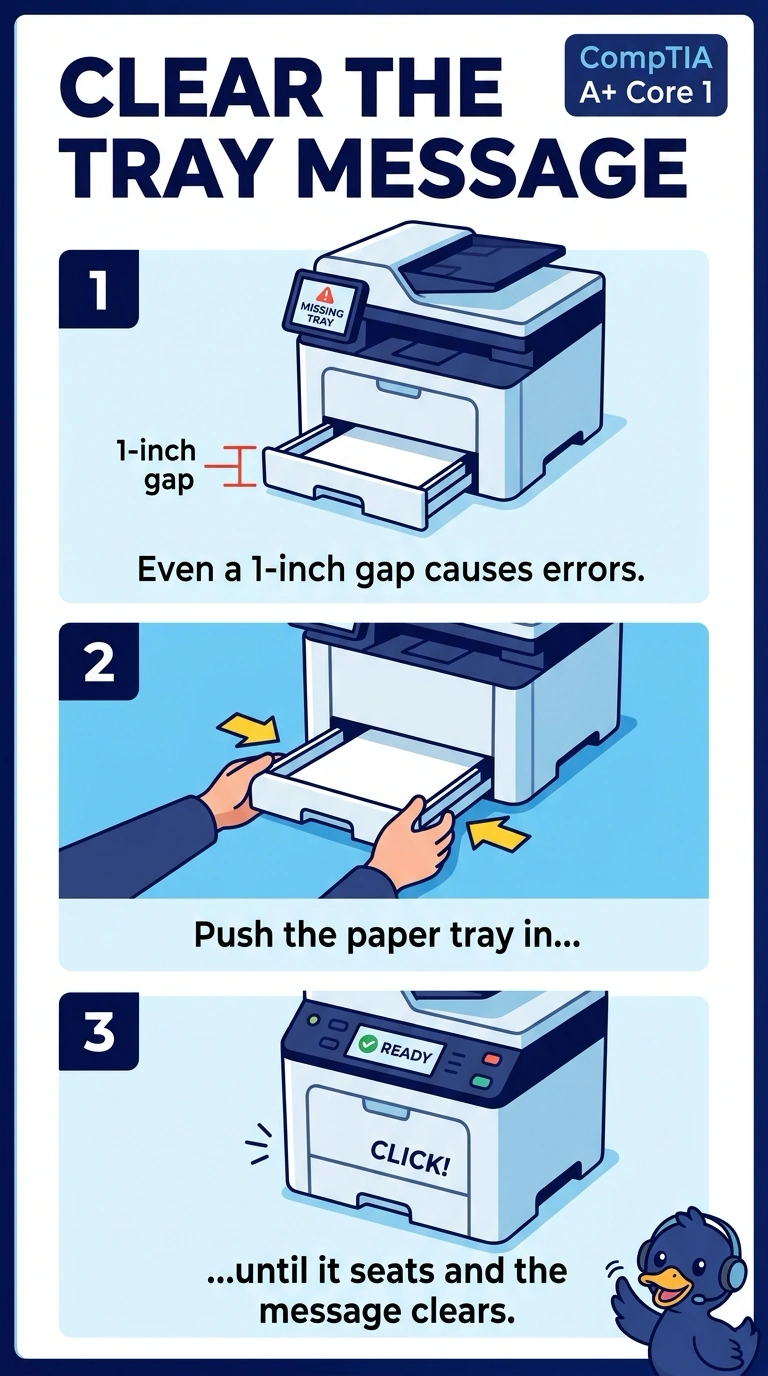
A printer reports that the paper tray is missing, and the tray is sitting an inch short of being closed. Which action clears the message?
Select an answer to reveal the explanation.
Short Explanation
You can see the tray is still short of closed, so push it in until it seats and the message clears. The network adapter, DNS server, and user's monitor do not sense or latch the printer tray.
Full Explanation
A tray-missing message with the tray visibly short of closed means the tray sensor has not engaged. Push the paper tray in until it seats; that is the action that clears the message. Replacing the network adapter will not help: it moves print jobs, but does not sense the tray. Changing the DNS server will not help either: DNS resolves names and does not report the position of a paper drawer. Replacing the user's monitor is also unrelated: it is a separate display, not the printer's tray sensor. Exam caveat: a broken sensor or a tray that will not latch can produce the same message even after the tray is fully in. Seat the tray first, because it is visibly not in yet. Operational check: close the tray, confirm the message clears, then print one page from that tray. Record the result on the ticket before closing the call. If the message returns with the tray fully seated, check the sensor next.