
A conference display flashes whenever someone touches the HDMI cable, and it is steady when the cable is held still. Which repair fits?
Select an answer to reveal the explanation.
Short Explanation
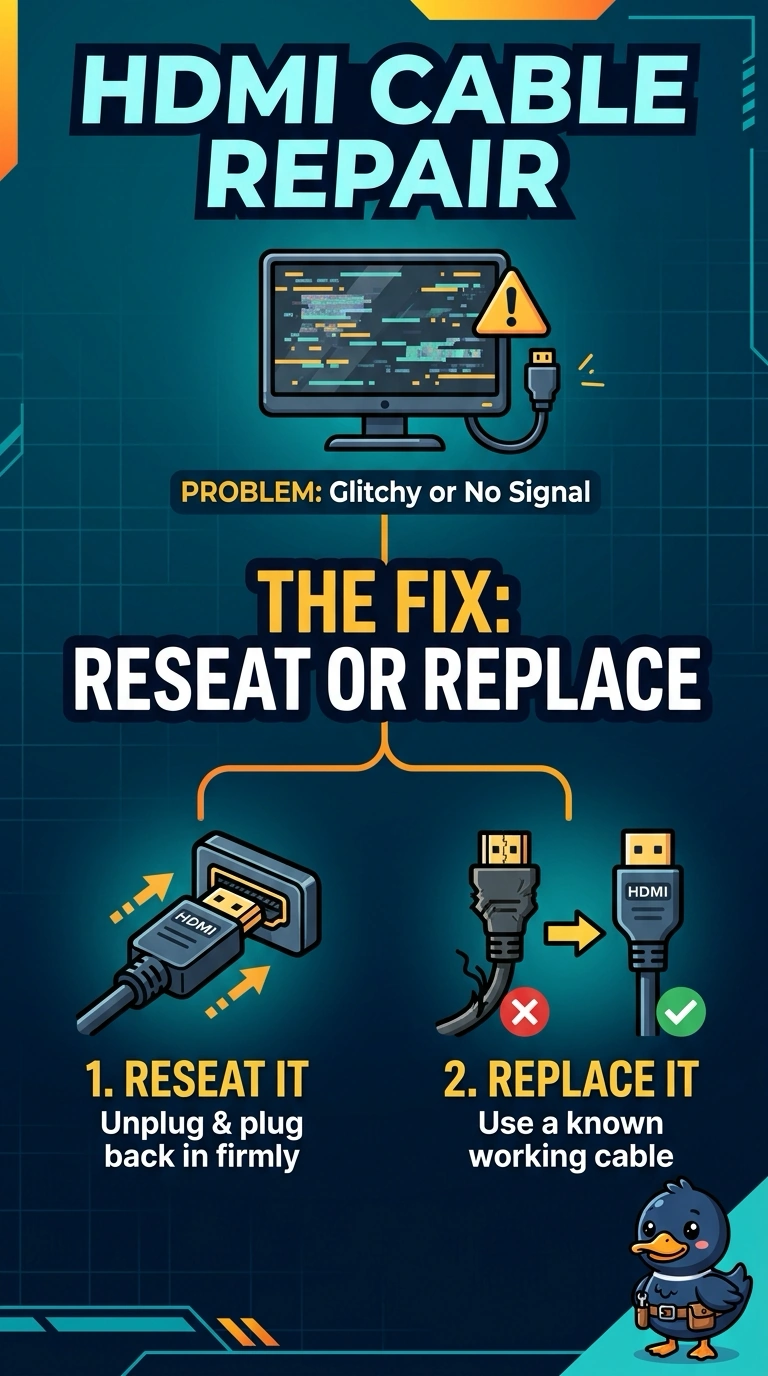
When the picture stumbles only as you wiggle the cable, the HDMI connection may be losing contact. You can reseat or replace the cable. Dead pixels, burn-in, and spilled toner do not make the display flash in time with your hand on the cable.
Full Explanation
A display that flashes only when the HDMI cable is touched, then stays steady when the cable is still, points to a connection that is opening and closing. Reseat the HDMI cable; replace it if the plug is loose or the problem continues. A panel replacement for dead pixels does not fit: dead pixels are dots that stay dark, not a whole picture that flashes when the cable moves. Panel replacement for burn-in also does not fit, because burn-in is a permanent ghost image rather than flickering tied to a touch. Cleaning spilled toner is not relevant: toner is printer powder and does not sit in an HDMI port and make the display flash. Exam caveat: if a known-good cable still causes flashing when touched, the display or PC port may be loose; the cable movement is the first clue, and the port is the next place to inspect. Practical check: connect a known-good HDMI cable, tap it, and confirm the picture stays steady. If it still flashes, inspect the port. If the table edge was pulling the cable, secure it and confirm the picture remains steady when the table is bumped.