
A tablet's picture is intact and the glass is not cracked, but a finger's touch no longer lands where the picture shows. Which part is failing?
Select an answer to reveal the explanation.
Short Explanation
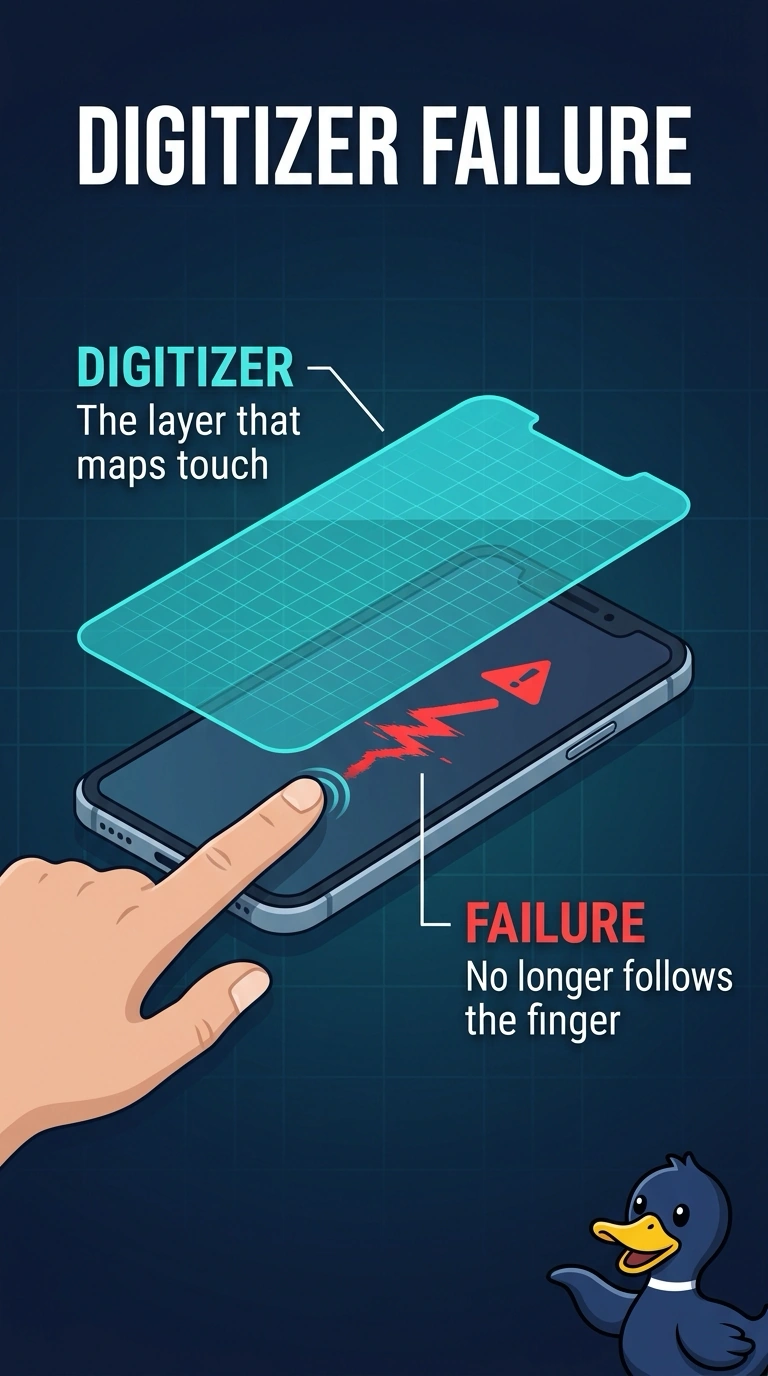
The picture and glass are fine, but the part that senses your finger has lost track. You’re looking at the digitizer, which maps touch to the picture; the battery, storage chip, and paper tray don’t do that job.
Full Explanation
The digitizer senses your finger and reports where it touches, so an intact picture and uncracked glass paired with touch landing in the wrong place point to a failing digitizer. The battery supplies power; it does not draw the touch position or calculate where your finger lands. The storage chip holds files, so it is not the touch sensor. The paper tray belongs to a printer and does not calibrate a tablet’s touch. Exam caveat: a digitizer cable that is poorly seated can produce symptoms that resemble a failed digitizer, especially after the tablet has been opened. Before replacing the assembly, reseat the cable if it was disturbed. For a practical check, draw a dot in each corner and confirm that each touch lands on its dot; if touch remains offset while the picture is intact, replace the digitizer or its assembly.