
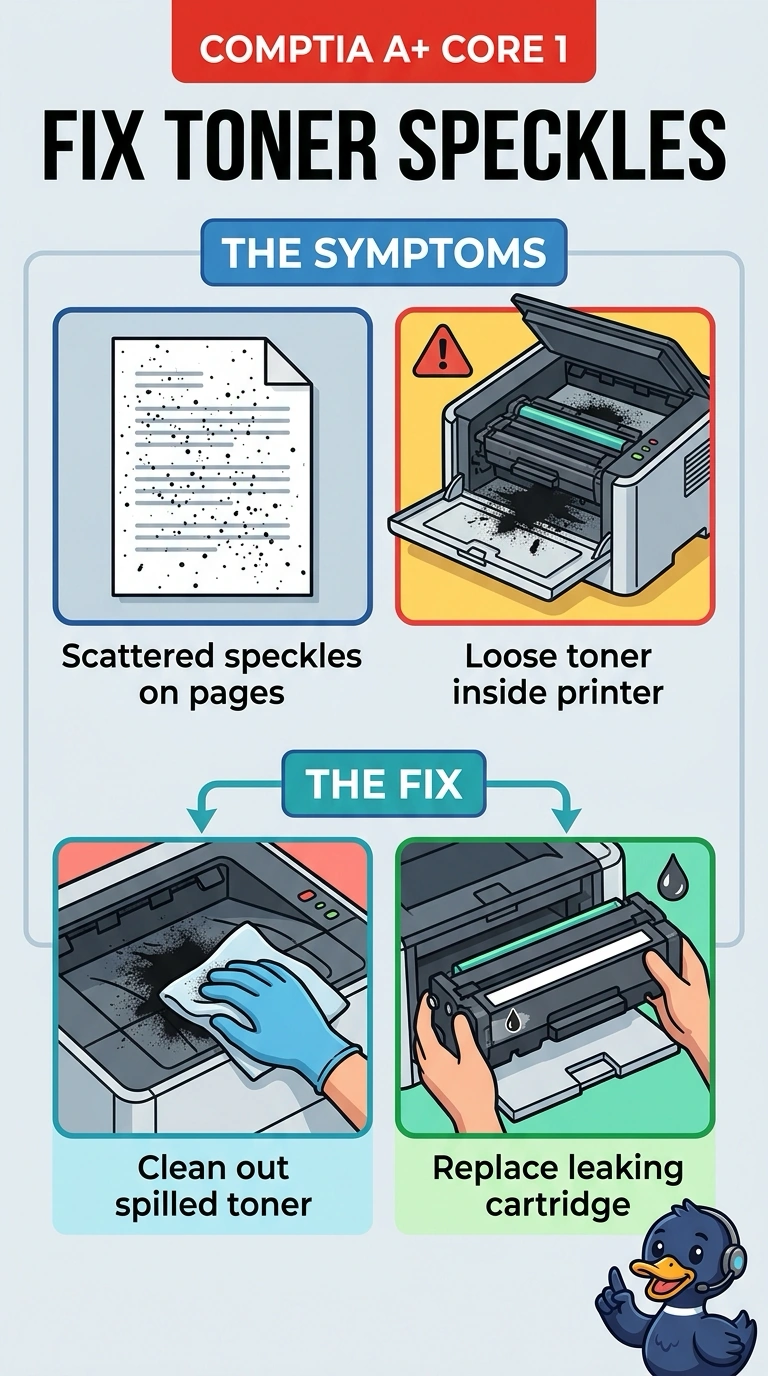
Laser pages are covered in scattered speckles, and loose toner is visible inside the printer. Which maintenance addresses the speckles?
Select an answer to reveal the explanation.
Short Explanation
You’ve spotted loose toner inside the printer, which can leave scattered speckles on the page. Clean out the spill and replace the leaking cartridge to remove the source. Straightening a VGA pin, canceling the print queue, or widening the subnet mask won’t clean up the toner.
Full Explanation
Scattered speckles with loose toner visible inside the printer mean toner has escaped the cartridge and is being picked up at random. Cleaning out the spilled toner and replacing the leaking cartridge removes the source. Straightening a VGA pin affects a monitor’s analog color; it does not put powder on paper. Canceling the print queue clears print jobs; it does not remove toner from the printer cavity. Widening the subnet mask changes which IP addresses are considered local; it cannot seal a cartridge. Exam caveat: do not use a normal household vacuum, which can blow toner through the room. Follow the printer’s own cleaning method and let the fuser cool first. Practical check: keep the speckled page as a before picture, clean the cavity, install a new cartridge, then print a clean white page and file it with the ticket.