
A new internal drive does not appear in firmware. The data cable is seated, and the drive's power connector is unplugged. Which action should come first?
Select an answer to reveal the explanation.
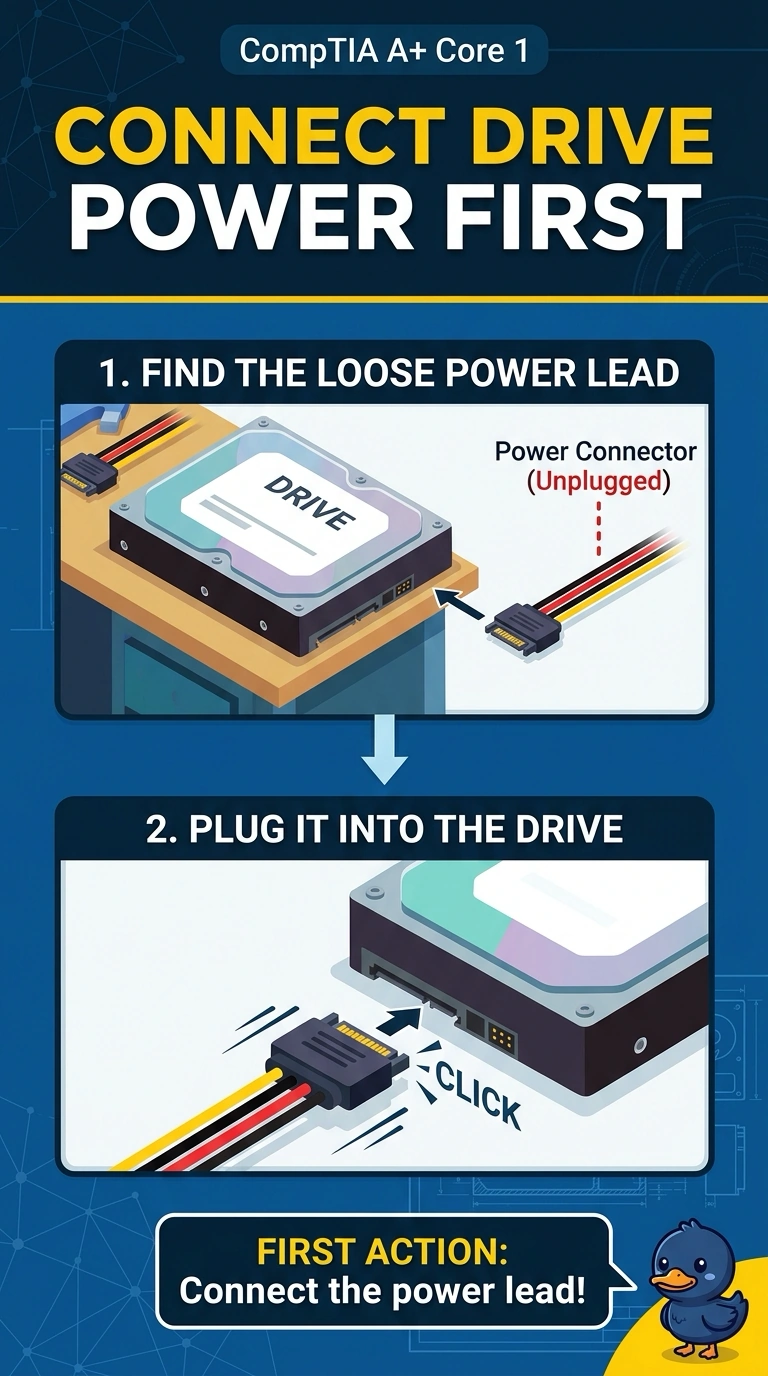
Short Explanation
The drive has a data lead and no power, so it never wakes up to introduce itself. You connect the power connector. An operating system install, a new monitor, and a name server cannot feed a drive whose power plug is off.
Full Explanation
A drive that is missing from firmware and has its power connector unplugged is not receiving power. The data cable is already seated, so the first action is to connect the power lead and look again. Reinstalling an operating system requires a drive the firmware can see. This drive is invisible until it has power. The monitor does not supply power to an internal drive. DNS is unrelated to whether firmware enumerates a disk. Exam caveat: a SATA drive needs both the power connector and the data cable. Power alone, with the data cable out, still will not list the drive. Here the data cable is the one already in. Operational check: power off, seat the power connector, power on, and confirm the firmware lists the drive. Power off, seat the power connector, and confirm the firmware lists the drive. Record the result on the ticket before you close the call. Confirm both the power plug and the data cable are latched before the next boot.