
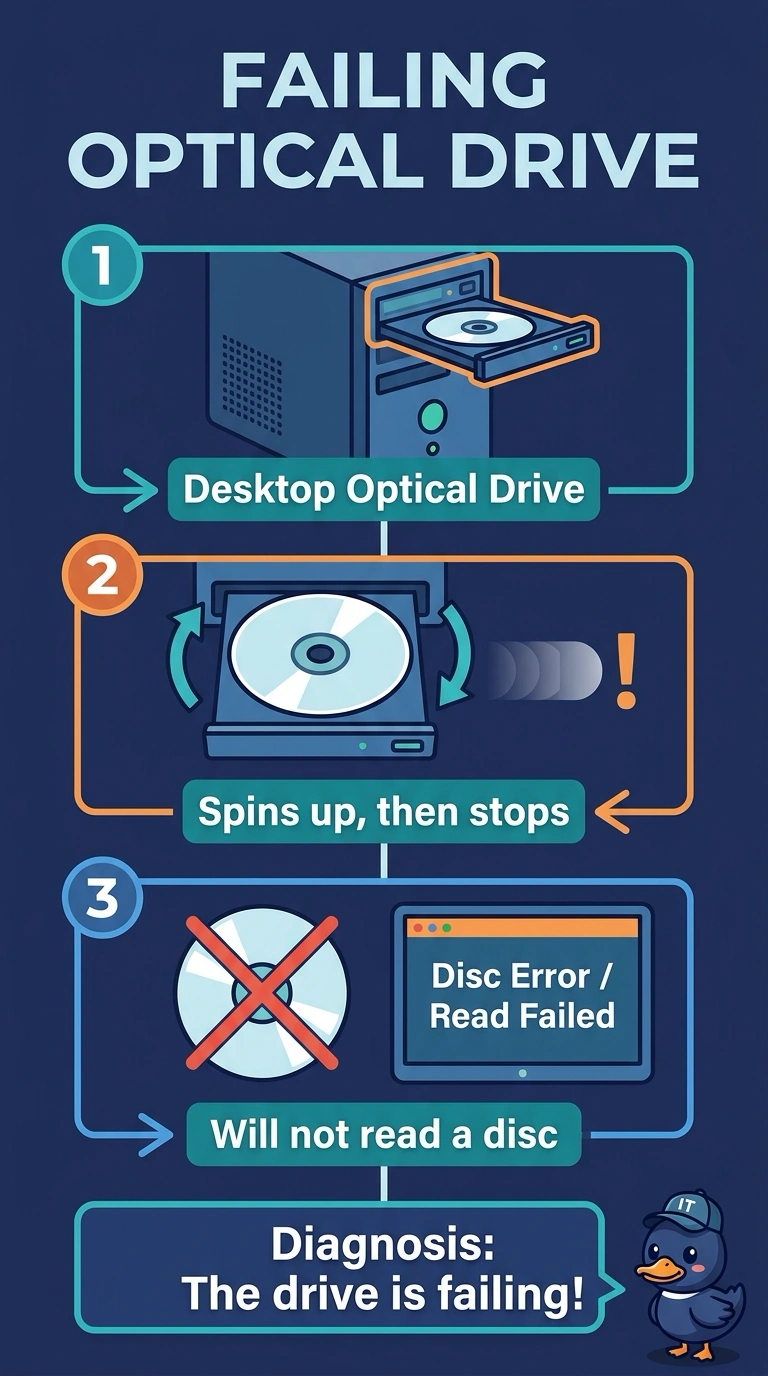
A desktop optical drive spins up and then stops, and it will not read a disc. The same disc reads in another drive. Which part is failing?
Select an answer to reveal the explanation.
Short Explanation
The disc is fine in another drive, so the player is the part that quit. You replace or service this optical drive. A blank disc, the internal hard disk, and a printer cartridge do not explain a disc that reads everywhere except here.
Full Explanation
An optical drive that spins up and then fails to read, while the same disc reads elsewhere, has a problem in the drive: the laser, the pickup, or the mechanism. The desktop's optical drive is the failing part. The disc cannot be blank or unreadable in general, because another drive reads it. The hard disk is separate storage. It does not spin the optical tray or read the disc. Toner is laser-printer powder. It does not focus the laser in an optical drive. Exam caveat: a dirty lens can mimic a failing pickup. A careful cleaning is reasonable before you replace the drive, and a drive that still fails after that is done. Operational check: try the known-good disc once more after a cleaning, and replace the drive if it still spins and stops. Clean the lens once, then replace the drive if the same disc still fails. Try a second known-good disc only to confirm the drive, not the media. Mark the failed drive and do not leave it as a good spare.